57
14.3 LED DESCRIPTION
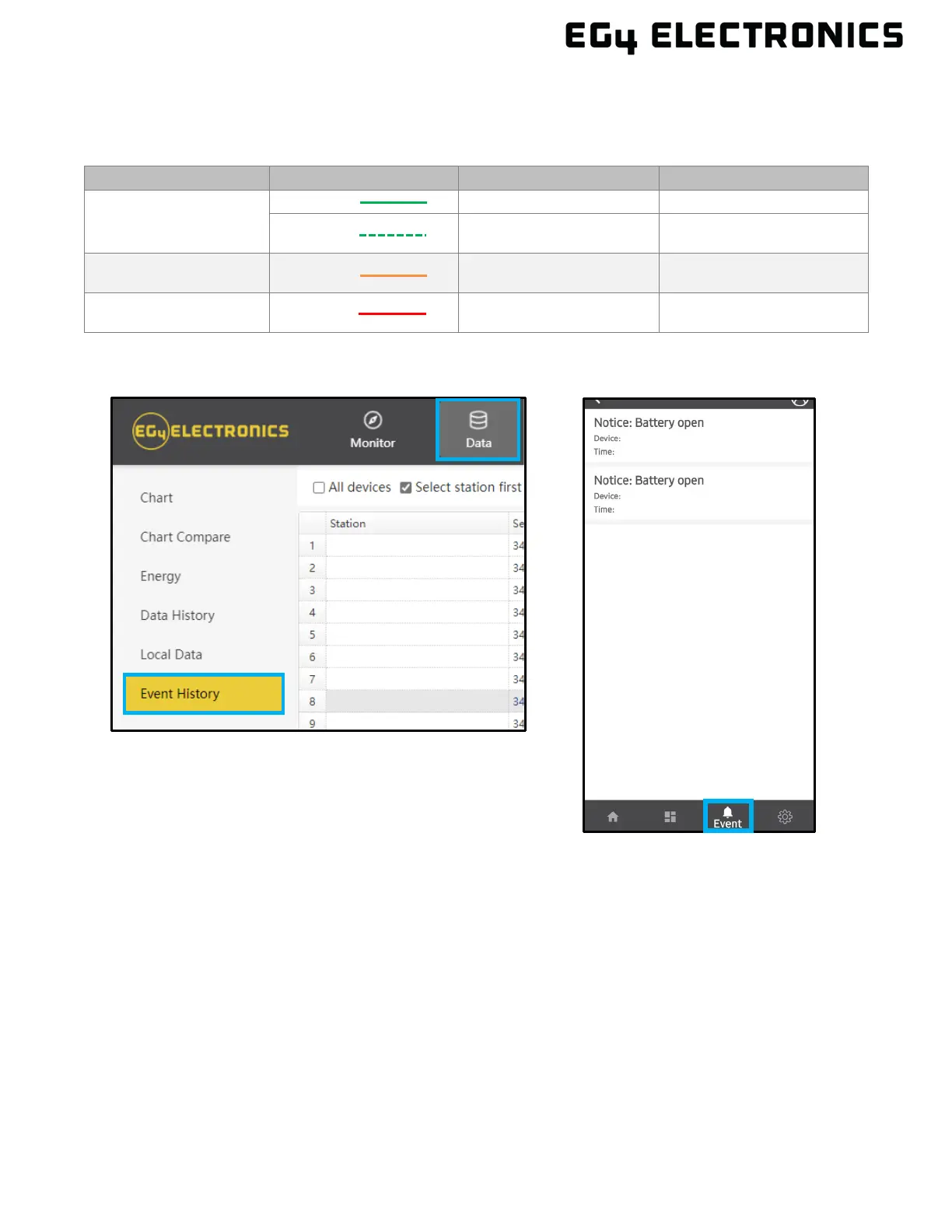
If a warning or fault occurs, users can troubleshoot according to the LED status description and the
warning/fault information found in the “Event History” tab on the App or Monitor Center website.
LED Display Description Action
Green LED
Solid lit Working normally No action needed
Flashing Firmware upgrading
Wait until update is
complete
Yellow LED Solid lit
Warning, inverter may
stop working
Needs troubleshooting
Red LED Solid lit
Fault, inverter will stop
working
Needs troubleshooting



 To Next Page