39
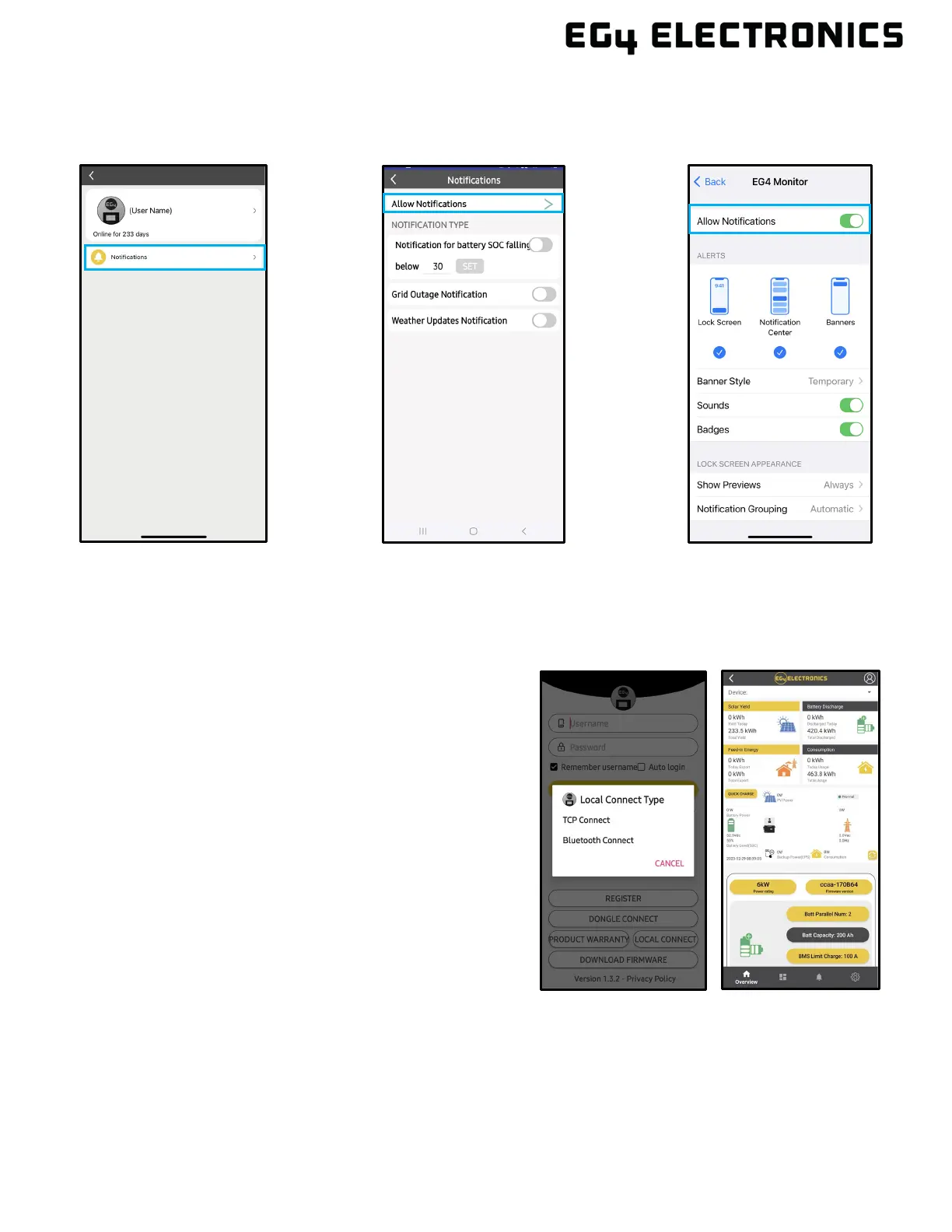
2. Select “Notifications,” “Allow Notifications,” and make selections for which notifications to
receive. Toggle selection on to “Allow Notifications” on device and choose how to receive
notifications.
10.5 LOCAL MONITORING SETUP WITH THE EG4® MONITOR APP
If there is no Wi-Fi available at the location, use the local function to monitor or set up the system:
1. Download the EG4 Monitor app.
2. Connect the mobile device to the Wi-Fi
hotspot after the INV LED on the Wi-Fi
module is solid on. The name of the hotspot is
the same as the serial number on the Wi-Fi
module shell.
3. Select “Local Connect.” Now the system can
be monitored and set up either through the
hotspot connection or Bluetooth (on Android
only).



 To Next Page