E L A N H O M E S Y S T E M S S1616A AMPLIFIER MODE
© ELAN Home Systems 2012 | All rights reserved.
Input View Menu
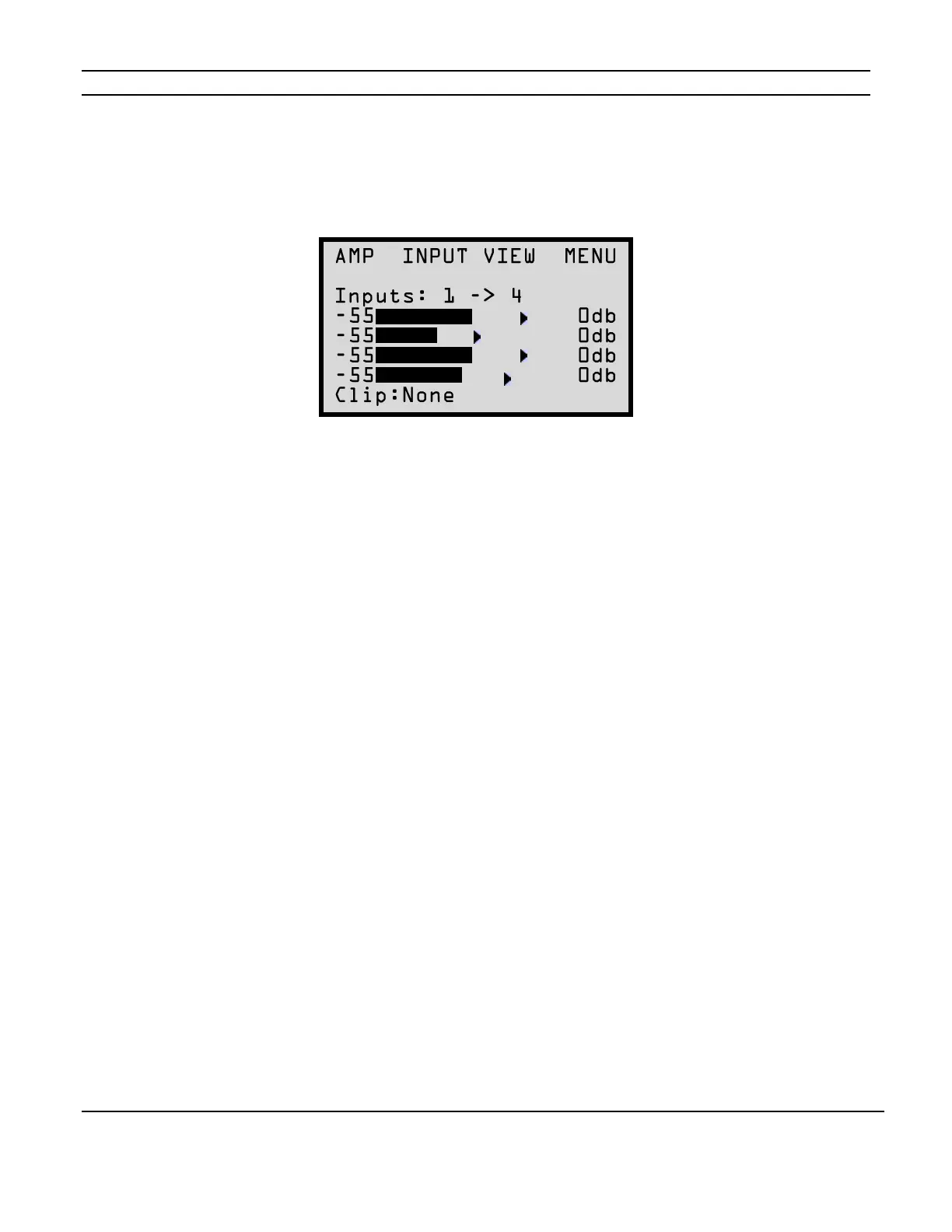
For information relating to the signal inputs for the S1616As channels press the MENU button to
cycle through the setting options until the following screen appears:
This menu selection displays four bar graphs which correspond to the input signal strength for each
of the 16 channels. Press the UP and DOWN arrow buttons to see information for the next group
of four channels. Press the CHANNEL button to move forward one channel at a time.
A clipping indicator is located in the bottom left of the screen. The indicator will show if any of the
four currently displayed channels are clipping.
Figure 2-13
Input View Menu



 To Next Page