E L A N H O M E S Y S T E M S S1616A AMPLIFIER MODE
© ELAN Home Systems 2012 | All rights reserved.
ELAN Mode (Continued)
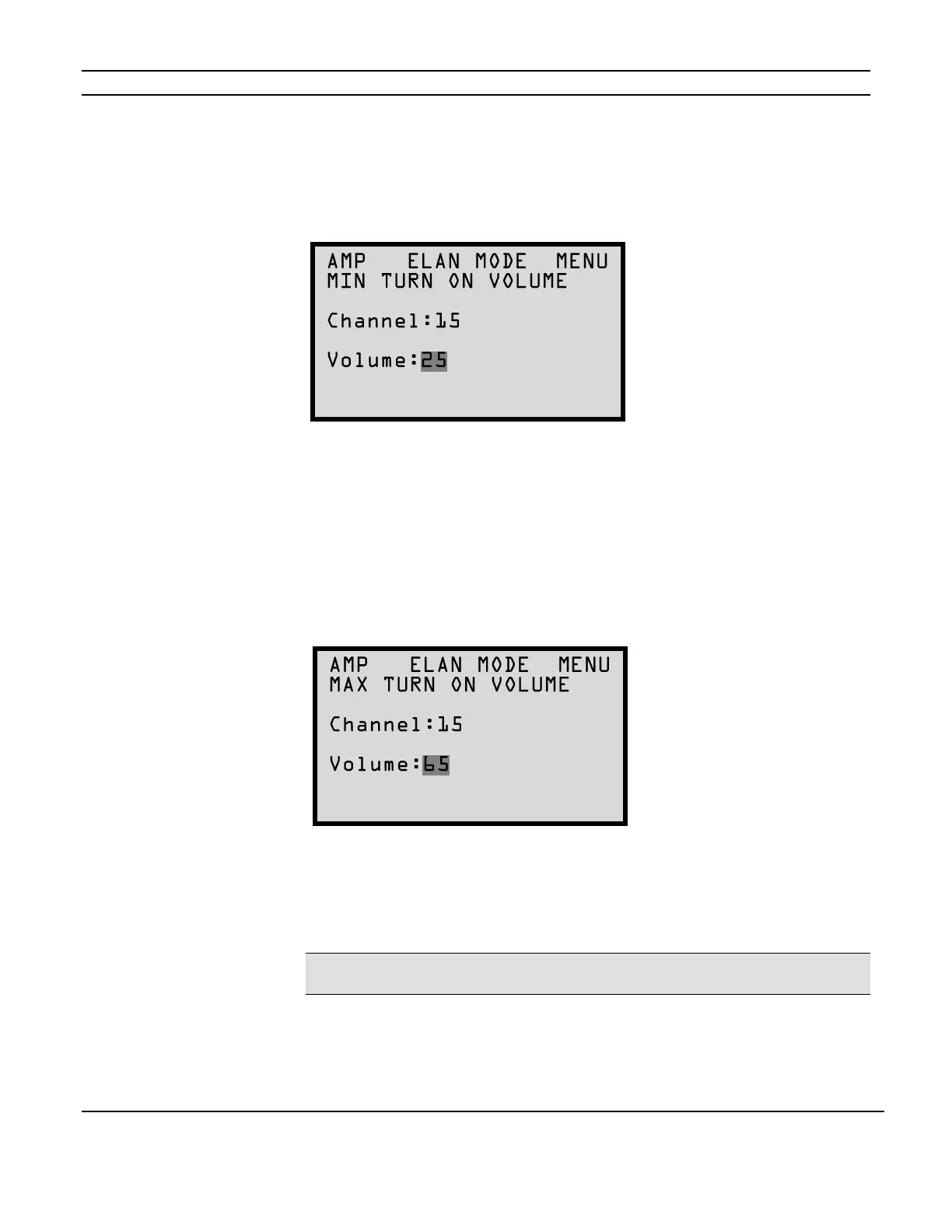
Minimum Turn-On Volume Menu
To set the Minimum Turn-On Volume for the S1616A press the MENU button to cycle through the
setting options until the following screen appears:
This will allow an individual channel or All channels to turn on to a specific or predetermined
volume level if the volume level prior to turning the channel off is lower than this setting. This
applies to IR controlled channels. It does not apply to trigger controlled channels.
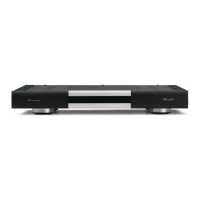
Maximum Turn-On Volume Menu
To set the Maximum Turn-On Volume for the S1616A press the MENU button to cycle through
the setting options until the following screen appears:
This will allow an individual channel or All channels to turn on to a specific or predetermined
volume level if the volume level prior to turning the channel off is higher than this setting. This
applies to IR controlled channels. It does not apply to trigger controlled channels.
Note: Maximum Turn-On Volume cannot be higher than the Absolute Max Volume level setting.
(See page 31.)
Figure 2-30
Minimum Turn-On Volume Menu
Figure 2-31
Maximum Turn-On Volume
Menu



 To Next Page