E L A N H O M E S Y S T E M S S1616A AMPLIFIER MODE
© ELAN Home Systems 2012 | All rights reserved.
Utility Sub-Menu (Continued)
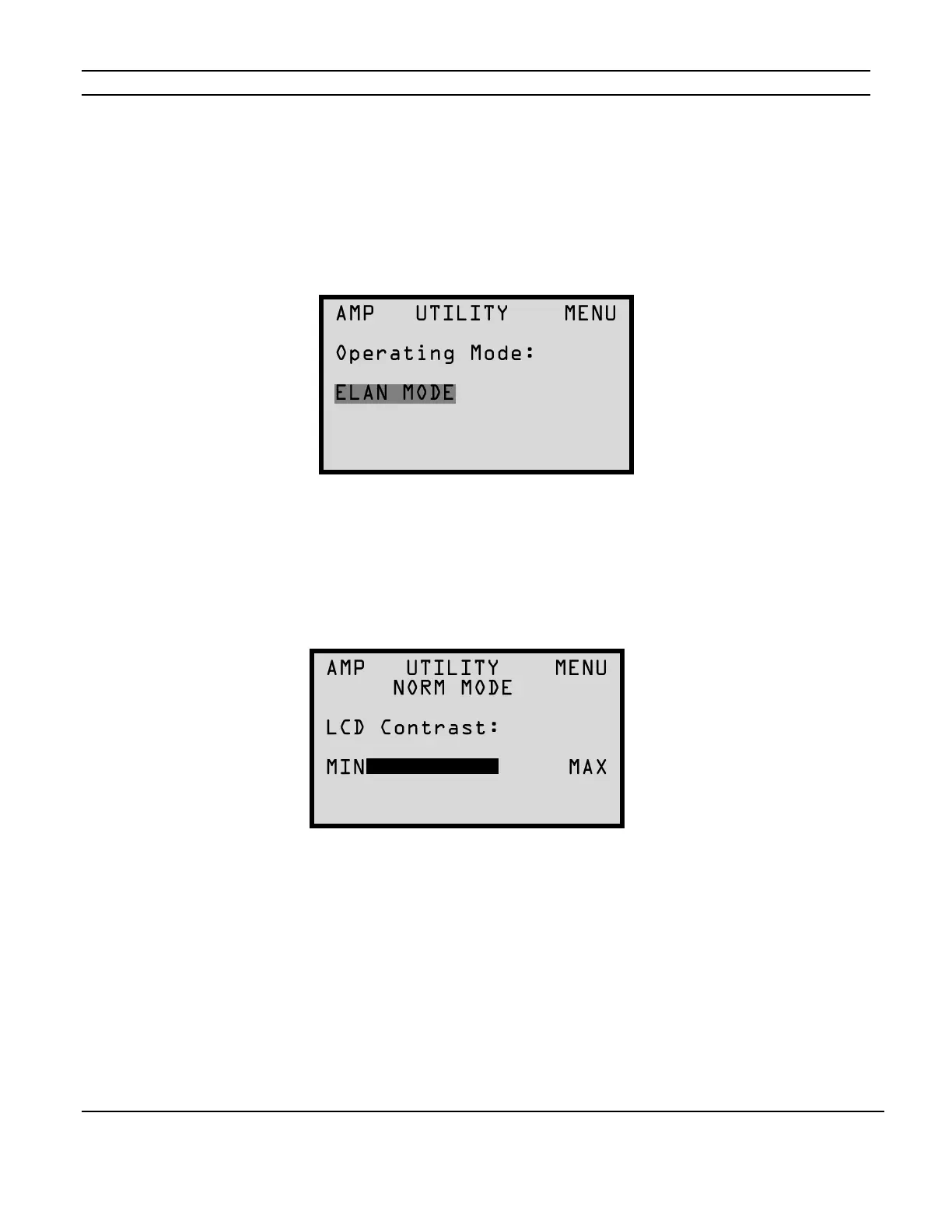
Operating Mode Menu
The initial screen shown in the Utility Sub-Menu is the Operating Mode Menu. Use the arrow UP
or Down buttons to toggle between Normal and ELAN mode. If you have not allowed for an LCD
time-out to reset the Utility sub-menu back to the Operating Mode Menu press the CHANNEL
button to cycle through the Utility sub-menu options until you see the screen below.
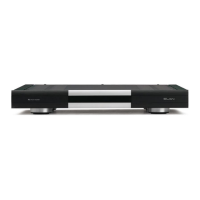
LCD Contrast
This menu adjusts the Contrast of the front panel LCDs. Once you have selected the Utility sub-
menu by cycling through the MAIN Menu options using the MENU button, use the CHANNEL
button to select the LCD Contrast menu. Use the UP and DOWN arrow buttons to adjust the
contrast.
Figure 2-15
Operating Mode Menu
Figure 2-16
LCD Contrast Menu


 To Next Page