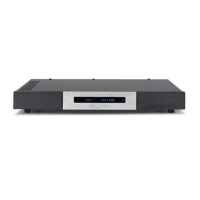
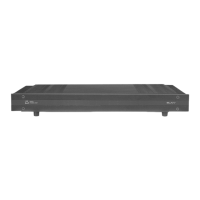
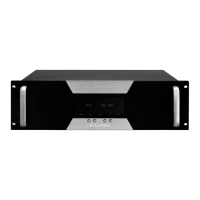
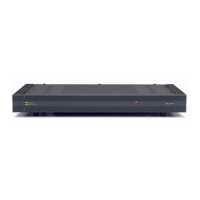
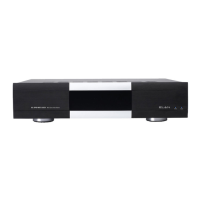
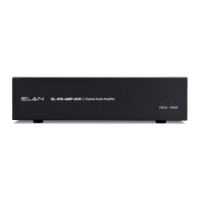
E L A N H O M E S Y S T E M S S1616A AMPLIFIER MODE
© ELAN Home Systems 2012 | All rights reserved.
Setting System Volume Levels
1. Set each S1616A's channel level to 25%.
2. Raise the volume of all touch panels, touchpads or volume controls to near maximum.
3. Play source program material, such as a CD or a radio station.
4. Have someone step into the room and listen.
5. Enable ACE for all channels. (See ACE Menu on page 20.)
6. On the Volume screen, select the channel that is wired to the speaker where the person is
listening.
7. Slowly adjust Volume Up for this channel until the audio begins to distort, and then drop the
level one or two percentage points.
8. Follow this procedure for all channels to achieve a good balance of sound from the most used
listening position in the zone.
9. Enable or Disable ACE for all applicable channels.
Note: High volume levels can cause clipping and distortion. This can damage the loudspeaker's
components and cause the amplifier to go into protection mode. The protection circuits will reset
when the output signal conditions have returned to normal. Overdriving the amplifier can damage
the amplifier and void the manufacturer's warranty.


 To Next Page