Aquastorm 200
System Preparation 2-5
3 When the correct conveyor speed set point
is displayed on the LCD, press the Enter
key on the LDC interface keypad to
accecpt the new set point value.
NOTE The set point value may also be
adjusted by using the up or down
arrow keys on the membrane
keypad.
1.5 ADJUSTING THE
CONVEYOR SPEED
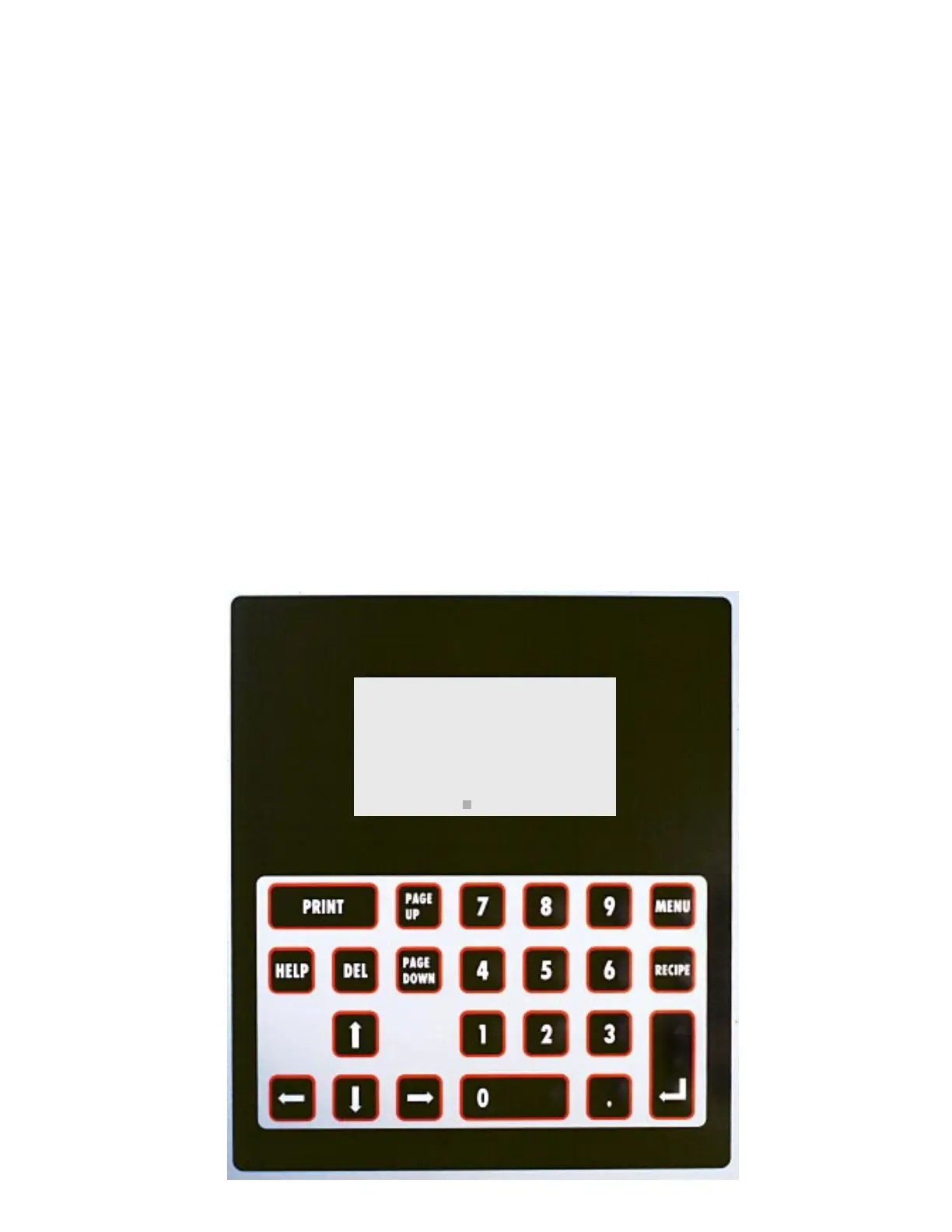
To adjust the conveyor speed use the LCD
interface keypad.
A flashing square curser is visible on the LCD
screen, next to the component's set point value
when it is ready for adjustment.
1 With system power ON, press the Up or
Down Arrow Key on the LCD interface
keypad to move the square curser to
CONVEYOR.
2 Enter the set point using the number keys
on the LCD interface keypad.
NOTE Enter a set point value
between 0 and 3.65 MPM
(0 and 12 fpm), depending
on your process application.
MODULE SETP ACTUAL
* WASH 151F 141
* CHEM_ISO 151F 150
* RINSE 99F 86
DRYER_1 F 81
DRYER_2 F 85
CONVEYOR 3.0FPM 0.0
AQUASTORM 200


 To Next Page