24#
3-24 Start-Up and Operation
Aquastorm 200
Entering or Adjusting Set
Point Values
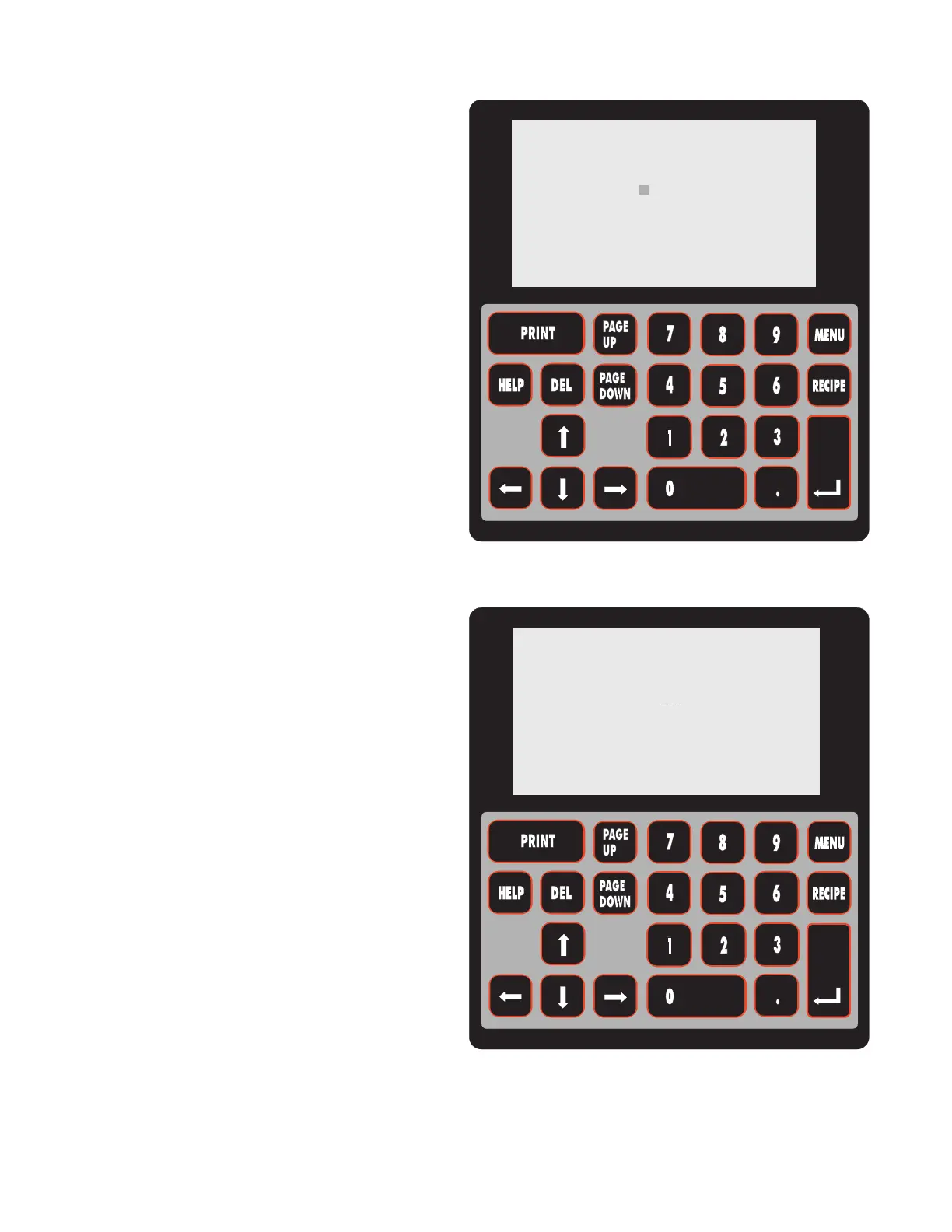
A flashing square cursor is visible on the LCD
screen, next to the component's set point value
when it is ready for adjustment.
To move the cursor to a different component,
simply press the up or down arrow on the
interface keypad until the cursor is in the position
required for editing.
When the flashing square cursor is in line with
the component being set or edited, enter the
required set point value using the number keys
on the interface keypad.
The flashing square cursor disappears
and an underscore appears below the
values being entered until the Enter key
is pressed.
When the required set point is displayed, press
the Enter key on the interface keypad to accept
the new set point value.
NOTE The set point value may also be
adjusted by using the up or down
arrow keys on the membrane
keypad pertaining to the
subsystem being edited.
MODULE SETP ACTUAL
WASH 151F 141
CHEM_ISO 151F 150
RINSE 99F 86
DRYER_1 F 81
DRYER_2 F 85
CONVEYOR 3.0FPM 0.0
AQUASTORM 200
MODULE SETP ACTUAL
WASH 151F 141
CHEM_ISO 151F 150
RINSE 99F 86
DRYER_1 F 81
DRYER_2 F 85
CONVEYOR 3.0FPM 0.0
AQUASTORM 200


 To Next Page