10#
3-10 Start-Up and Operation
Aquastorm 200
•Wash tank high temperature red indicator
illuminates
• Optional status tower flashes red
• LCD displays "Wash High Temp Alarm"
• Tank heaters are disabled
• System shuts down
If the wash tank temperature falls below set point
temperature, by the value set for alarming (see
page 3-29 Alarm Process Screen), the following
will occur:
• Audible alarm sounds
• Alarm acknowledge indicator flashes
•Wash tank low temperature red indicator
illuminates
• Optional status tower flashes red
• LCD displays "Wash Low Temp Alarm"
Normal operating temperature is indicated when
the green LED on the indicator is illuminated.
Chemical Isolation
On/ Off Control
NOTE If Enhanced Chemical Isolation is
configured with the optional
blower, the blower must be on in
order to enable the optional
internal pump or external feed
solenoid. This is to ensure that
water is not allowed to enter the
orifice of the lower airknife, which
is configured with the optional
blower.
To activate the optional Chemical Isolation's
internal pump or external feed solenoid, press
the Chemical Isolation On/ Off Control.
The Optional Chemical Isolation green
On indicator illuminates when the
Chemical Isolation On/Off control is
pressed.
Press the Optional Chemical Isolation On/Off
control again to deactivate the internal pump or
external feed solenoid.
The green indicator no longer illuminates
when the internal pump or external feed
solenoid is off.
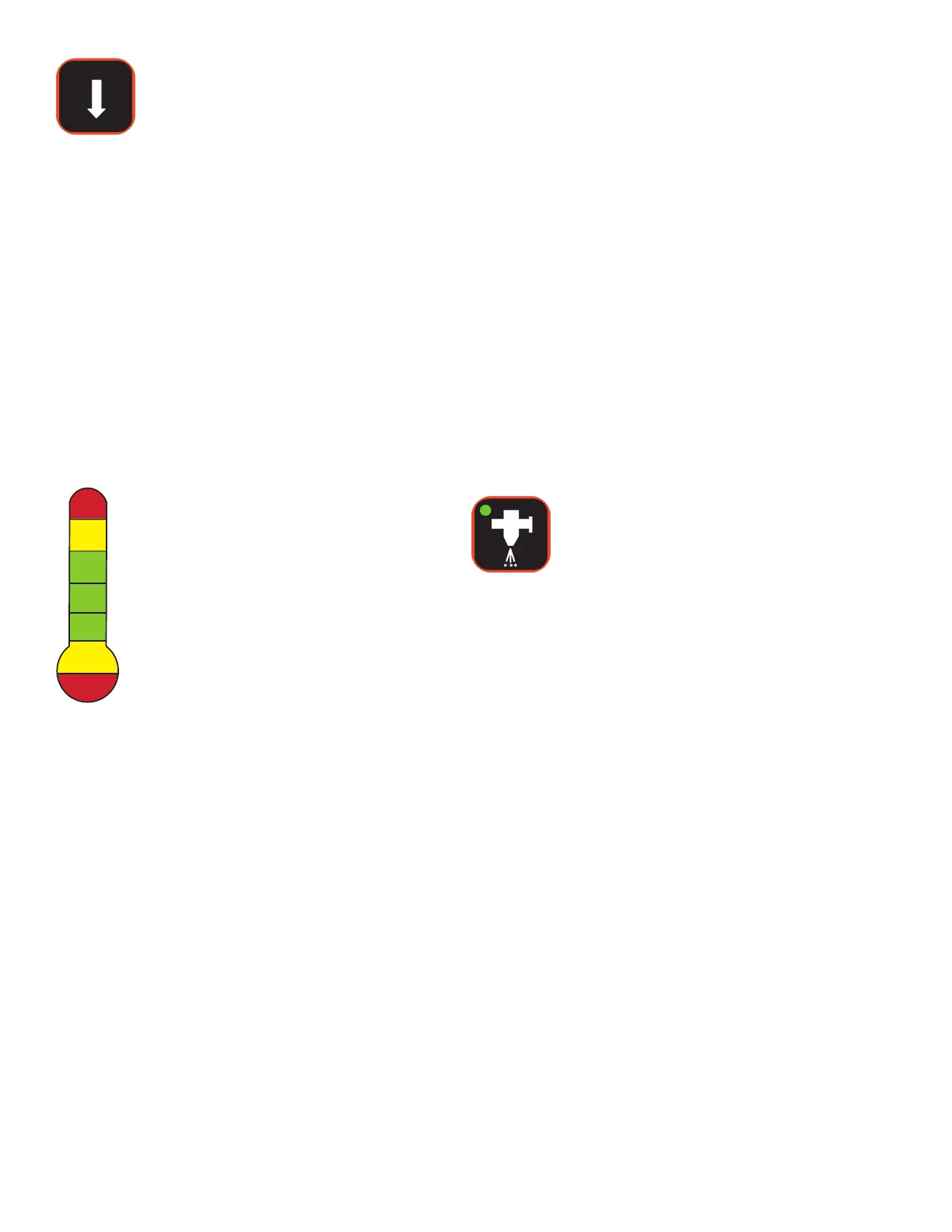
Wash Decrease
Temperature Control
Press the Wash Decrease Temperature control
to decrease the wash tank temperature set point.
When pressed once and released, the
wash tank temperature set point is
decreased one (1) degree.
When the control is pressed and held, the wash
tank temperature set point is decreased until the
control is released.
NOTE Actual temperature and
temperature set points are visible
on the LCD.
Wash Tank High/Low
Temperature Indicator
NOTE Only the Process Alarms
configured into the Process Alarms
screen with WARNING or SHUTDOWN
action selected will sound an audible
alarm.
Instructions provided here assume
WARNING or SHUTDOWN is selected
to sound an alarm.
Hardware configured alarms will always
sound when activated.
If the wash tank temperature exceeds 82
o
C
(180
o
F), the following will occur:
• Audible alarm sounds
• Alarm acknowledge indicator flashes
•Wash tank high temperature red indicator
illuminates
• Optional status tower flashes red
• LCD displays "Wash High Temp Alarm"
• Tank heaters are disabled
• System shuts down
If the wash tank temperature exceeds set point
temperature by the value set for alarming (see
page 3-29 Alarm Process Screen), the following
will occur:
• Audible alarm sounds
• Alarm acknowledge indicator flashes


 To Next Page