3 temperature input ranges
The table below shows the temperature input ranges of the ems25 series controllers for each sensor type
sensor input range (
o
C) input range (
o
F)
appliance sensor
-10
º
C to 23.3
º
C
+/- 0.5
º
C
14
º
F to 74
º
F
+/- 1
º
F
condenser sensor
(Not used with R744 coolers)
50
º
C to 125
o
C
+/- 5.0
º
C
122
º
F to 257
º
F
+/- 10
º
F
Note:
l The NTC thermistor from elstat is rated at -35ºC to 125ºC (-31ºF to 257ºF).
3.1 how to mount the appliance sensor
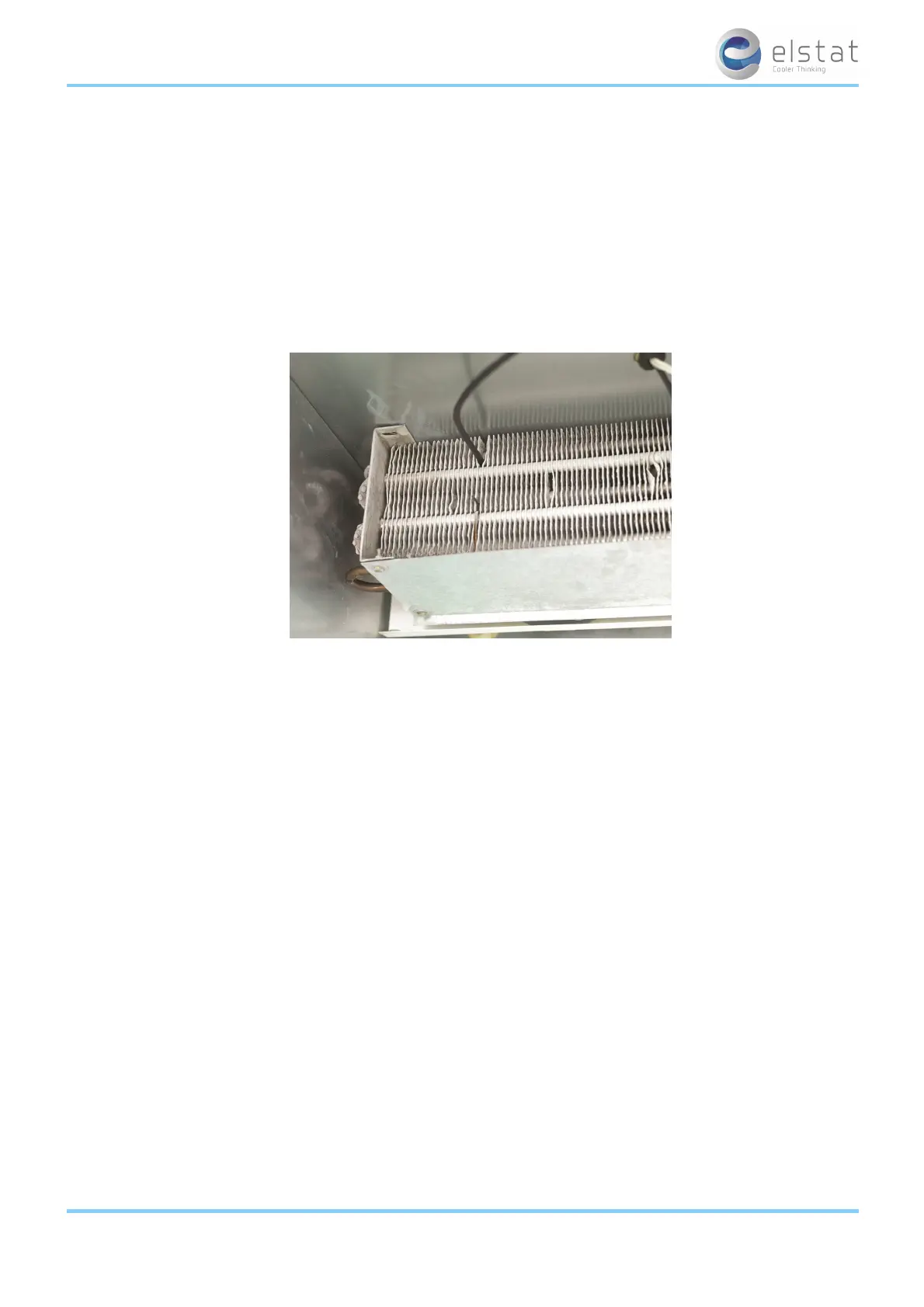
The appliance sensor measures air temperature of the refrigerated compartment by measuring the return air temperature.
The diagram below shows the recommended position of the appliance sensor. The appliance sensor measures the air tem-
perature after the air has been drawn over the products. The return air provides a close approximation of the product tem-
perature.
To measure the return air temperature, secure the sensor to allow air to flow over the sensor head.
The sensor head should be placed at a right-angle to the air flow and secured using a P-clip.
The sensor head should not be completely covered by the P-clip or the sensor will not function correctly.
ems25+ and ems25advanced / General Use
15 of 89



 To Next Page