9.7 how to connect the docking cradle
To set up the docking cradle, extract the drivers from the file.
Insert the docking cradle into a spare USB port to install the Windows drivers.
Please note:
l Windows Vista and Windows 7 locate andinstall the drivers automatically. However, on Windows XP, install the drivers manually as
described:
l See "how to install the drivers on Windows XP" on page 55
Finally, define the COM port of the docking cradle.
9.8 how to configure the COM port
Configure the COM port as follows:
1. Start the parameter loader as follows:
l Click Parameter Loader in the Start menu.
l Double-click the file ParameterLoader.exe.
2.
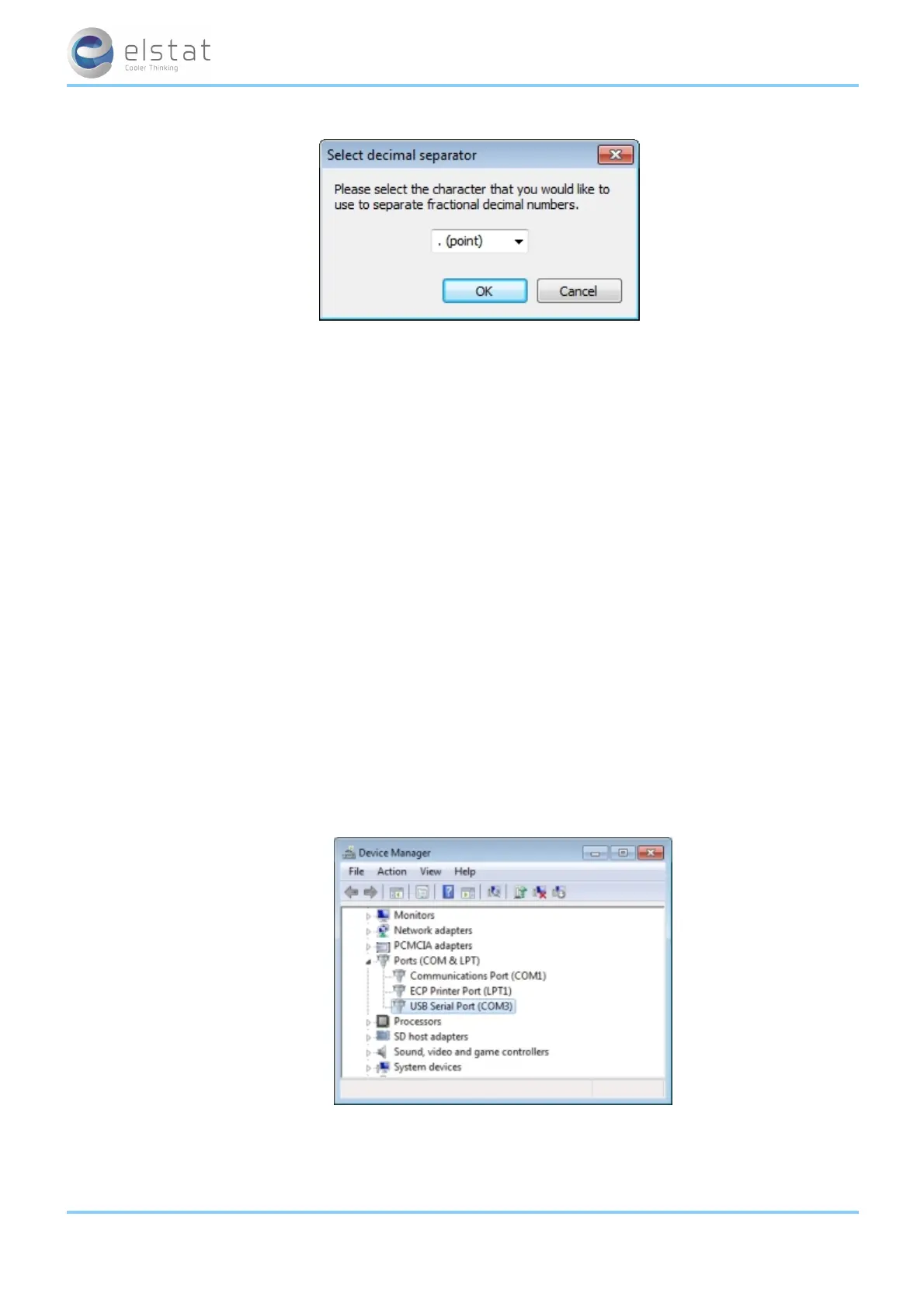
Click the Start menu, select Control panel > System Device Manager > Ports (COM & LPT) as shown below.
3.
Check the COM port allocated to the USB docking cradle (USB Serial Port).
For example, in the diagram above, COM3 has been allocated.
ems25+ and ems25advanced / General Use
60 of 89



 To Next Page