6.
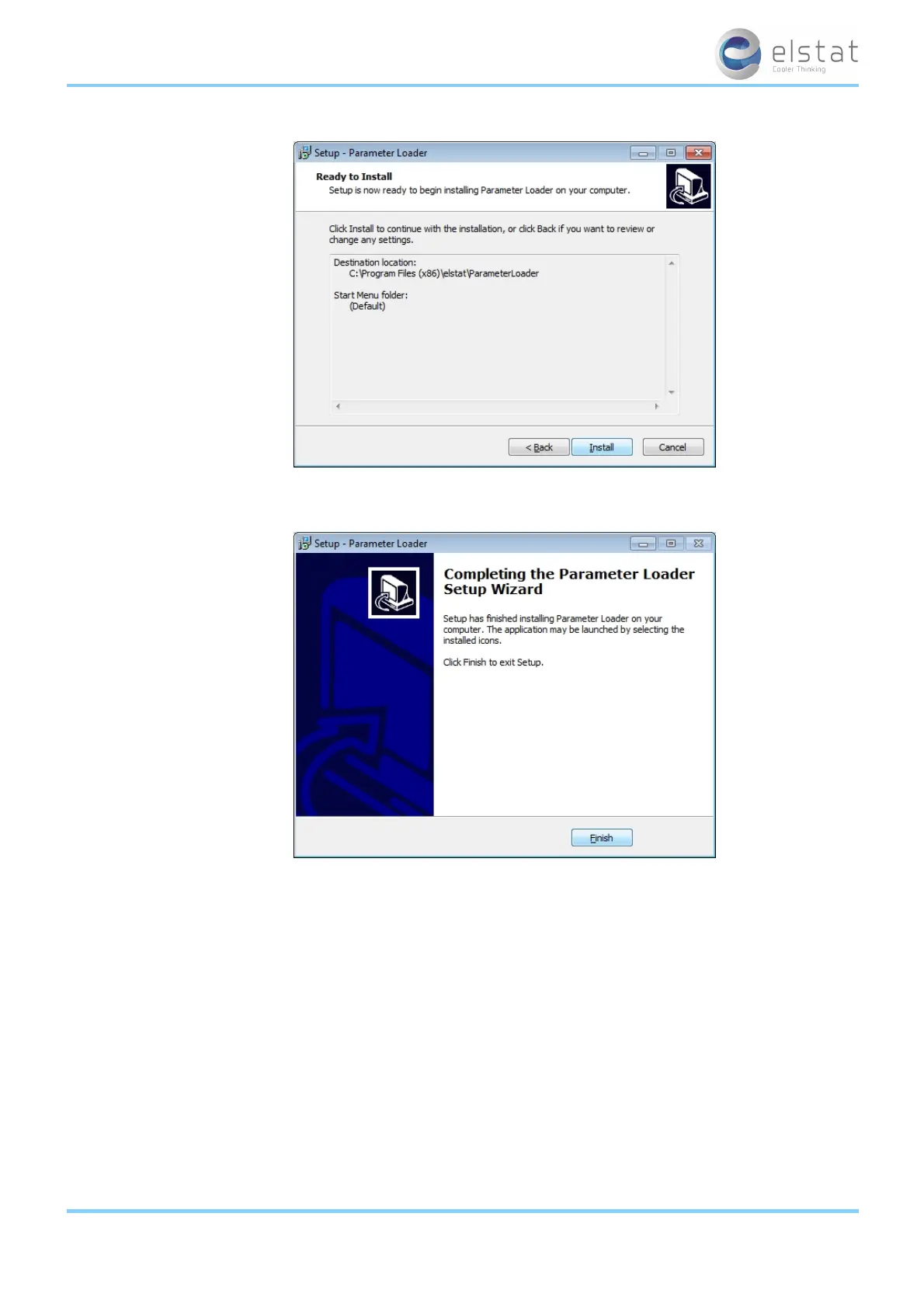
Click Finish to complete the installation of the parameter loader.
9.6 how to start the parameter loader
Start the parameter loader as follows:
l Click Parameter Loader in the Start menu.
l Double-click the file ParameterLoader.exe located in, for example, the folder C:\elstat\ParameterLoader.
Note: On starting the parameter loader for the first time, the dialog box below appears prompting for the fractional sep-
arator. Select .(point) or ,(comma) according to the decimal format in your region.
ems25+ and ems25advanced / General Use
59 of 89



 To Next Page