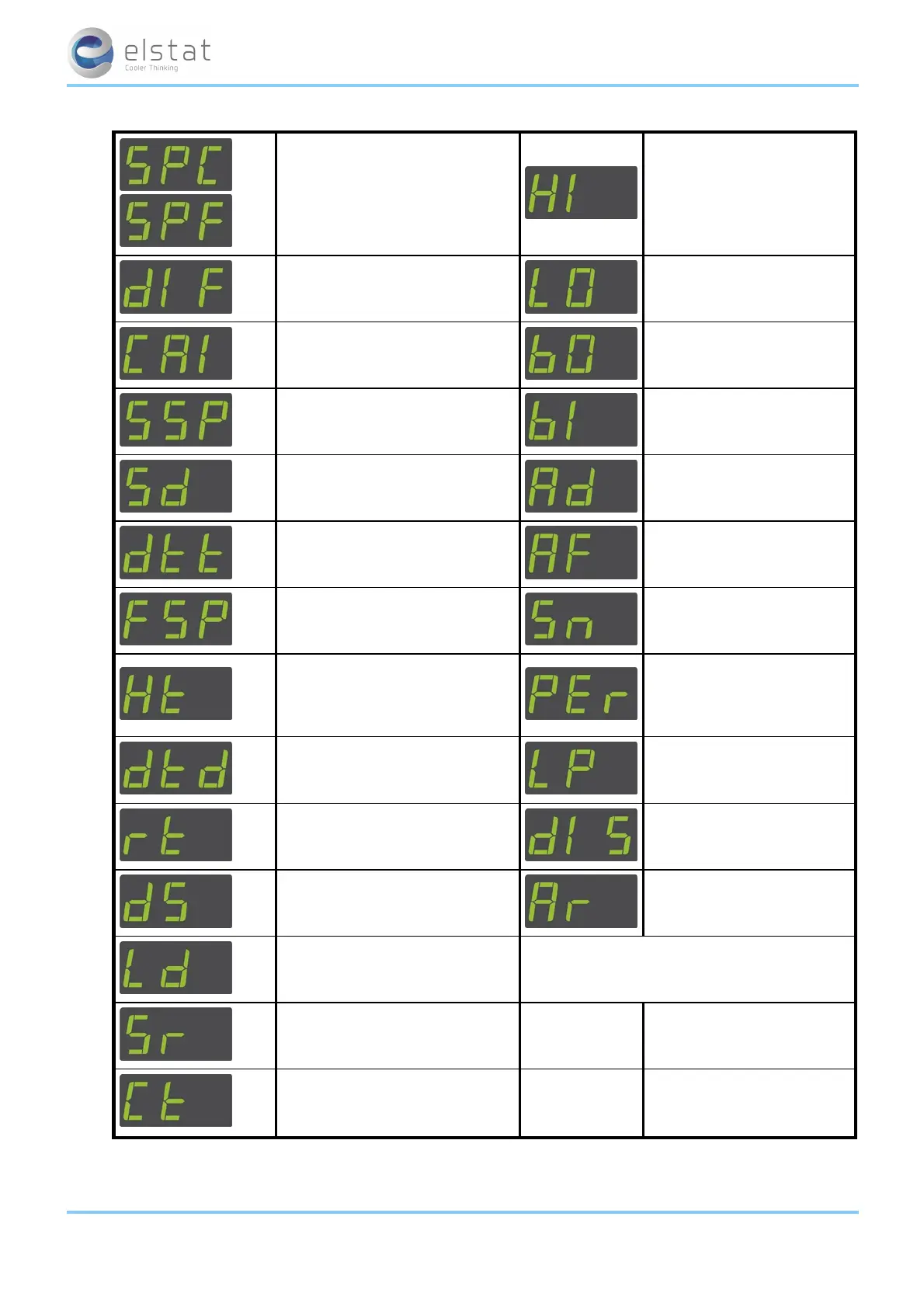
full reset elstat use only.
data dump elstat use only.
7.5 how to view the ems25
+
parameter settings (PS)
View the parameter settings to check the values of the parameters as follows:
1.
Press and hold the set button until PAS is displayed.
2. Enter the button sequence of the password.
3.
Ensure that PS is displayed.
4. Press and holdthe set button to view the parameter name and value alternatively.
5.
Keep the set button pressed to scroll through the parameter settings.
See "Celsius or Fahrenheit (CF)" on
page 69
See "defrost duration (dd)"
on page 70
See "set point (SPC or SPF)" on
page 76
See "display stability (d2)" on
page 69
See "differential (dIF)" on page 70
See "buzzer enable (b0)" on
page 68
See "calibration 1 (CA1)" on page
68
See "buzzer duration (b1)" on
page 68
See "saving set point (SSP)" on
page 76
See "alarm delay (Ad)" on
page 66
See "saving differential (Sd)" on
page 75
See "activity frequency (AF)"
on page 67
See "freeze-up protection (dtt)" on
page 72
See "motion sensor enable
(Sn)" on page 75
ems25+ and ems25advanced / General Use
38 of 89



 To Next Page