l motion sensor.
Run the test routine as follows:
1.
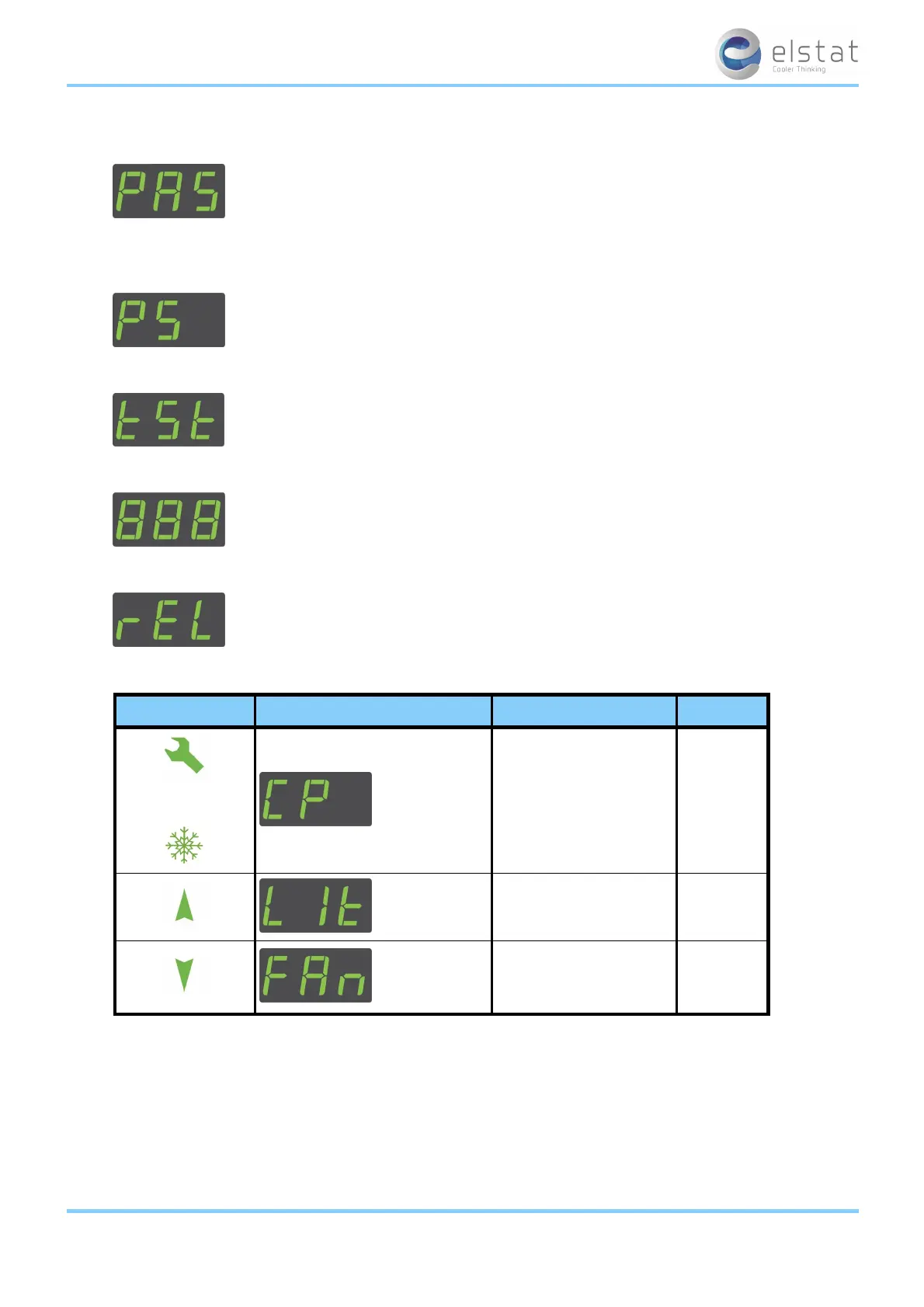
Press and hold the set button until PAS is displayed.
2. Enter the button sequence of the password.
3.
Ensure that PS is displayed.
4.
Press the down button once to scroll to tst.
5.
Press the set button to display 888.
6.
Press the set button to display rEL for the relay tests.
7.
Press the down button to start, and test, the relays as described in the following table:
button display test check
or
compressor relay
compressor
is running
and com-
pressor LED
is on
light relay
cooler lights
are on
evaporator fan relay
evaporator
fan is run-
ning
ems25+ and ems25advanced / General Use
41 of 89



 To Next Page