44
EMC VNX5500 File Installation Guide
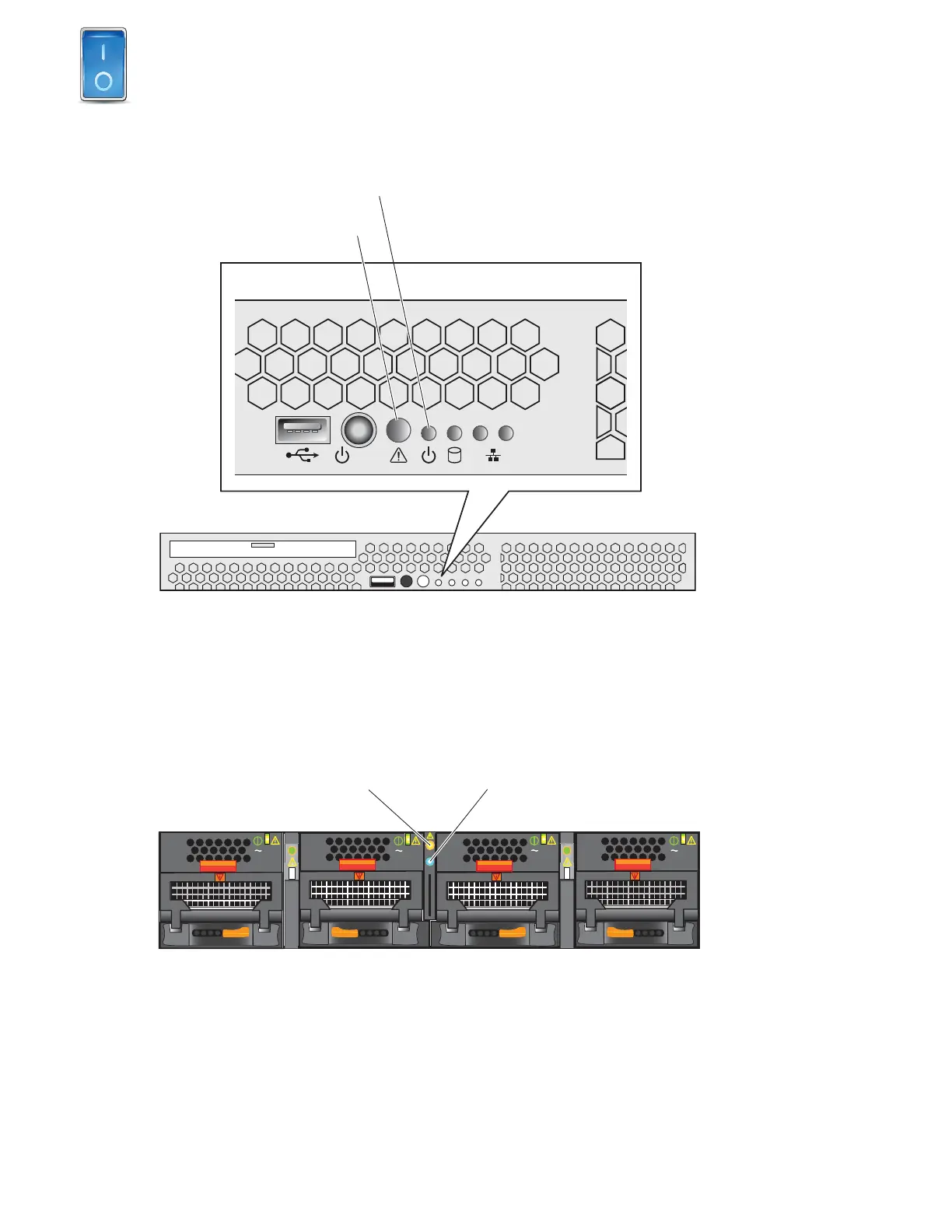
Verify that the Control Station system Status and Power LEDs, located on the front are solid green
as shown in Figure 31.
Figure 31 CS LEDs
Verify that the blade enclosure and blade system Status and Power LEDs, located on the front are
solid blue or green as shown Figure 32 and Figure 33 on page 45.
Figure 32 Front of blade enclosure
12
Status LED
Power LED
VNX-000223
AC
AC
AC
AC
Blade enclosure
fault LED
Blade enclosure
power LED
Blade enclosure front
VNX-000229



 To Next Page