110
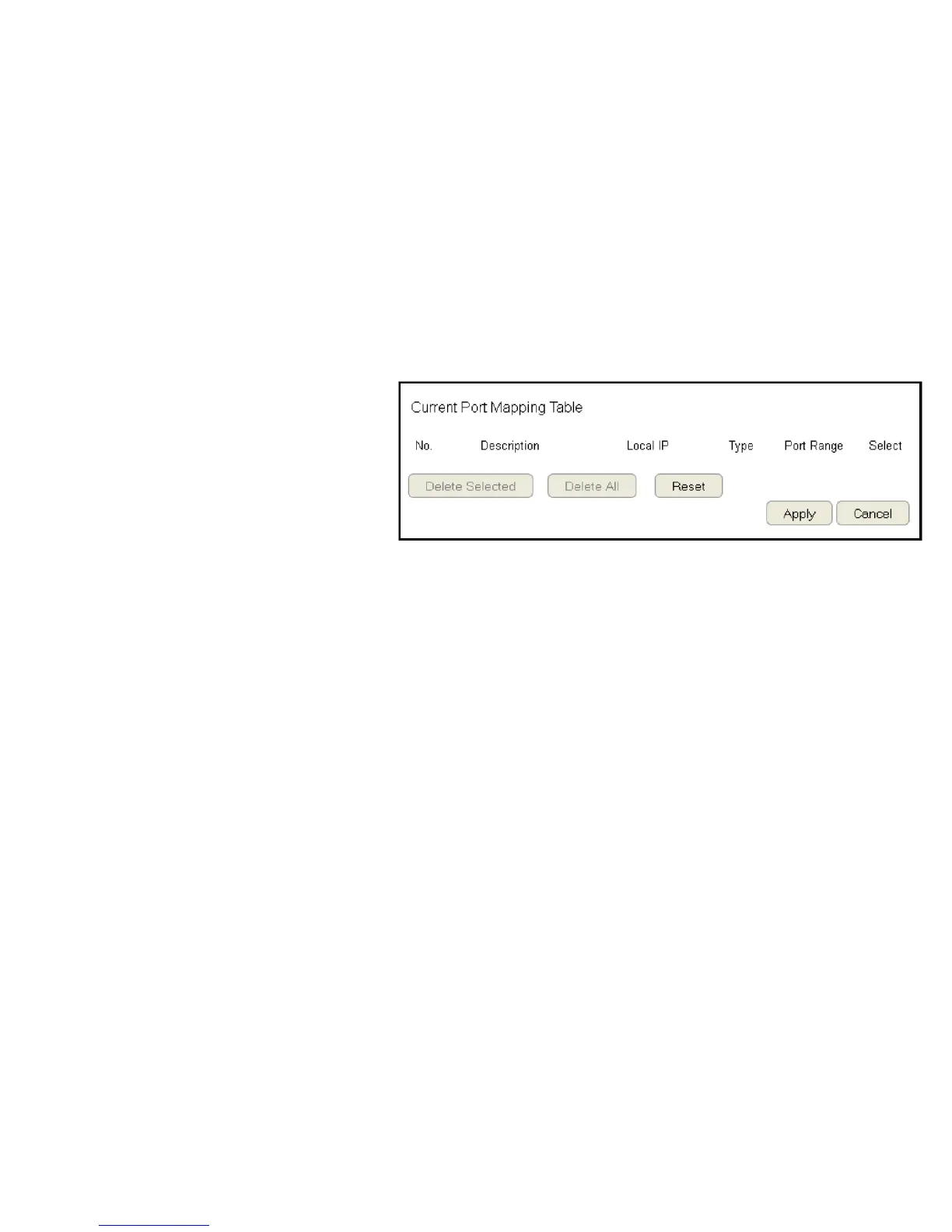
Current Port Mapping Table
Displays a list of mapped port ranges in use on the network.
No. (Number)
The sequence number of the mapped port range.
Description
Notes or details about the mapped port range.
Local IP
IP address of the server for the mapped port range.
Type
The protocol used to communicate with the WAN ports and LAN
server.
Port Range
The range of mapped ports.
Select
Indicates the device(s) that can have actions performed on them.
Click Delete Selected to remove selected devices from the list.
Click Delete All to remove all devices form the list.
Click Reset the discard changes.
Click Apply to save the settings or Cancel to discard changes.



 To Next Page