98
Virtual Private Network Setup
A Virtual Private Network (VPN) provides a secure connection between two remote locations or two users over the Internet. It
provides authentication to securely encrypt data communicated between the two remote endpoints. The Short Model Name supports
up to 5 VPN tunnels, making it ideal for small-ofce / home-ofce users or employees who work from home but need to communicate
securely back to the main ofce.
Viewing Status
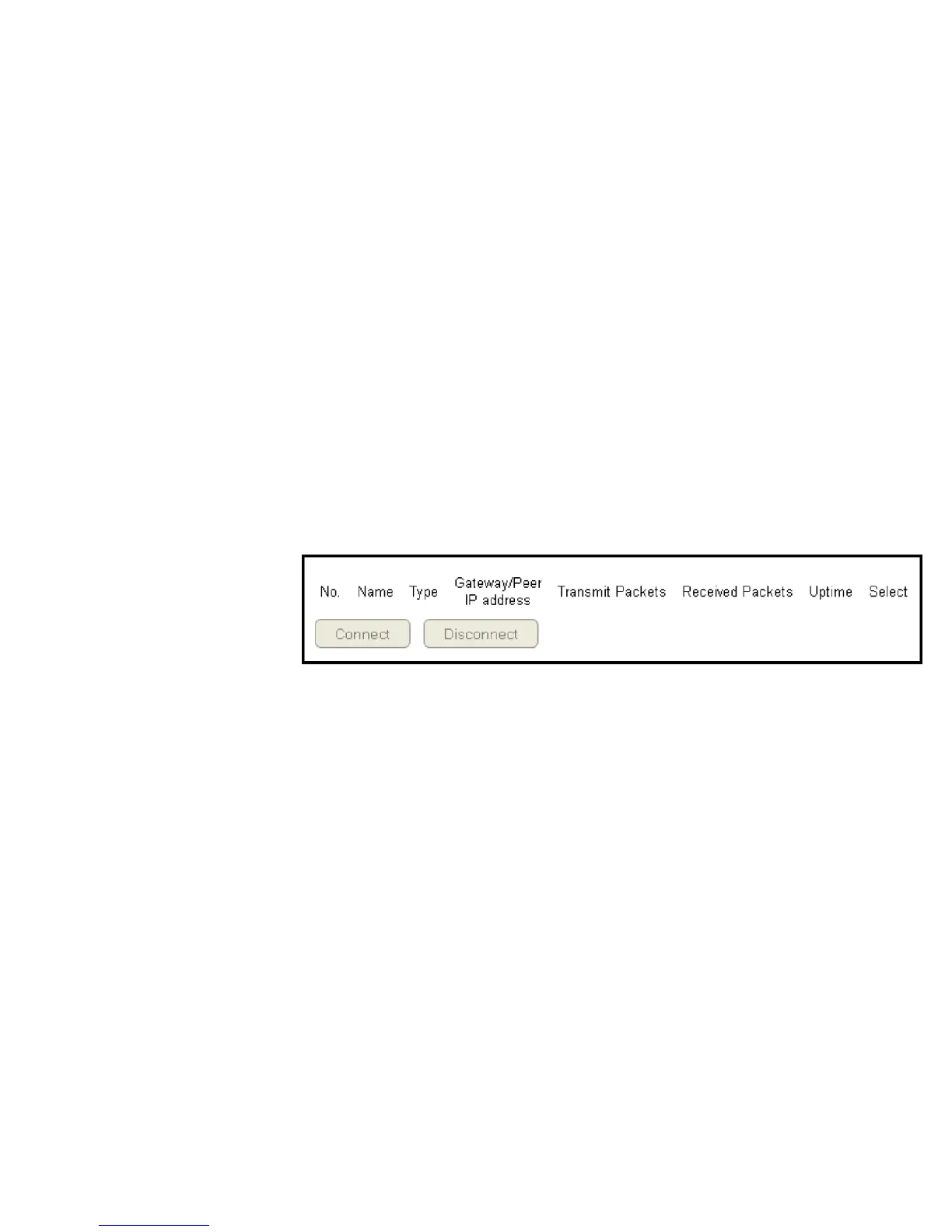
To view the Status settings, click VPN then select Status.
No. (Number)
The sequence number of the VPN tunnel.
Name
The name of the VPN tunnel.
Type
The type of VPN tunnel.
Gateway/Peer IP Address
The VPN gateway or peer IP address.
Transmit Packets
The number of packets transmitted.
Received Packets
The number of packets received.
Uptime
The amount of time the VPN has been active.
Select
Indicates the device(s) that can have actions performed on them.



 To Next Page