38
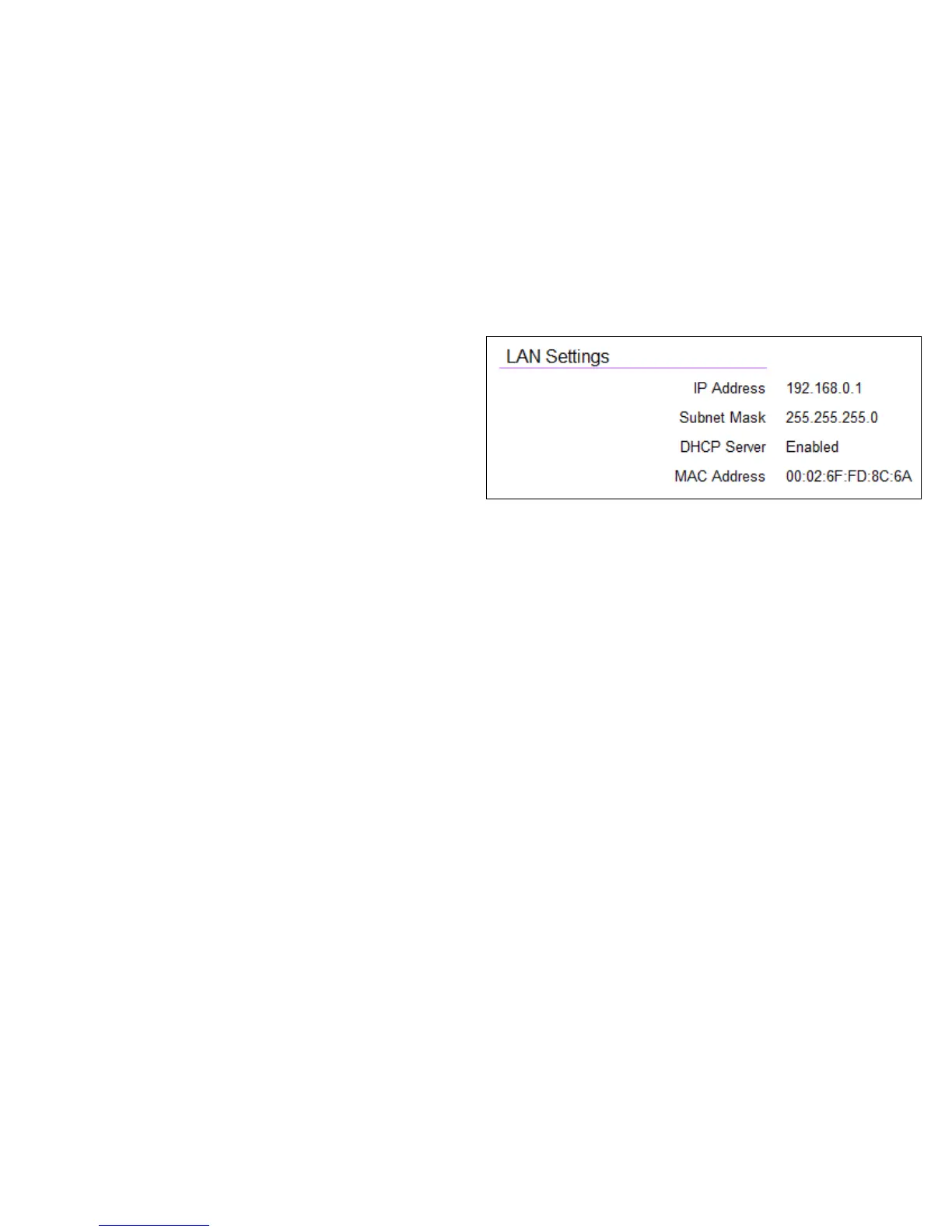
LAN Settings
IP Address
The router’s local IP address. The default LAN IP address is
http://192.168.0.1
To access the Web Conguration interface for the router, type
this address into the address (URL) eld of your web browser.
This can only be done in the same physical location where the
router resides (your home network).
Subnet Mask
The router’s local Subnet Mask.
DHCP Server
The DHCP setting status (Default: Enabled). The DHCP (Dynamic
Host Control Protocol) is a software mechanism in your router
that assigns IP addresses to wired and wireless devices on your
network, for example, a computer, printer, tablet or HDTV on your
network may be assigned an IP address of http://192.168.0.104.
Note how the address is essentially an extension or addition of
your router’s IP address.
MAC Address
The router’s unique MAC address.


 To Next Page