55
Conguring PPTP
PPTP (Point-to-Point Tunnelling Protocol) is used in association
with virtual private networks (VPNs). There are two parts to
a PPTP connection: the WAN interface settings and the PPTP
settings.
To view the PPTP settings, click Internet, then click PPTP.
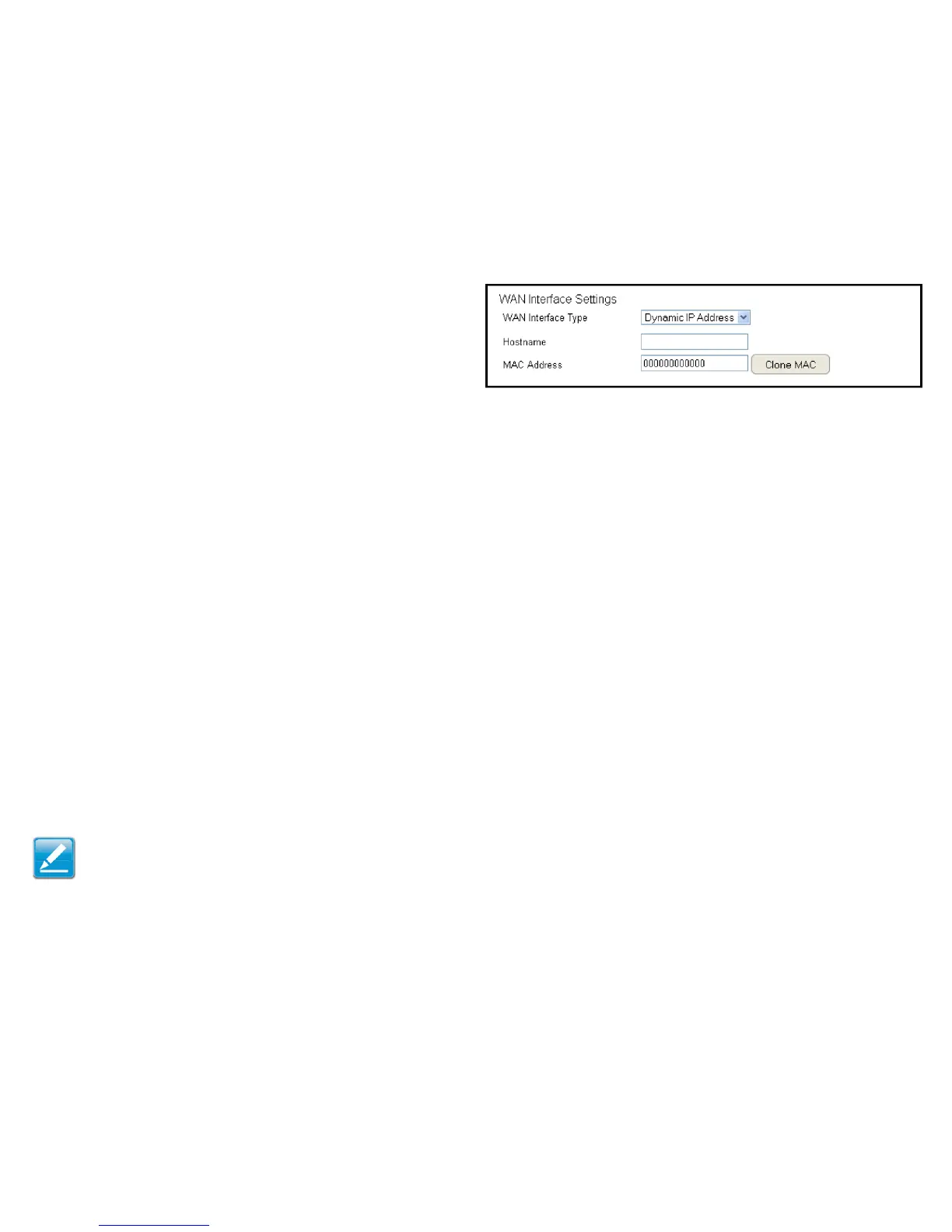
WAN Interface Settings
Dynamic IP Address
WAN Interface Type
Select Dynamic IP Address to assign an IP address provided by an
ISP.
Hostname
Enter a host name of an ISP. (optional).
Clone MAC
Enter the MAC address of the computer’s (or tablet’s) embedded
Network Interface Card (NIC) in the MAC address eld and click
Clone MAC.
Note: Some ISP providers require registering the MAC address of
the network interface card (NIC) connected directly to the cable or
DSL modem. Clone MAC masks the router’s MAC address with the
MAC address of the computer’s NIC.



 To Next Page