16
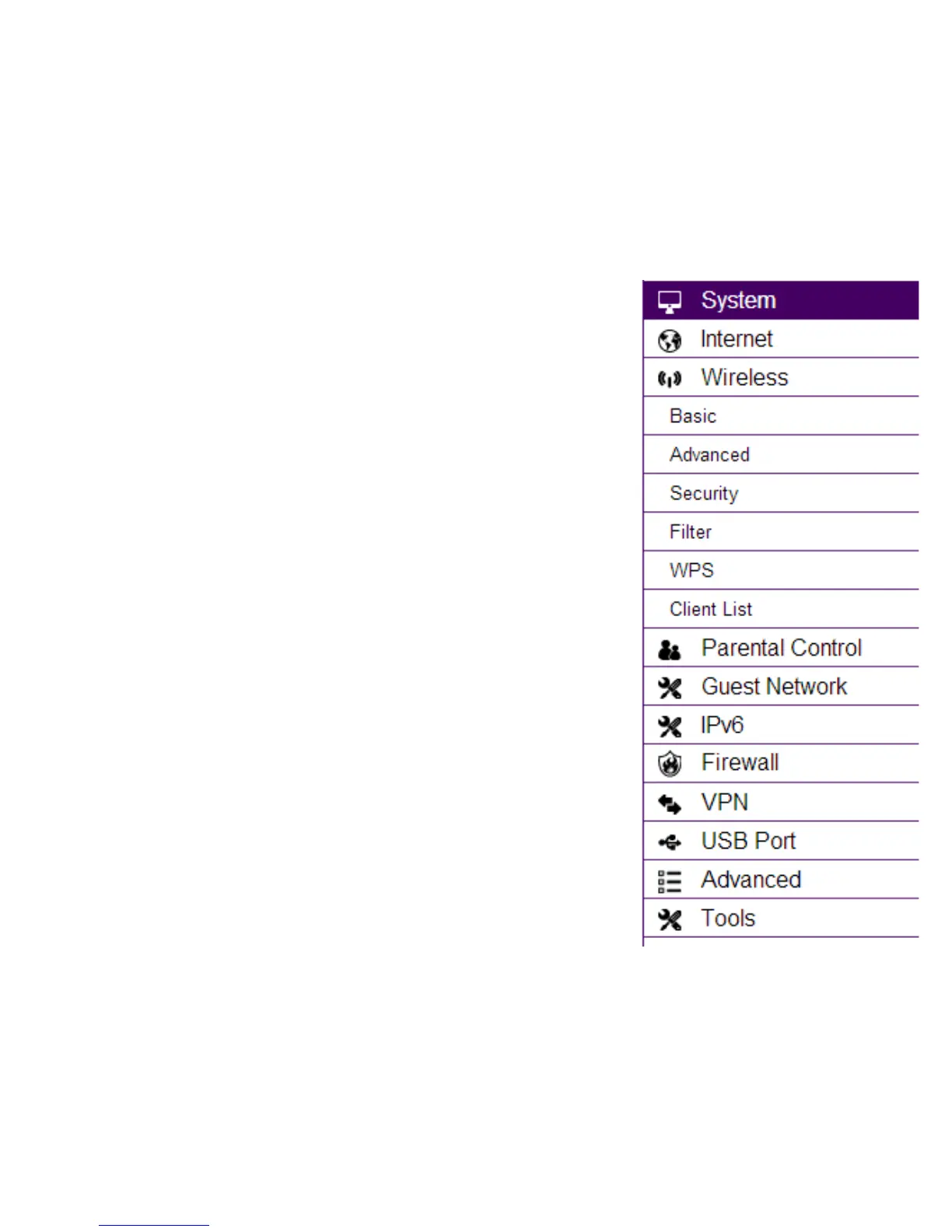
Wireless 2.4 GHz
View and edit settings for 2.4 GHz wireless network connectivity.
Status
View the current wireless connection status and related information.
Basic
Congure the minimum settings required to setup a wireless network connection.
Advanced
Congure the advanced network settings.
Security
Congure the wireless network security settings.
Filter
Establish a list of client devices (computer, tablets, smartphones, printers, etc.)
based on their MAC (Media Access Control) numbers that are allowed to wirelessly
connect to the 2.4 GHz network.
WPS
Automates the connection between a wireless device and your encrypted router
using an 8-digit PIN.
Client List
View the 2.4 GHz wireless devices currently connected to the network.



 To Next Page