93
Firewall Setup
Conguring Basic Settings
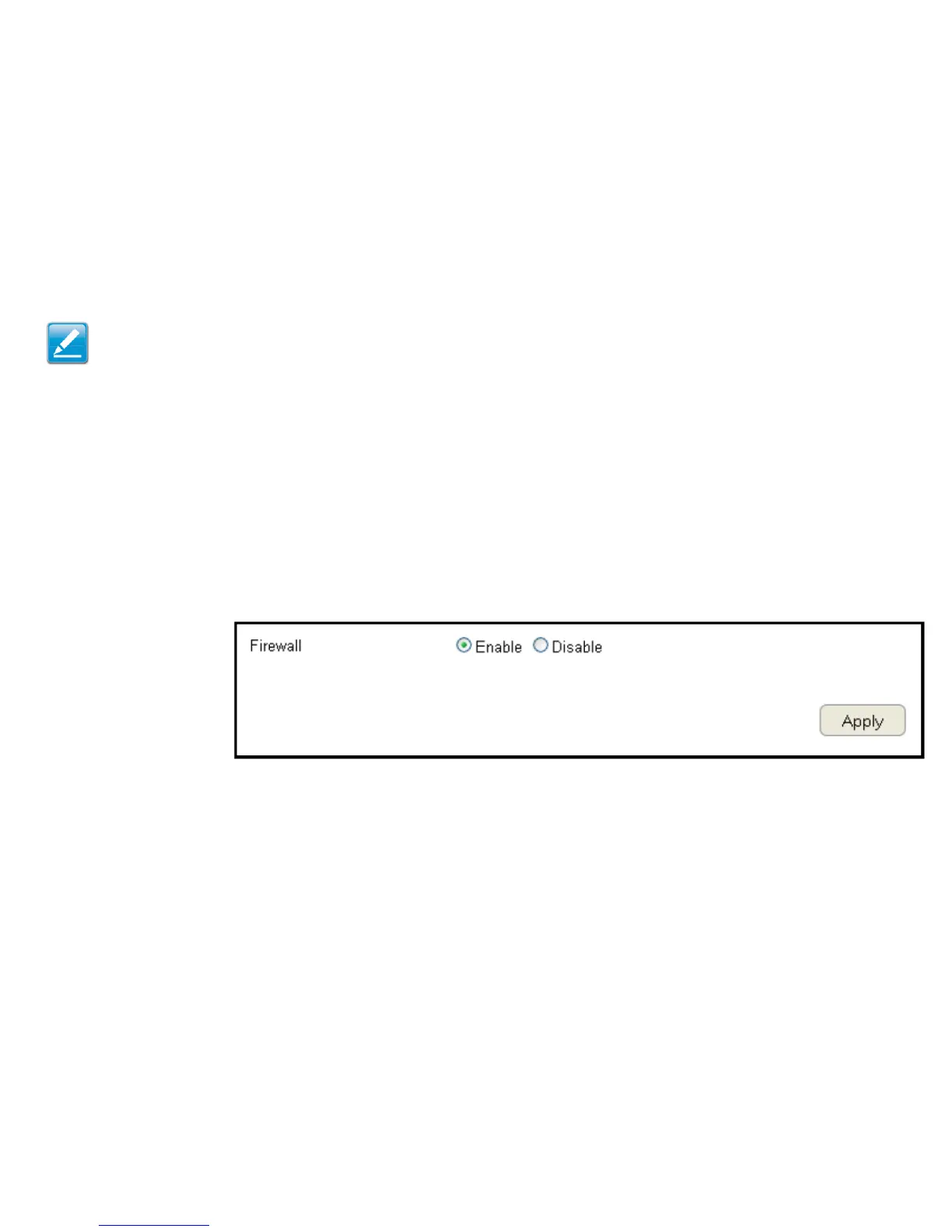
To view the Basic settings, click Firewall then select Basic.
The ESR Series Router rewall automatically detects and blocks Denial of Service (DoS) attacks. URL blocking, packet ltering and
stateful packet inspection (SPI) are also supported. The details of the attack and the timestamp are recorded in the security log.
Firewall
Enable or disable the rewall of the ESR Series Router.
Click Apply to save the settings or Cancel to discard changes.
Note: This section applies to Client Router mode.



 To Next Page