47
Monitoring Bandwidth Usage
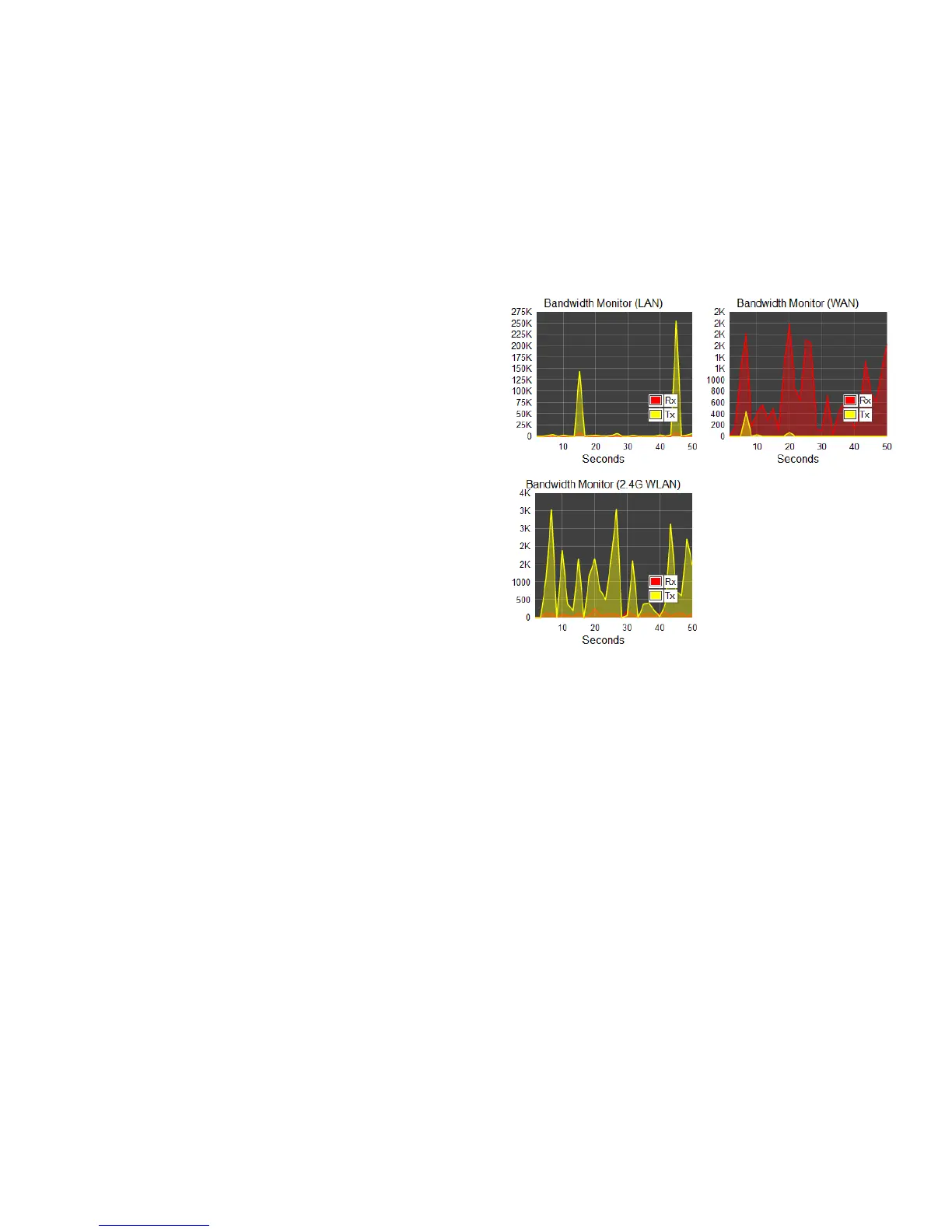
This tool allows you to view real-time bandwidth usage for WAN
(Wide Area Network - or Internet), LAN (Local Area Network) and
WLAN (Wireless Local Area Network) trafc. For the ESR300, it
shows both the bandwidth trafc in both the 2.4 and frequency
bands.
To view the Bandwidth Monitor settings, click System, then click
Monitor.
The screens display the active bandwidth usage for both the LAN
and WLAN networks as well as the bandwidth being used on the
WAN connection.



 To Next Page