49
Conguring IP Cameras
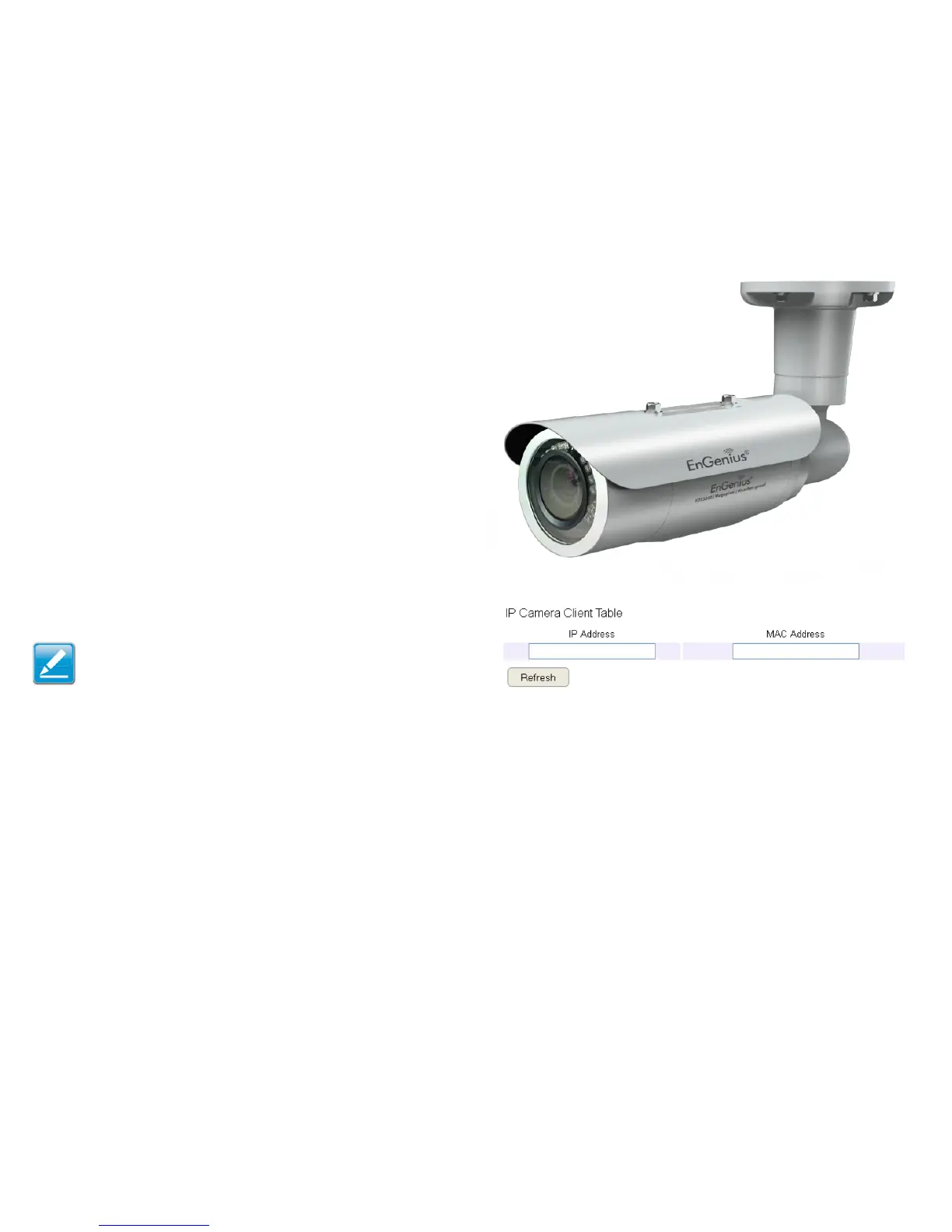
This ESR router supports up to four (4) EnGenius IP Cameras
simultaneously. If no IP Camera is detected, please check that the
IP Camera’s IP address and UPnP client are congured correctly.
To view the IP Camera settings, click System, then click IP
Camera.
Before starting this procedure, you must connect your EnGenius
IP camera to the network.
Make sure the camera is powered on.
Click the Refresh button to view a listing of available devices.
Note: The "IP Camera" function supports EnGenius IP
Camera products only.



 To Next Page