30
Setting Your Router’s Administrator Password
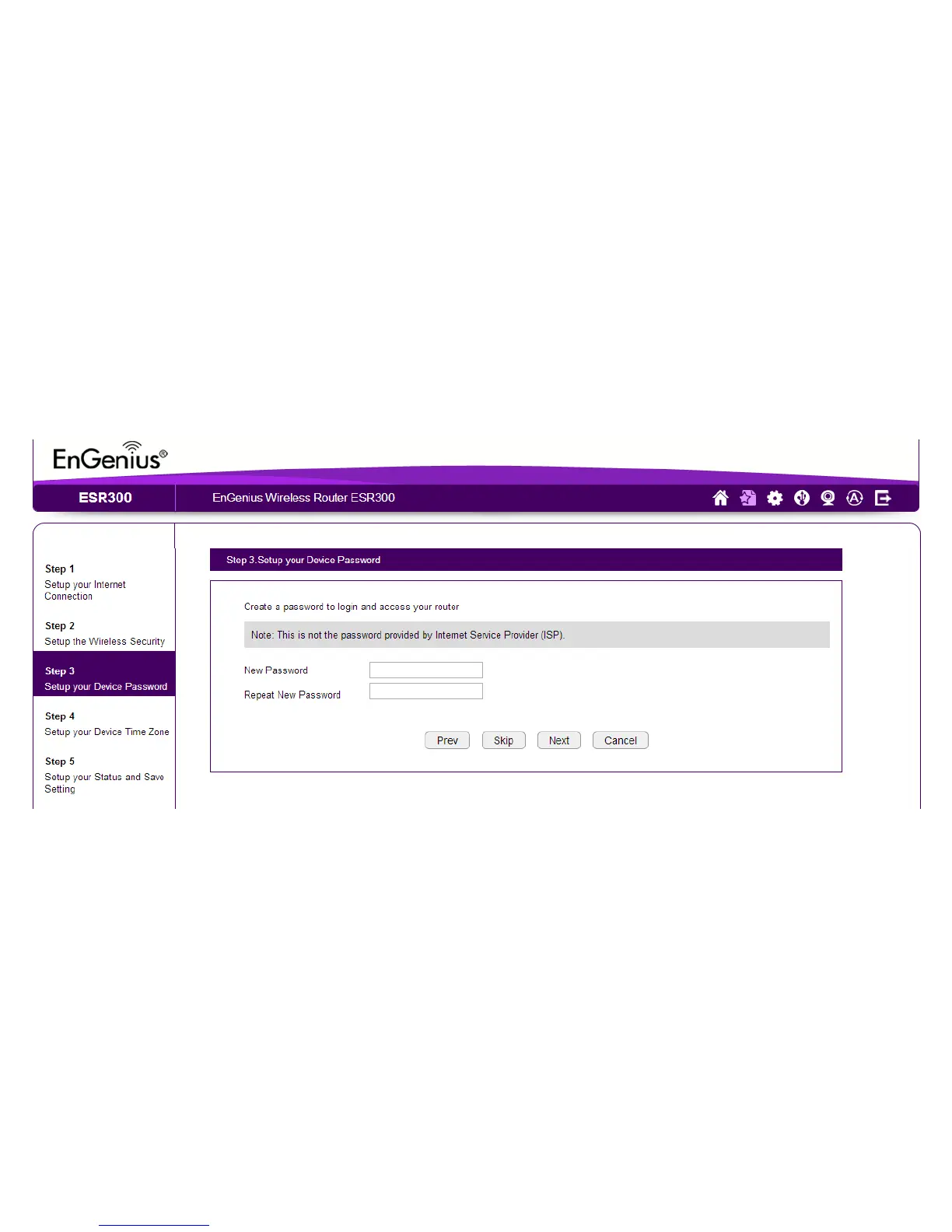
Set up a password to log into the ESR Series Router.
1. Enter a password in the New Password text eld.
2. Enter the same password in the Repeat New Password text eld.
3. Click Prev to return to the previous screen, Skip to skip this procedure, Next to
continue, or Cancel to stop the procedure.



 To Next Page