99
Conguring a VPN Tunnel Prole
To view the Status settings, click VPNthen select Status.
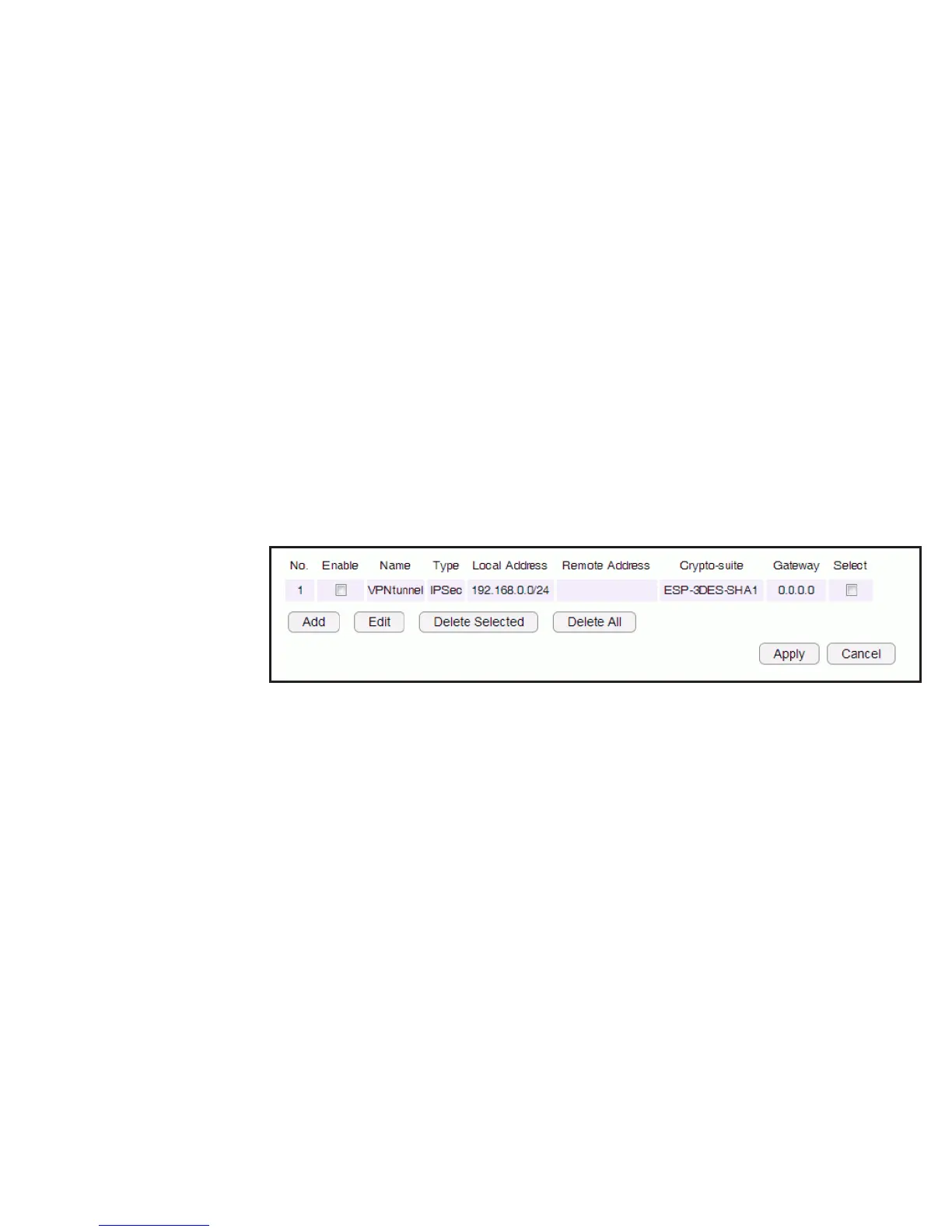
Manually congure a VPN tunnel prole.
Creating a Prole
• Click Add to create a new VPN tunnel prole.
• Click Edit to edit the settings of the selected prole.
• Click Delete Selected to delete the selected prole.
• Click Delete All to delete all current proles.



 To Next Page