129
Backing Up The Router’s Settings
Save them as a conguration le on your computer.
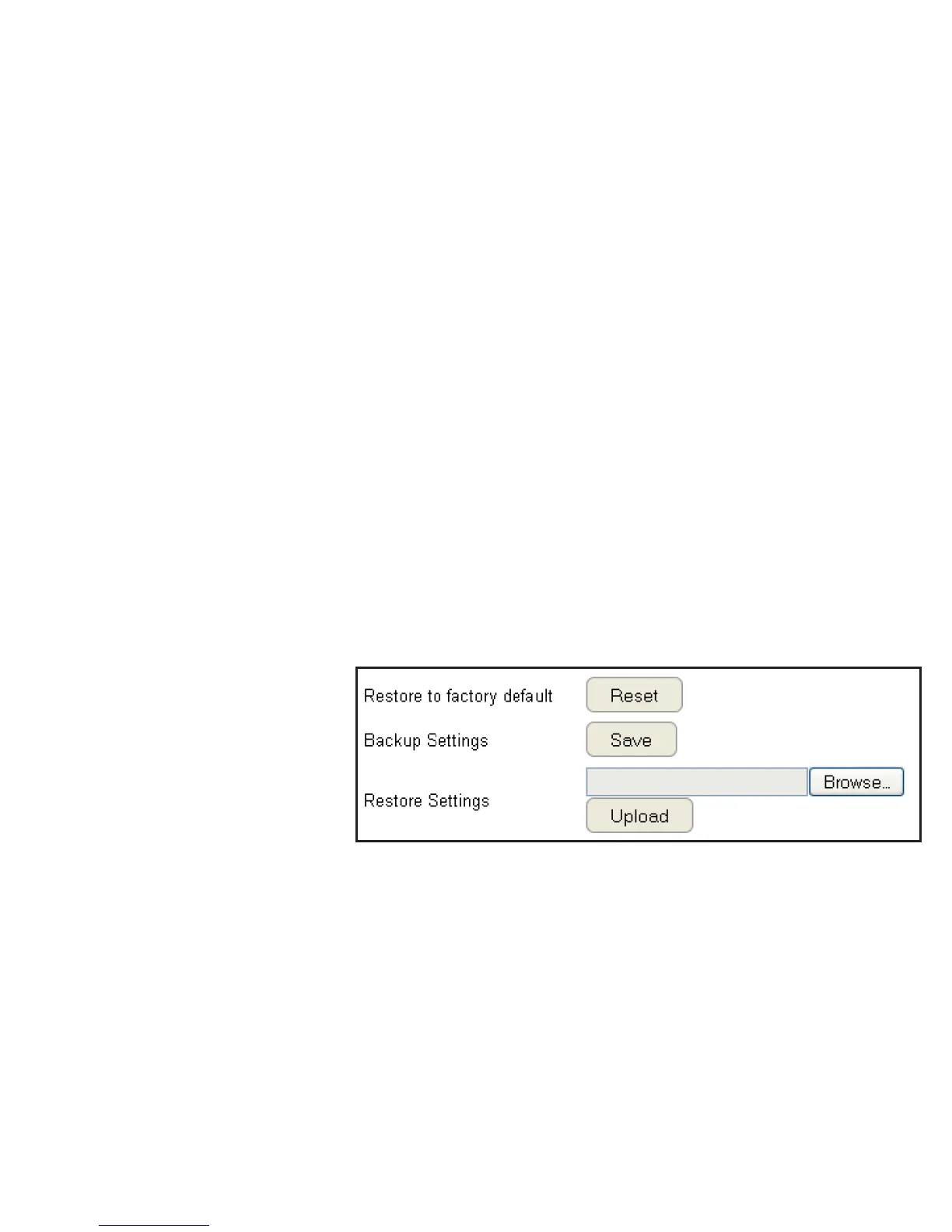
To view the Back-up settings, click Tools then select Back-up.
Restoring to the router’s Factory Default settings
Click Reset to restore the ESR Series Router to factory defaults.
Backup Settings
Click Save to save the current conguration on the router to a *.dlf le.
Restore Settings
To restore saved settings, do the following:
a. Click Choose File.
b. Browse the le system for location of the settings le (*.dlf).
c. Click Upload.



 To Next Page