73
Conguring Client List
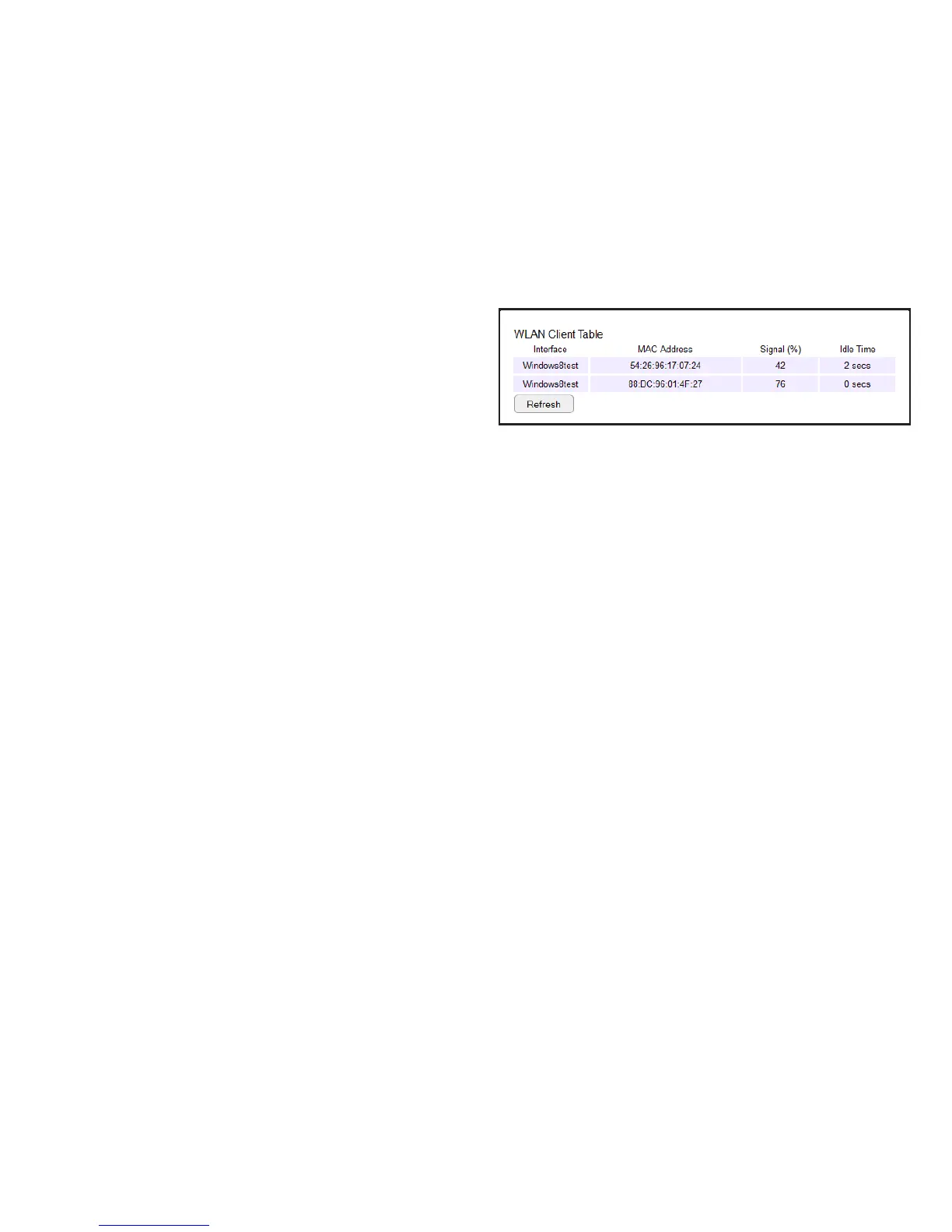
View the wireless devices currently connected to the router.
To view the Client List settings, click Wireless then select Client
List.
Interface
The type of network connected to the device.
MAC Address
The MAC address of device connected to network.
Signal
The signal strength of the device connected to the network.
Idle Time
The amount of time the connected device has not been active on
the network.
Click Refresh to rell the list with currently connected devices.



 To Next Page