83
Conguring the DHCP Server Setting
The Guest Network SSID should be on a different subnet from the router’s DHCP server.
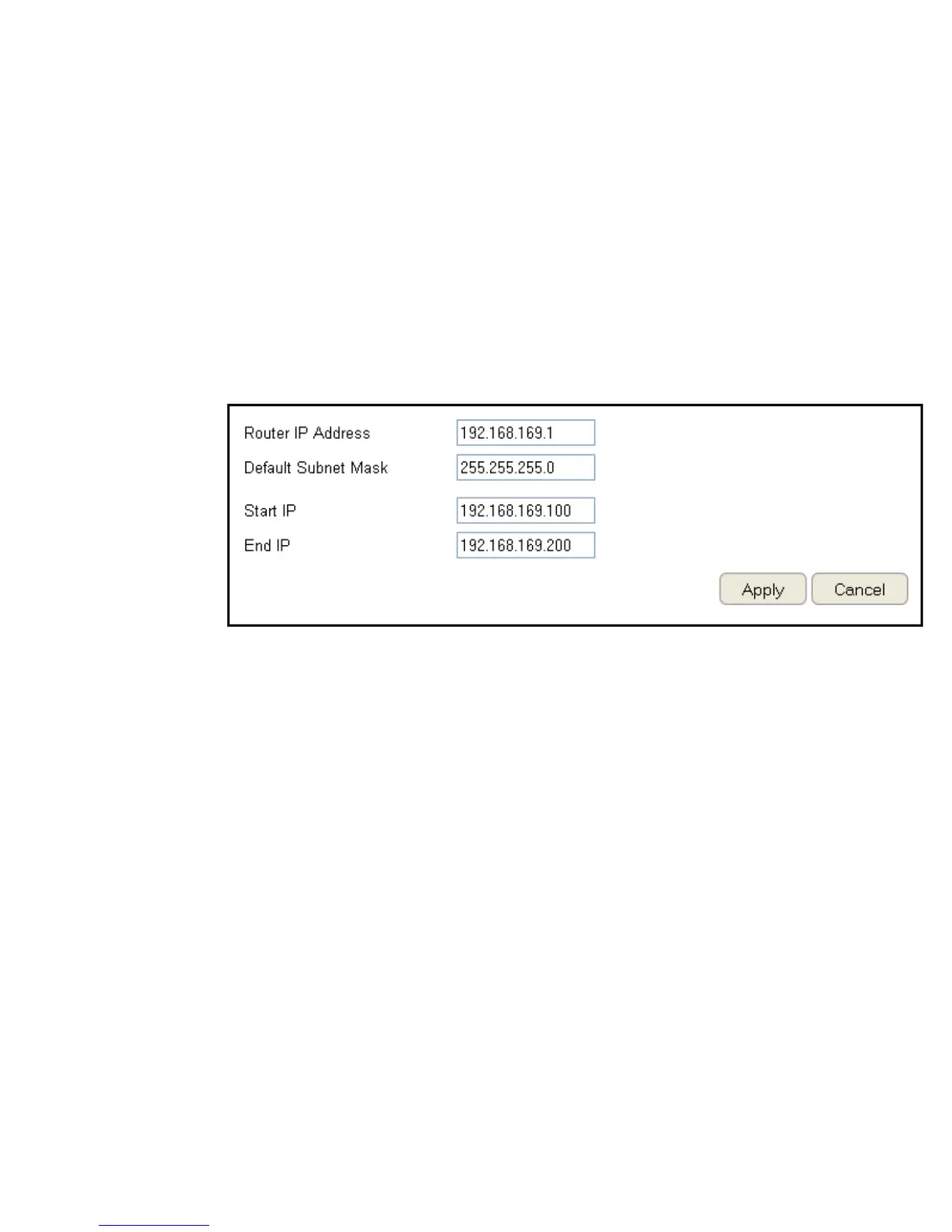
To view the DHCP Server Settings, click Guest Network then select DHCP Server Setting.
Router IP address
Dene the router IP address
for the Guest network.
Default Subnet Mask
Dene the Subnet Mask IP
address for the Guest
network.
Start IP
To dene the Guest network DHCP server start IP.
End IP
To dene the Guest network DHCP server end IP.
Click Apply to save the settings or Cancel to discard changes.



 To Next Page