46
Conguring Event Logging
The logging service records and displays important system
information and activity on the network. The events are stored in
a memory buffer with older data overwritten by newer when the
buffer is full.
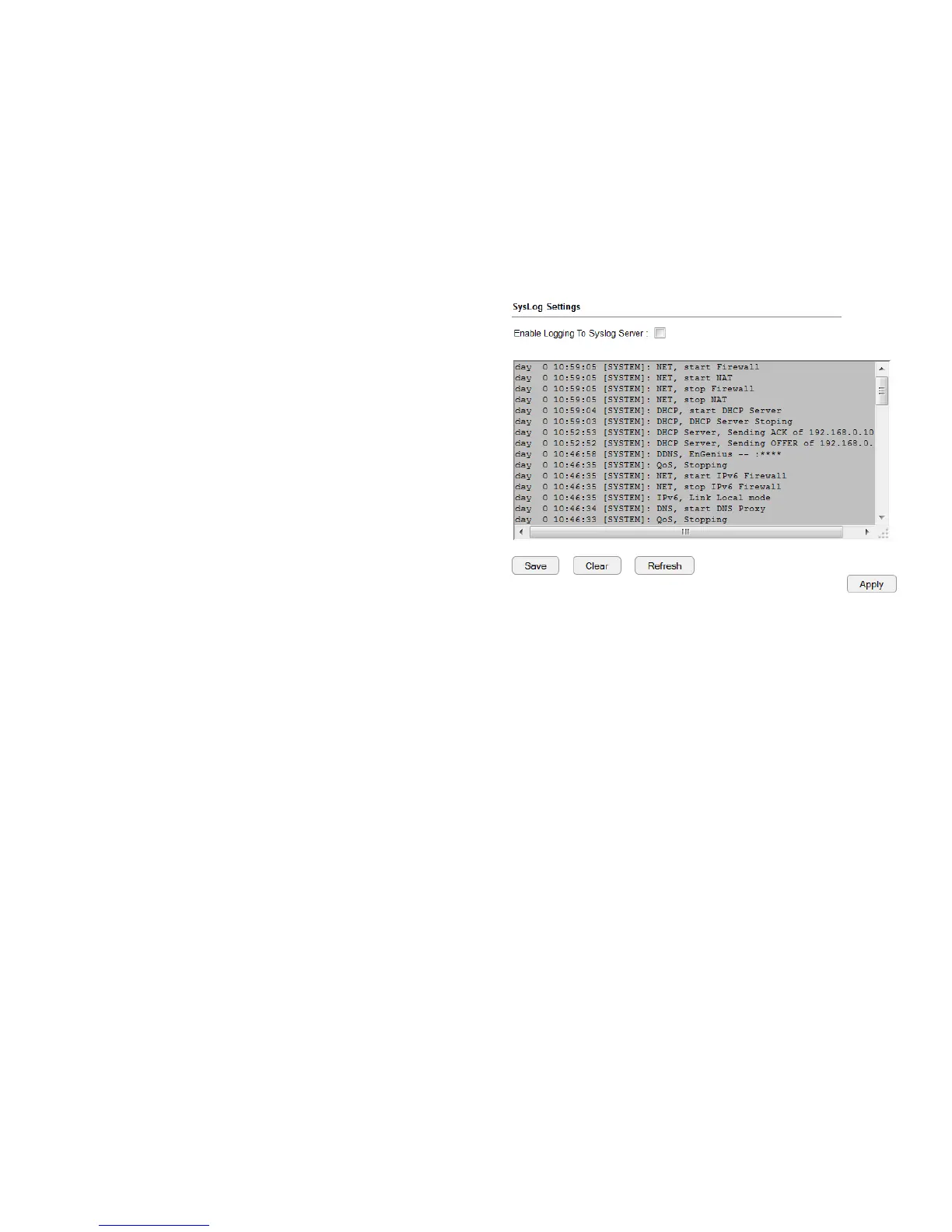
To view the Log settings, click System then click Log.
Log Message List
Select Enable Logging to Syslog Server
Click Save to start logging information to the system.
Log Message window
Shows the current system operations and network activity.
Click Save to save the message list to a text le, Clear to discard
message from the memory buffer, or Refresh to clear previous
messages and write new messages to the memory buffer.
Click Apply to save changes.



 To Next Page