41
Conguring the LAN
(Local Area Network)
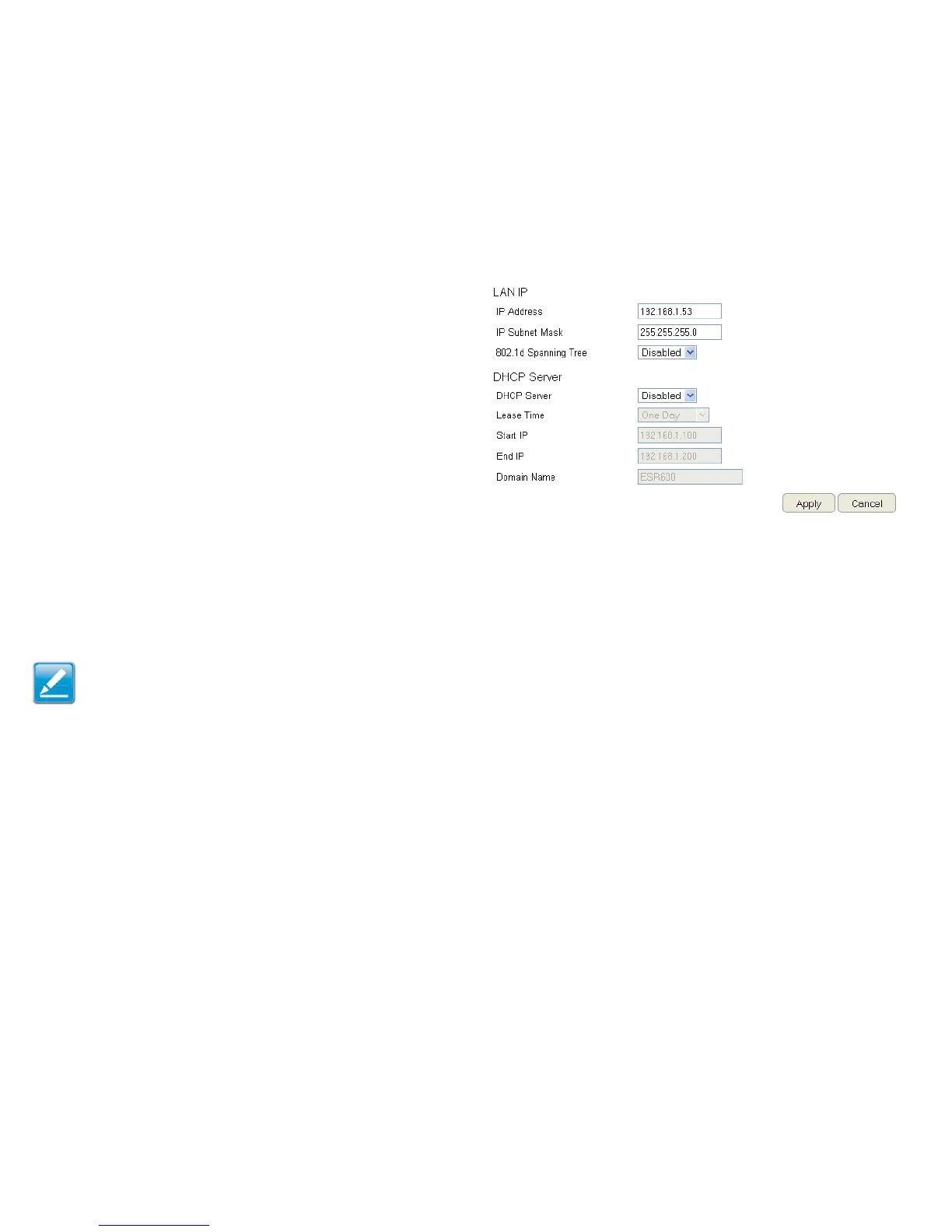
The settings on this page allow you to congure the wired
network settings. Devices connected to the router’s Ethernet
ports comprise its LAN. The router’s IP is dened in the IP
Address eld. The default setting of the DHCP server is set
to Enabled so that networked clients (computers, home
entertainment components, printers, etc.) will automatically be
assigned IP addresses by the router.
More advanced users may wish to congure the DNS server
settings to meet their specic requirements. Changing the
settings in this section are not necessary for most situations.
To view the LAN settings, click System, then click LAN.
Note: Keep the router’s default values if you are uncertain of
the settings values.
LAN IP
IP Address
For conguring the router’s LAN IP address.
IP Subnet Mask
For conguring the router’s LAN Subnet Mask
802.1d Spanning Tree
Spanning Tree is disabled by default. When enabled, Spanning
Tree prevents network loops (transmissions won’t pass the
same node twice or several times to reach the destination).
Note:
The default device IP address is 192.168.0.1.



 To Next Page