63
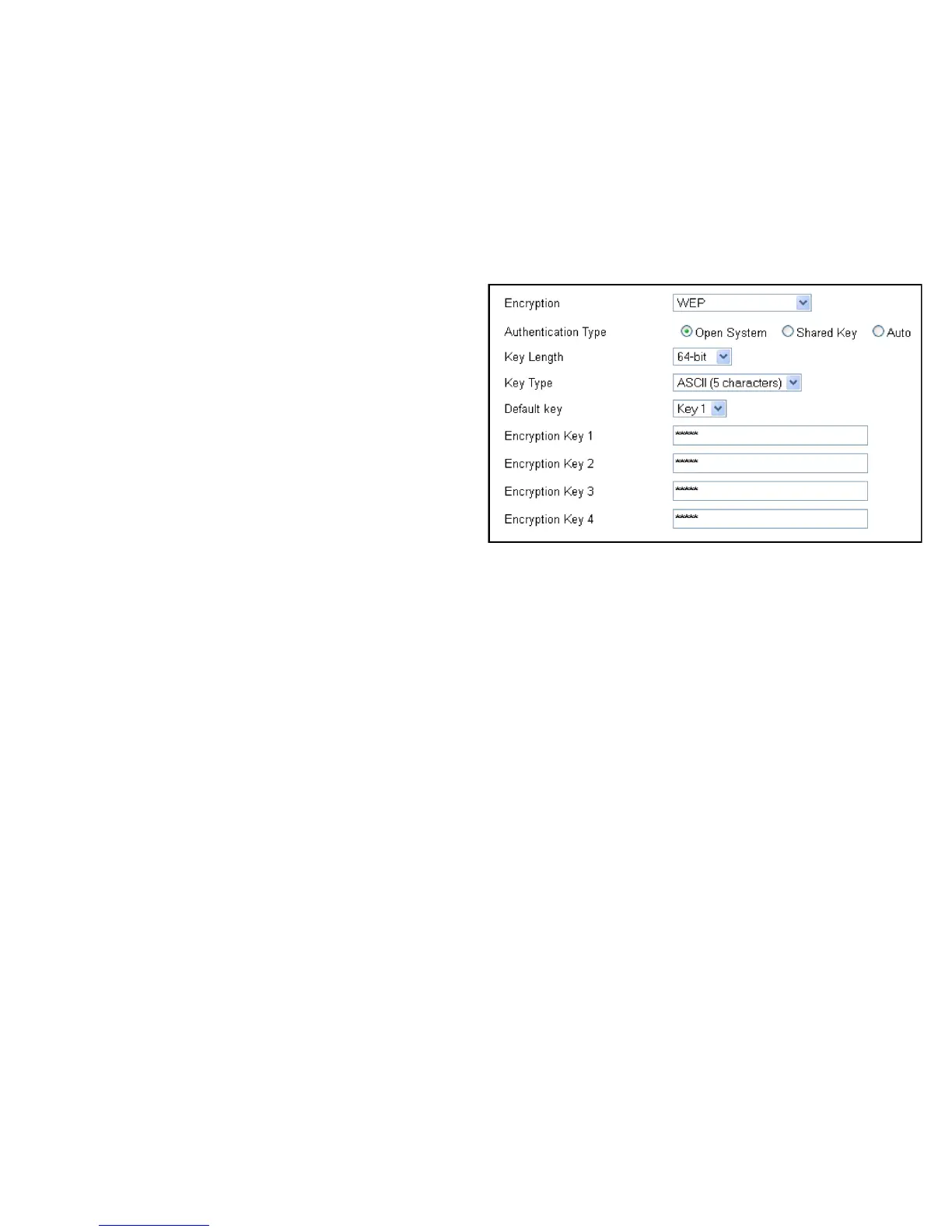
WDS Security Settings Screen
Selecting the type of WDS encryption (Disable, WEP or WPA Pre-
Shared Key) for the wireless network.
Wired Equivalent Privacy (WEP)
Key Length
Select between 64-bit and 128-encryption.
Key Format
Select the type of characters used for the WEP Key: ASCII
(5 characters) or Hexadecimal (10 characters).
Default Key
Select the default encryption key for wireless transactions.
Encryption Key [#]
Enter the encryption key(s) used to encrypt the data packets
during data transmission.



 To Next Page