97
Conguring Denial of Service
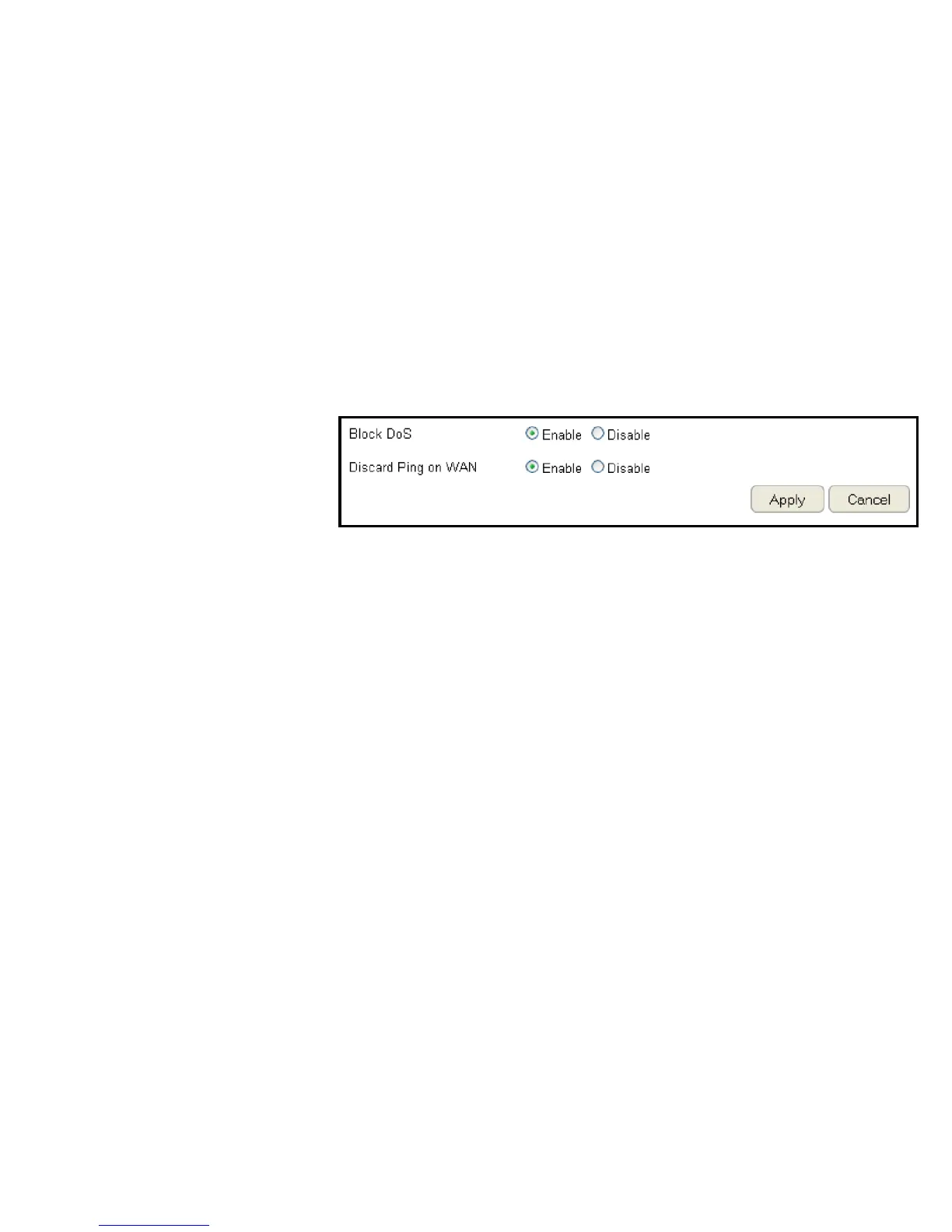
To enable blocking of denial of service (DoS) attacks, select the DoS option in the Firewall section. DoS attacks can ood the Internet
connection with the continuous transmission of data. Blocking these attacks ensures that the Internet connection is always available.
To view the DoS settings, click Firewall then select DoS.
Block DoS
Enable or disable blocking DoS attacks.
Discard Ping on WAN
ICMP (ping) packages are blocked
while Block DoS is enabled.
Enable Discard Ping on WAN if the WAN port is required.
Click Apply to save the settings or Cancel to discard changes.



 To Next Page