116
Universal Plug and Play Setup
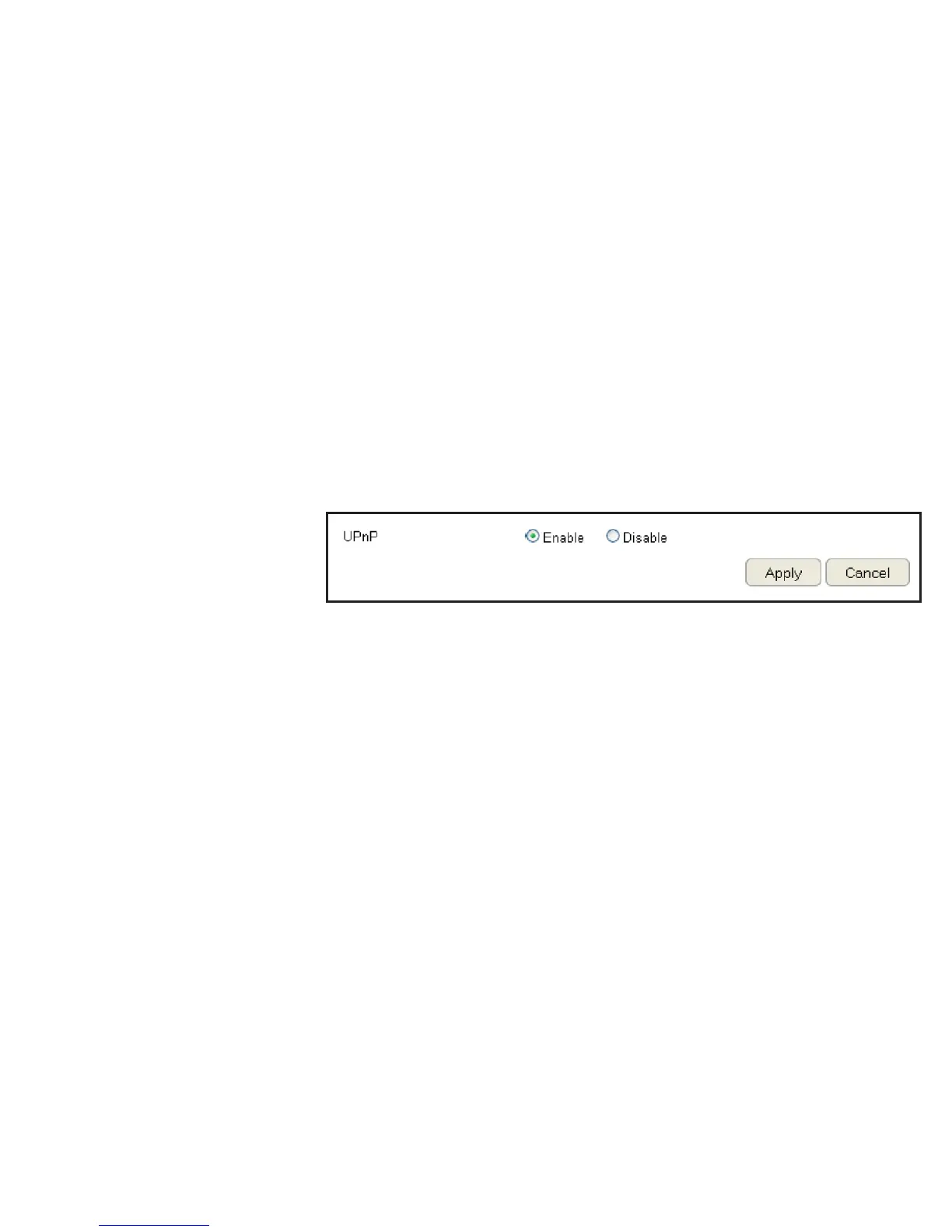
UPnP helps internet devices, such as gaming and videoconferencing, to access the network and connect to other registered UPnP
devices.
To view the UPnP settings, click Advanced then select UPnP.
Click Enable or Disable to activate or deactivate UPnP.
Click Apply to save the settings or Cancel to discard changes.


 To Next Page