86
Viewing the IPv6 Connection Status
To view the Status information, click IPv6 then select Status.
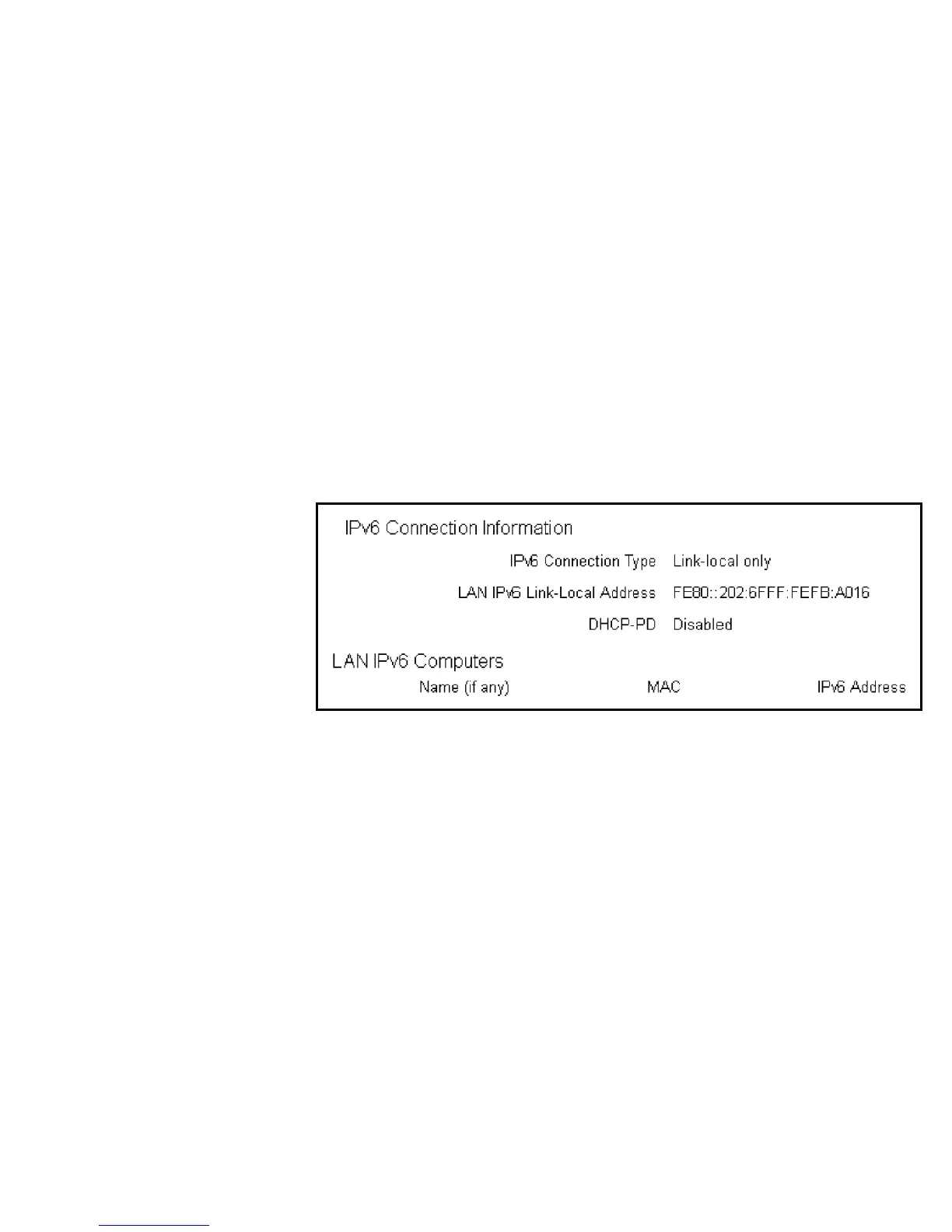
IPv6 Connection Information
Shows the IPv6 connection type, the LAN IPv6 link-local address and the DHCP-PD.
LAN IPv6 Computers List
Shows a list of network computers and their IPv6 connection information.



 To Next Page