84
Viewing the DHCP Client List on the Guest Network
Shows the list of guest clients registered on the network.
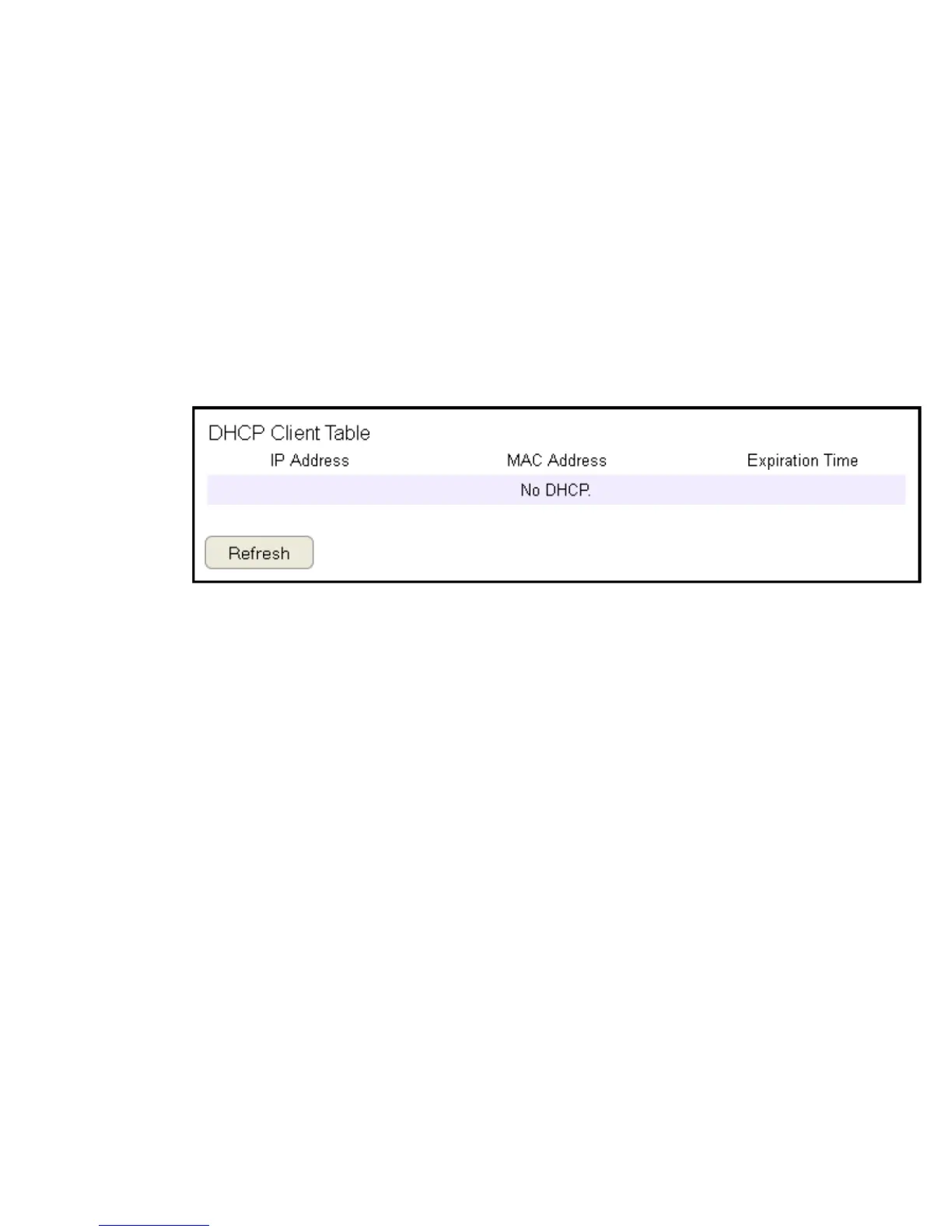
To view the DHCP Client List settings, click Guest Network then select DHCP Client List.
DHCP Client Table
Shows the IP address,
MAC address, and
expiration time of each
of the registered clients
on the list.
IP Address
The IP address of the guest client.
MAC Address
The MAC address of the guest client.
Expiration Time
The time that the guest client’s DHCP address will expire and must be renewed.
Click Refresh to refresh the view of the list.



 To Next Page