95
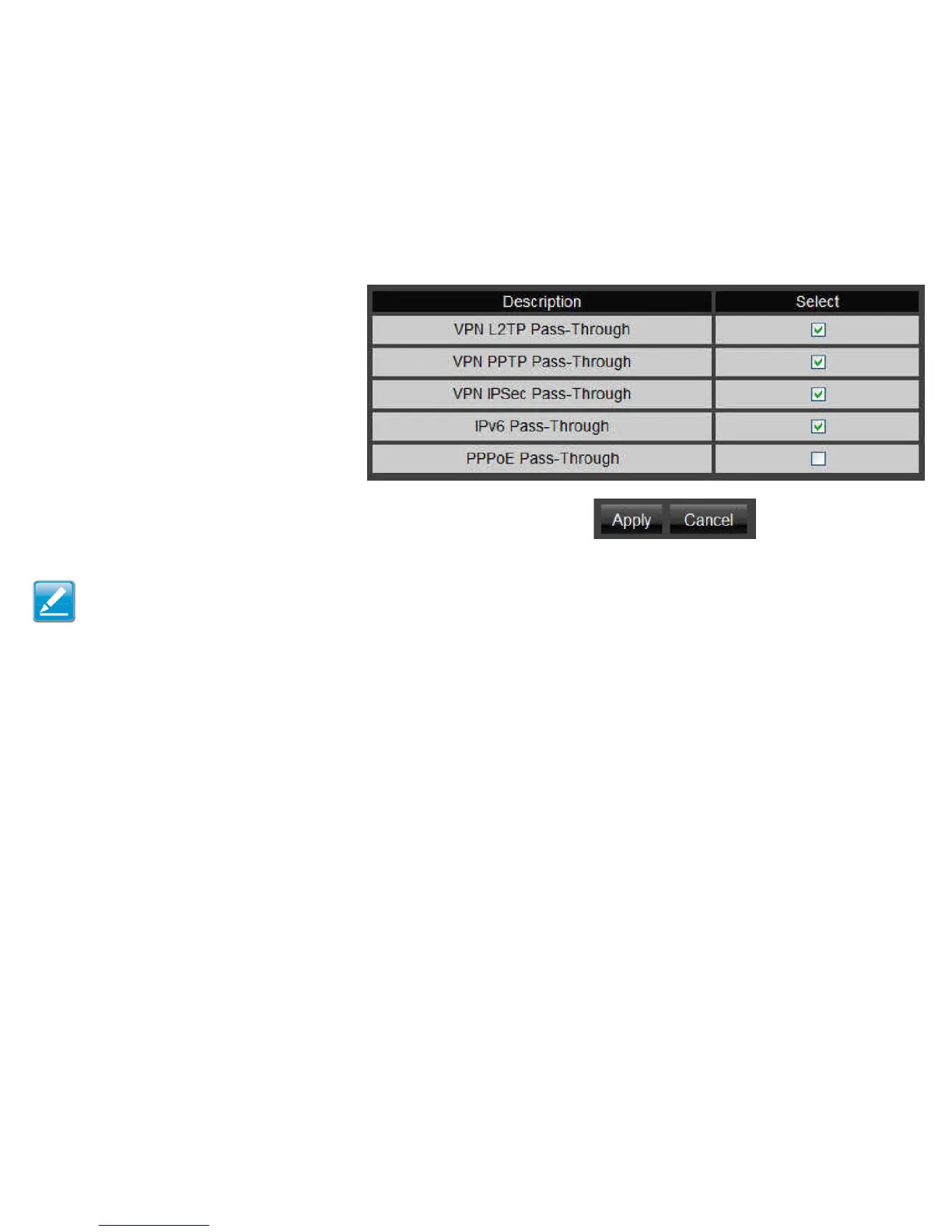
VPN L2TP Pass-through Click Select to allow
an L2TP connection method over a VPN.
VPN PPTP Pass-through Click Select to allow a
PPTP connection method over a VPN.
VPN IPSec Pass-through Click Select to allow
an IPSec connection method over a VPN.
IPv6 Pass-through Click Select to allow IPv6
packets to pass through the rewall.
PPPoE Pass-through Click Select to allow
PPPoE packets to pass through the rewall.
Click Apply to save the settings or Cancel to discard changes.
Note: VPN L2TP Pass-through, VPN PPTP Pass-through, and VPN
IPSec Pass-through are enabled by factory default.



 To Next Page