Chapter 4 Handling
173
4
Code128
❏ Specify the data of 2 to 255 digits.
❏ Specify either one of the code selection characters (CODE A, CODE B, CODE C) as a start code
of the first 2 digits.
❏ A special character is indicated by combining ‘{‘ and the next character.
❏ When [Auto Convert to Minimize Entire Symbol Width] is checked, conversion is automati-
cally performed so as to minimize the entire Code128 symbol width. With this function, there
is no need to specify a code set; barcode printing can be performed simply by inputting data
you want to convert into symbols.
When [Auto Convert to Min imize Entire Symbol Width] is unchecked, a code set must be
ma
nually specified. When code set C is specified, assume a generated two-digit number as an
ASCII character decimal number and specify the corresponding ASCII character.
Example: 37": Specify as "%".
"65": Specify as "A".
"979899": Specify as "abc".
❏ When the character right after ‘{‘ is not any of the following, an error occurs.
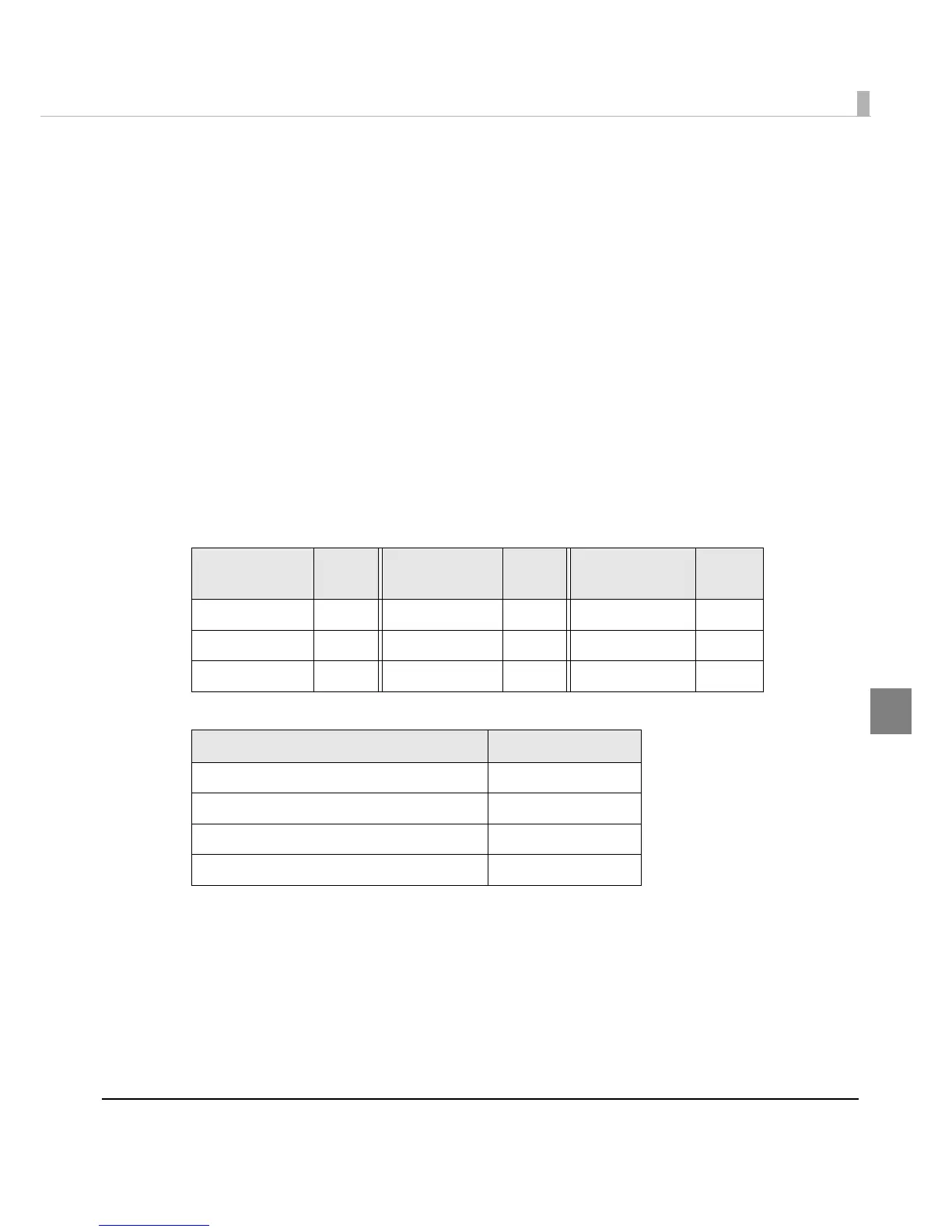
❏ The HRI characters of the special character are described as below.
Control
Character
ASCII
Control
Character
ASCII
Control
Character
ASCII
SHIFT {S CODE C {C FNC3 {3
CODE A {A FNC1 {1 FNC4 {4
CODE B {B FNC2 {2 ‘{’ {{
Control Character HRI Character
SHIFT Not printed
CODE A/B/C Not printed
FNC1~ 4 Space is printed
Control character (00h ~1Fh, 7Fh) Space is printed



 To Next Page
 Loading...









