F
Choose mm or inch as the Unit setting. Then specify the width of the binding margin.
Portrait Landscape
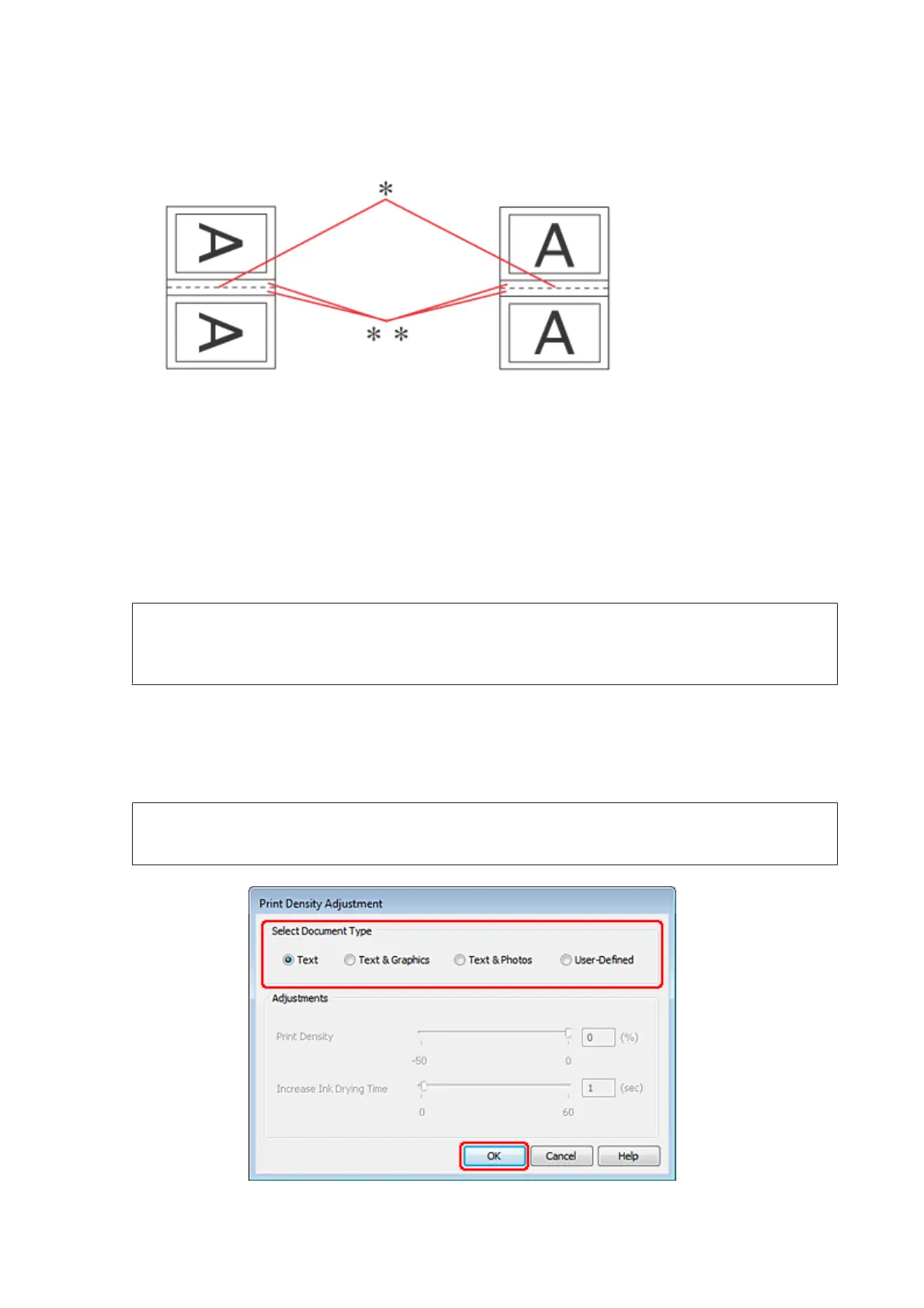
* : Folding edge
** : Margin
When folded booklets are printed using the 2-sided printing option, a margin of the specified width will appear
on both sides of the fold. For example, if you specify a 10-mm margin, you will get a 20-mm margin (a margin of
10 mm will be placed on each side of the fold).
Note:
The actual binding margin may be different from the specified settings depending on your application. Experiment
with a few sheets to examine actual results before printing the entire job.
G
Click OK to return to the Main window.
H
Click the Print Density button to open the Print Density Adjustment window.
Note:
This button is not available when you print manually.
WP-4511/4515/4521/4525/4530/4531/4535/4540/4545/4590/4595 User’s Guide
Printing
53











 To Next Page