B
ACDEFGSERVICE
25
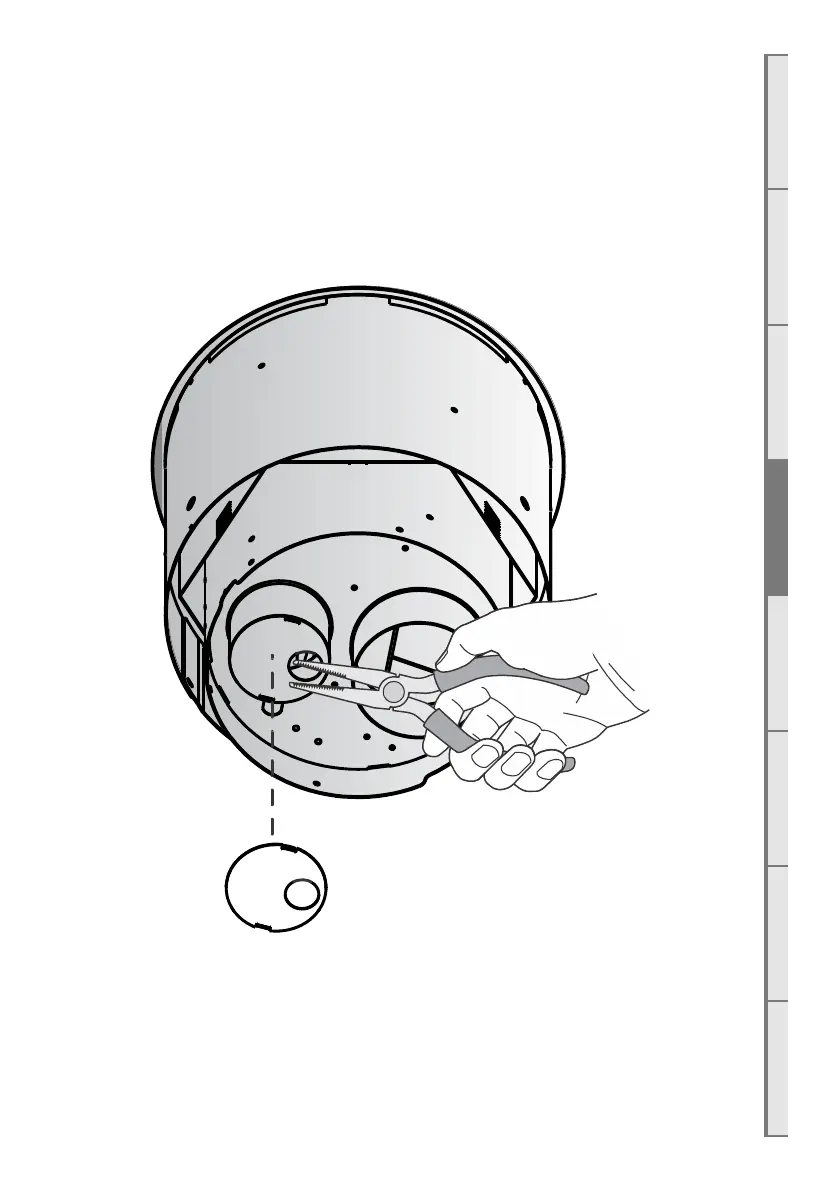
D6 Removing the Restrictor Plate
For every DX-series installation with an EVP, UVP-External or UVP-Internal, the attached
restrictor plate must be removed . To do this:
□ Turn the unit on its head and identify the restrictor plate attached to the ø75mm spigot.
□ Break the restrictor plate with a pair of snipers, pliers, or other means necessary. (Do not
damage the ø75mm spigot).



 To Next Page