B
ACDEFGSERVICE
S2 Error Codes
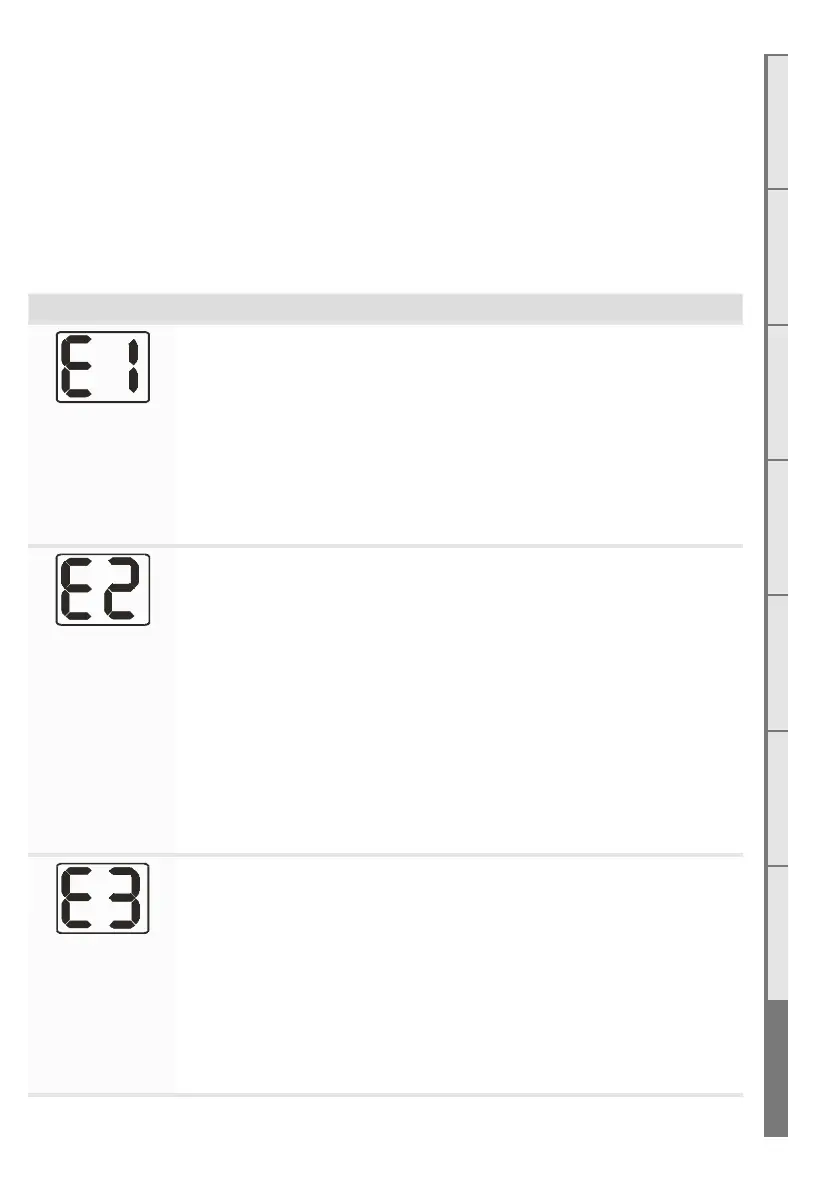
This gas fire has been designed to show error codes to help explain and identify any fault
situation that occurs. These codes will appear on the wireless remote control in the form of a
large letter “E” with a number beside it. Codes can normally be reset by turning the heater o
then on again at the wall.
The following table shows what each code means and possible ways to rectify the situation. In
the case of persistent or repeated shutdown errors, action must be taken immediately to find
and repair the fault.
Error Code Suggested action
Electronics Over
Temp
The electronics have gone over temperature.
• Check for excess lint and dust build-up on the PCB/Controller.
• Ensure correct gaps are present around glass.
• Room air fans may be slowed or stalled. Remove firebox, check that fans
are plugged in, clean, and free turning.
Note: This error has a permanent lock out and will require the unit to be reset after
the initial error (turning the power to the fire o “at the wall” then on again after a
few seconds).
Flame Failure or
Power Flue trip
The fire has tried to light three times and failed.
• Check gas supply and check other gas appliances to see if they are
aected. If you have two separate LPG cylinders, switch over to the full
bottle or contact your gas supplier. You may need to retry igniting the fire
a few times after re-establishing gas supply.
• Check correct gas pressure to the appliance with all other appliances
running.
• Check the electrode placement in relation to the pilot flame. Ensure it is
well enveloped in flame as per the diagram in the installation instructions.
Ensure no small coals have dropped onto the ignition electrodes between
the burners.
• Ensure the electrode is not contacting any metalwork including the
burners and has the correct air gap.
Appliance Over
Temperature
Sensor Trip
The bimetallic snap disk mounted on the exhaust collector box has tripped.
• Check that fans are plugged in, cleaned, and free turning - room air fans
may be slowed or stalled.
• Check the regulator -being set too high may result in excess heat build-
up.
• Check flues are securely connected at both ends - if the inlet flue is not
connected the appliance may draw warm air from the cavity.
• Check the jets



 To Next Page