IP Server 900 Programming Manual Function 3: Station programming
F.51
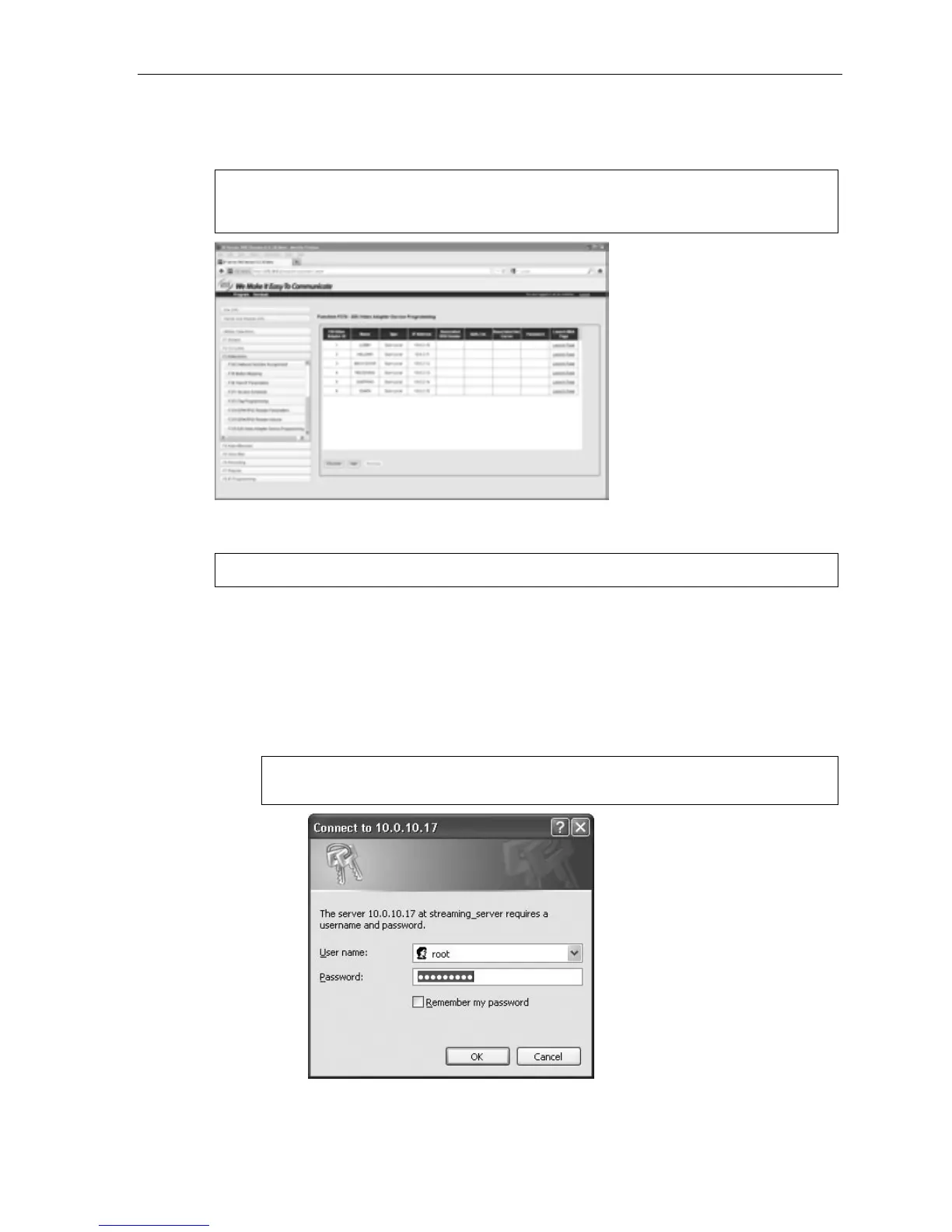
4. In IP Server 900 Web ESI System Programmer, go to Function 376 and click the Discover Network
Cameras button. IP Server 900 Web ESI System Programmer will search for compatible cameras, and
those found will be listed in Function 376 (Fig. 2).
Note: During initial setup, you’ll likely be programming one Video Adapter at a time and, therefore, will
see only one Adapter listed on the screen. Seeing some or all of the Adapters requires that they
all be powered-up and connected to the network.
Figure 2
5. An IP address is automatically assigned to each Video Adapter, using DHCP. However, you will need
to assign a static IP address to any Video Adapter which is to be used for ongoing viewing.
Important: Video Adapters use only port prefix 59.
(a.) For the camera you’re working on, click Launch Page (see Fig. 2, above).
(b.) You will be asked to enter a user name and password (Fig. 3). What you do will depend on
whether a password has been assigned to the Video Adapter (see “Security” in the ESI Video
Adapter Installation and Programming Manual, ESI # 0450-1241):
– If a password hasn’t yet been assigned, enter “root” in the User name field and leave the
Password field empty.
– If a password has been assigned, enter “root” for the User name field and enter the assigned
password in the Password and Confirm password fields.
Note: You may have to enter the user name and password multiple times before the local Web
page loads. If a “1” appears in the User name field, delete it and type “root” as noted above.
Figure 3



 To Next Page