IP Server 900 Programming Manual Function 2: CO line programming
E.3
Example 2 (with Esi-Link)
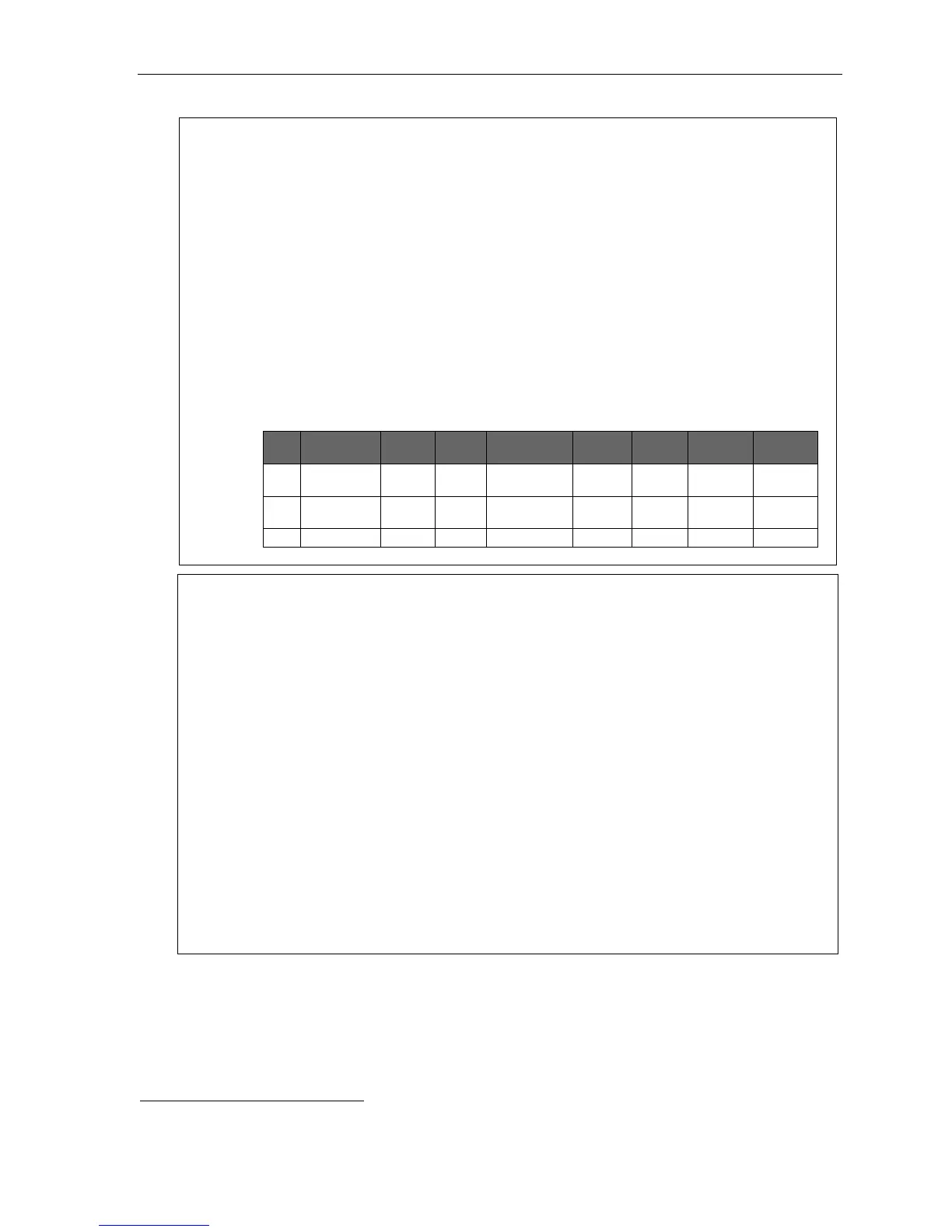
CO line 1 answer ring destination
First ring — Line 1 (optionally named “SALES”) rings at operator’s extension.
Third ring — Extension 112 at Location 702 is added.
Fifth ring — Extension 100 and Location 702 extension 112 stop ringing; and Location 703
extension 101 starts ringing.
Ninth ring (or no available Esi-Link channels for Ring 5) — Call is answered by auto attendant.
CO line 2 answer ring destination
First ring — Line 2 (optionally named “MFG.”) rings at extensions 118–119.
Third ring — Line 2 rings at Department 290 in Esi-Link Location 702.
Fifth ring — (In this example, Ring 5 isn’t programmed. If an Esi-Link connection to Location 702 is
available, the call routing will follow the call forwarding for Department 290.)
CO line 3 answer ring destination
First ring — Line 3 (optionally named “TECH”) is answered by auto attendant (branch ID 4) in home
location. Branch ID 4 is assigned as a GoTo: Remote branch to an ID branch at Location 703.
1
1.
CO
2.
Name
3.
Tenant
4.
Out
5.
Ring tone
6.
Ring 1
Ring 3
Ring 5
Ring 9
1 SALES 9 X100 X100
X702112
X703101 ID 1
2 MFG. 76 X118
X119
X702290
3 TECH ID 4
Notes:
1. If a CO line ring assignment needs to go to a remote location branch ID, see “Function 41: Auto
attendant branch programming” (pp. G.1–G.6).
2. Each CO line ring assignment list can have destination extensions in the home location and in only one
other remote location. You may enter up to 64 extensions, one of which can be a remote location.
3. If the remote location destination is a mailbox or department, no other ring assignments will be followed
(see Example 2, above).
4. Ring assignment list 9 will be allowed to have only home location (local) destinations entered. If all local
channels are busy, the ring assignment to the local destination in Ring 9 will be immediately executed if
there are no other local destinations in the previous ring lists.
5. If a remote location destination is assigned in a ring list and there are no answer ring assignments to
local destinations and there are no Esi-Link channels available to route the call, the call will ring to the
local operator assignment (factory default is X100).
6. Night mode answer ring assignments for remote locations follow the same rules as day programming.
7. Ring assignments will not follow the call forwarding of stations in a ring list that are call forwarded to a
remote location destination.
8. Important: If you’re using VIP 7 PC Attendant Console, you must assign the Attendant department to
answer incoming calls on the preferred ring assignment (ring 1, 3, 5, or 9). Otherwise, incoming calls to the
system won’t appear in the Incoming Calls and Holding Calls windows in VIP 7 PC Attendant Console.
See “Department hunting methods” (page F.28) for information on the “Attend” department type.
1
For more information about ID branches, see “Function 41: Auto attendant branch programming,” pp. G.1–G.6.



 To Next Page