IP Server 900 Programming Manual Function 2: CO line programming
E.5
Function 211: Analog CO line programming
This function allows you to program the analog COs for both day and night mode. You can select the trunk
groups and ring assignments for a group of COs or individual lines. The steps are:
1. Choose CO lines to program.
2. Name the CO lines (optional).
3. Assign the CO lines’ tenant
1
.
4. Assign outbound CO line groups.
5. Assign distinctive CO ring tone.
6. Assign answer rings.
1. Choose CO lines to program
During this step, you use the programmable keys to represent CO lines. Select lines to be programmed by
pressing one or more of the programmable keys. Press the scroll keys ( or ) to “page” in increments
appropriate for the carrier card configuration.
2
The display will indicate which CO lines the programmable
keys currently represent.
Software will identify the module type installed in each position. The display will show the card carrier
number, the type of module (FXO), D or N for day or night mode, and the installed FXO Modules or
selected carrier card — A, B, C, or D. The appropriate programmable feature key lights will light red to
indicate the lines available to program:
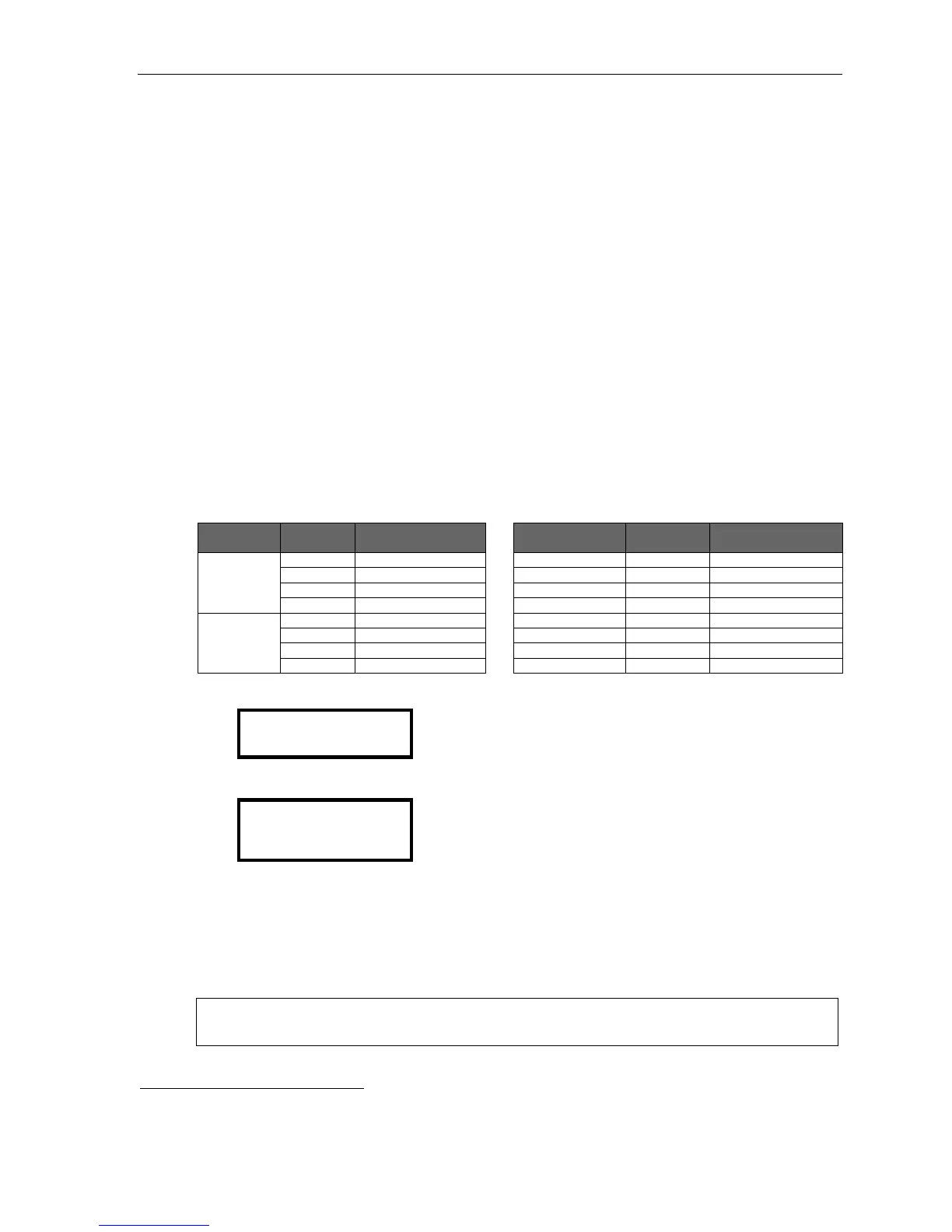
ESI phone Module or
carrier card
Keys lit ESI phone Module or
carrier card
Keys lit
ESI-60 A Left-side 1, 2, 3, 4 48-Key A 1, 2, 4, 5
B Left-side 5, 6, 7, 8 B 8, 9, 11, 12
C Right-side 1, 2, 3, 4 C 13, 14, 15, 17
D Right-side 5, 6, 7, 8 D 20, 21, 23, 24
ESI-40 A 1, 2, 3, 4
B 5, 6, 7, 8
C 9, 10, 11, 12
D 13, 14, 15, 16
If the module in the main board’s first position is an FXO, the display will be:
CC 2 FXO DAY >
A:1-4
If the port card in the third slot is a FXO, the display (on an ESI phone with a three-line display) will be:
CC 2 FXO DAY >
A:1-4 B:NONE
C:5-8 D:NONE
Select the COs to program alike (you can scroll to select the next carrier and continue to select COs to be
programmed alike) and press the # key to confirm. The LEDs will now glow green.
2. Name the CO lines
This is optional; to retain the default values — “Line 1,” “Line 2,” and so on — press #.
(See “Optional naming of the CO lines,” pg. E.4, for more details.)
Note: Naming the CO lines will replace the Caller ID number (if supplied by the provider) on an
incoming call. However, the number will appear after the call is answered.
1
If tenant service is enabled in Function 169 (see page D.11).
2
If all cards support only analog lines, the lines will appear in four-line increments: 1–4, 5–8, 9–12, etc.



 To Next Page