IP Server 900 Programming Manual Function 2: CO line programming
E.7
6. Assign answer rings
Lines can be directed to be answered at up to 64 extensions, a department, a mailbox, the internal ESI
Fax over e-mail server (ESI FAX), or an auto attendant branch ID (see “Auto attendant programming,”
page G.1). The destination can be set to add or drop extensions, departments, mailboxes or ID branches if
ringing continues due to no answer.
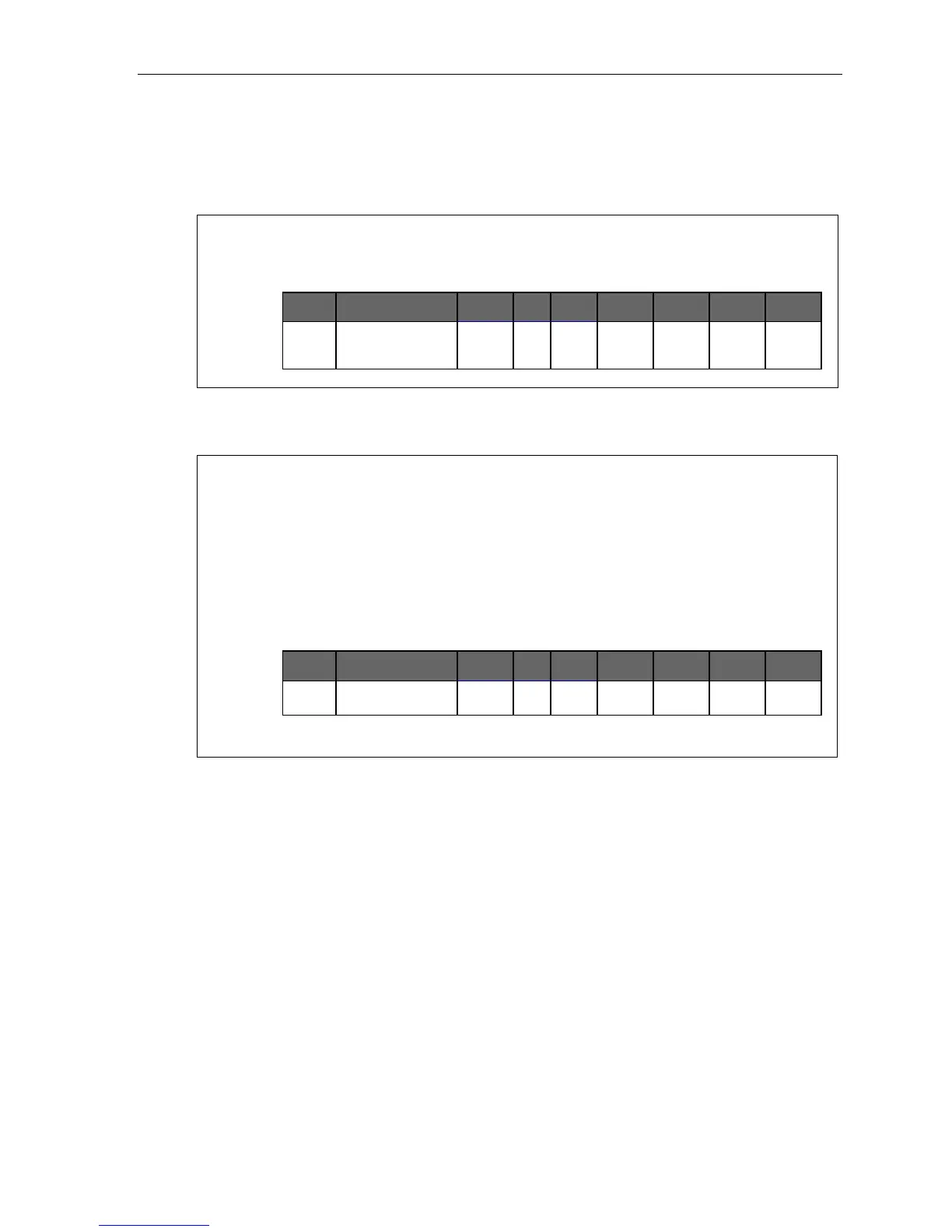
Example: First ring — Line 1 will ring at the operator's extension.
Third ring — Extensions 112 and 113 are added.
Fifth ring — The operator's station is dropped from ringing.
Ninth ring — The call will be answered by the auto attendant.
CO Name Tenant Out Ring
tone
Ring 1 Ring 3 Ring 5 Ring 9
1 9 100
100
112
113
112
113
ID1
Once you have programmed all desired CO lines for day mode, repeat the programming steps for all
desired CO lines for night mode.
Default: Answer on ring 1 with ID1 (main greeting) in both day and night modes.
Example: To have after hours calls directed to a general delivery mailbox, program the system as follows.
During night mode, Line 1 (and other lines to be programmed alike) will be answered immediately by
MB 301 (a guest mailbox set up for general delivery). The personal greeting for MB 301 might be:
“Hello, thank you for calling ABC Company. Our offices are closed. Our normal business hours are
8 to 5 Monday through Friday. Please leave a message at the tone and your call will be returned
when we resume normal business hours.”
A Virtual Mailbox Key programmed at the operator’s phone will allow easy pick-up of calls left
during the night.
Night mode
CO Name Tenant Out Ring
tone
Ring 1 Ring 3 Ring 5 Ring 9
1 MB301
Note:
The CO line groups, tenant, and ring tone parameters aren’t programmable from night mode.



 To Next Page