IP Server 900 Programming Manual Function 3: Station programming
F.22
Overhead paging interface
You can connect a dry-contact overhead paging device to the system through the overhead paging port on
the main board. This port’s access is fixed as 599 for programming purposes. The user can access it by
programming 599 as a programmable key and/or including 599 in one or more page zones.
Note: DTMF can be transmitted to the overhead paging port after access, allowing for zone overhead paging, if
the paging unit supports zone paging.
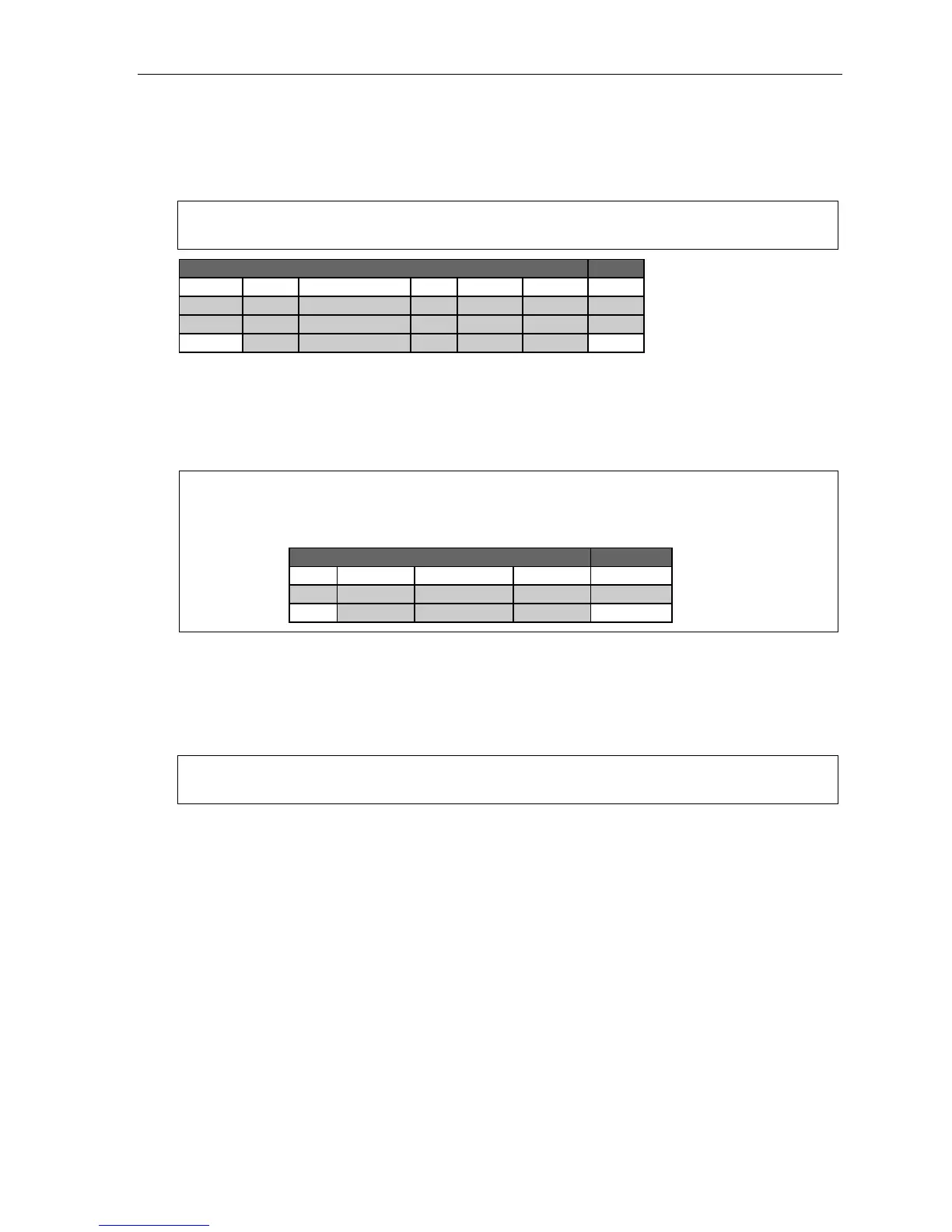
1. 2.
Ext. Type Name CO CF day Cf night Pg zn
0 Operator X100 X100
100 FP Jane 9 MB100 X105 1,2
599 0
Each programming step for overhead paging is defined as follows:
1. Extension number — Enter 5 9 9 during extension programming.
2. Extension page zone assignment — List the page zones (1–6; 8–9) that are to include the overhead
paging port. (All-page.) Like extensions, the overhead paging port is in the all-page zone and cannot
be removed.
Example:
Here is a portion of a completed Programming Worksheet for extensions.
The paging port, feature code 599, has been added to page zone 1. The user then can access only the
overhead pager by pressing a key programmed for 5 9 9 or can page through both the overhead pager
and all phones listed in page zone 1 by pressing PAGE (#) and 1 on his/her phone.
1. 2.
Ext. Type Name CO Pg zn
100 DIGITAL JANE 9 1,2
599 1
Dry contact control
The manner in which the dry contact pair is connected sets the pair as either normally open (sending a page
to the port will close the contacts) or normally closed (sending a page to the port will open the contacts).
For more details, see the IP Server 900 Hardware Installation Manual (ESI # 0450-1305).
Note: The port doesn’t support talk-back paging (which requires a CO port), nor does it support CO ring
through the port.



 To Next Page