3. Repeat clicking on the first block (with number on it) of any timezone, this timezone will change
from one color to another, which means switching the record mode. The color switch sequence is
gray->orange.
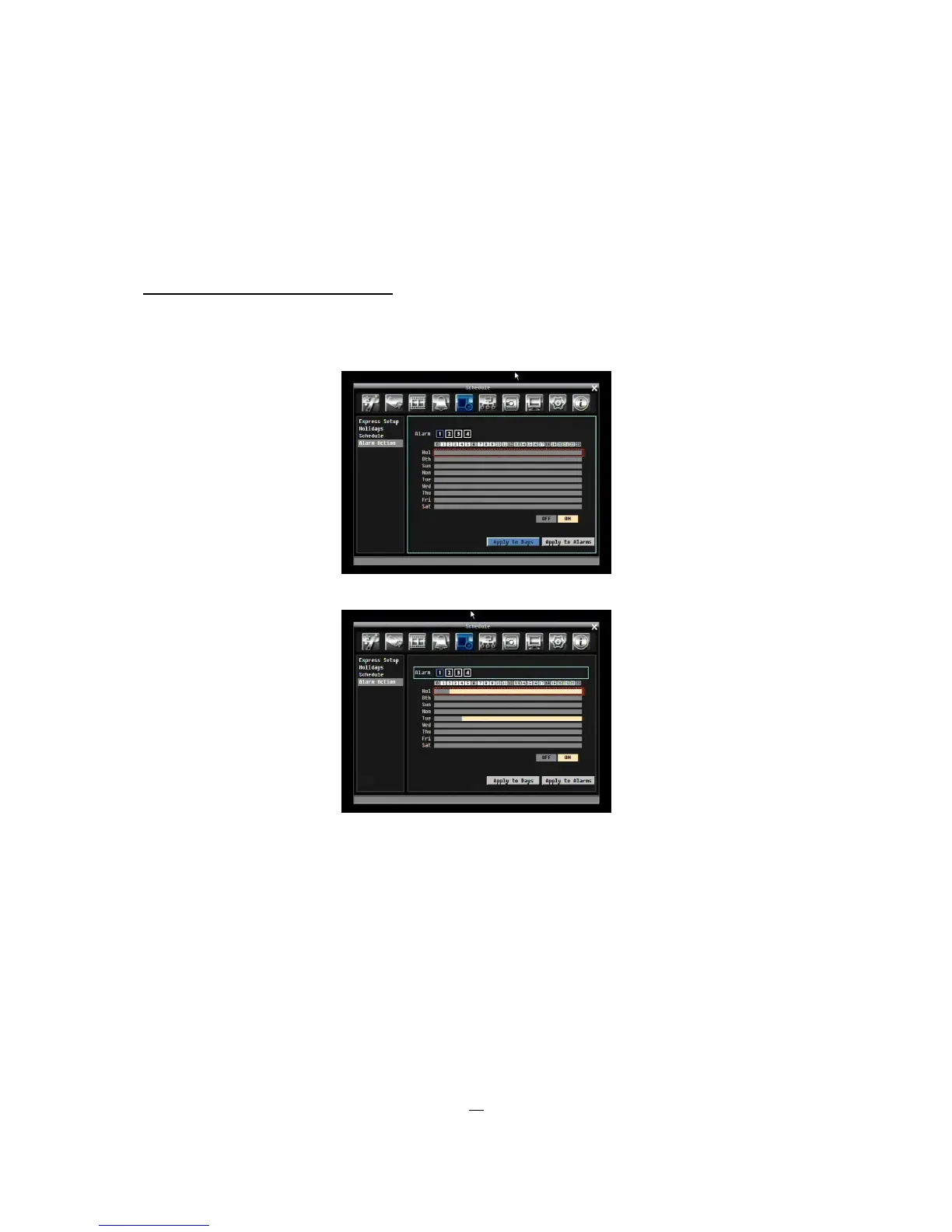
Alarm Action Setting from front panel
1. Enter Alarm Action setting mode: press “Enter” button to enter Alarm Action setting mode. At this
time, the whole editing area at lower-right side will be highlighted within a gray frame. See below
image.
2. Enter camera selection mode: Use Up/Down arrow key to switch to Alarm selection mode.
3. Selecting camera: Use Right/Left arrow key to select an alarm to configure. Selected alarm
number will be highlighted by a blue frame. See above image.
4. Enter time bar editing mode: Use Up/Down arrow key to switch to time bar editing mode. When
this mode is selected, all 9 time bars will be highlighted within a blue frame.
5. Select desired time bar for setting: press Enter button, the first time bar will be selected for
setting and highlighted in a red frame. See below image. Use Up/Down arrow key to desired time
bar for setting.











 To Next Page