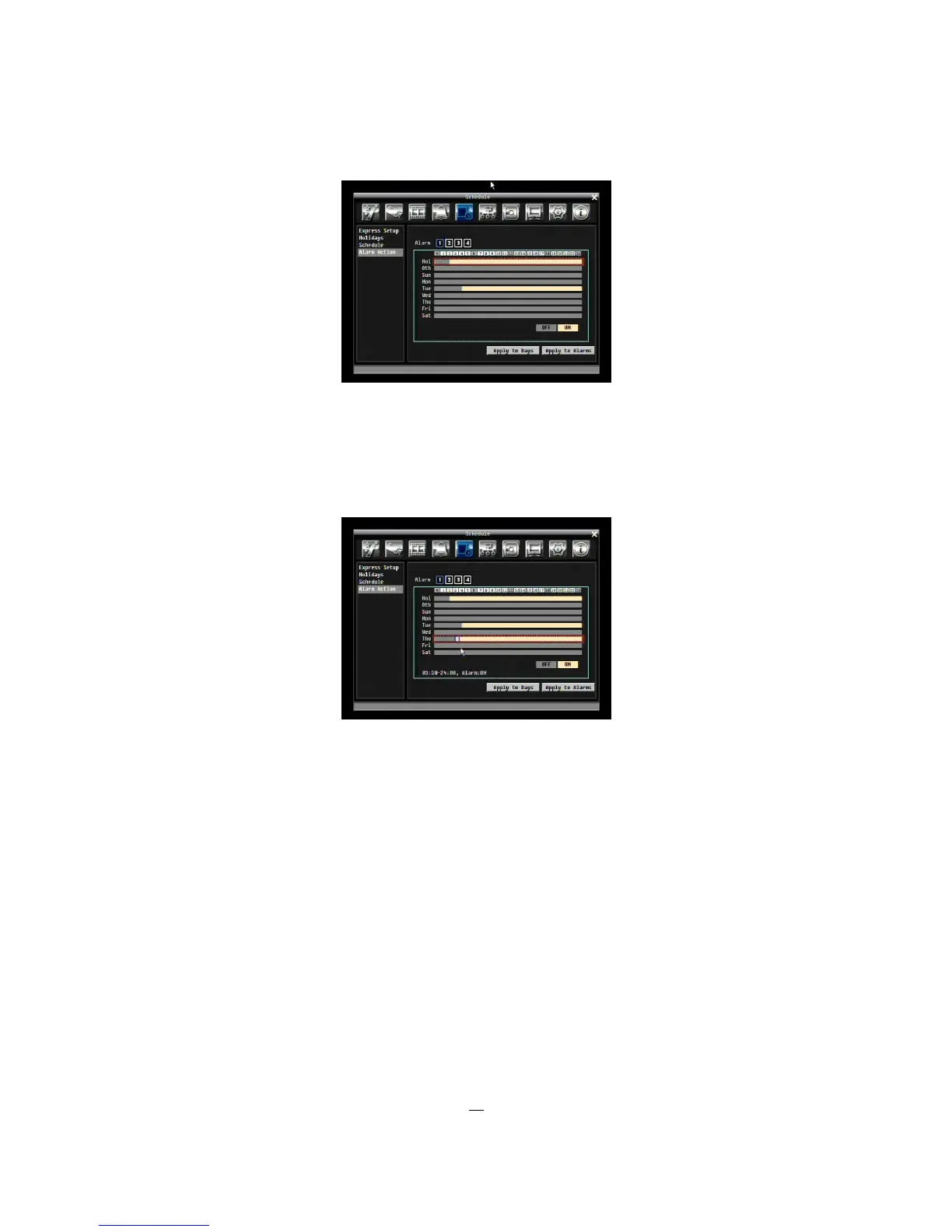
6. Editing blocks in a time bar: when a time bar is selected (highlighted in red frame), press Enter
button, then the first block of this bar will be selected (highlighted in blue frame). Use Right/Left
arrow key to switch to desired block as starting time, and press Enter button again to confirm. At
this time, the current and all following blocks will turn into gray, which means this gray timezone
has been set to the recording mode of gray (Alarm Action off). User can also change the timezone
to a different record mode by following instruction in next step.
7. Changing recording mode (color) of a timezone: Use Right/Left arrow key to switch to the first
block (with number on it) of a timezone. Clicking Enter button, and this timezone will switch to
another color, which means switching to another recording mode. The color switch sequence is
gray->orange.
Apply to Days: This button can be used to copy schedules to other days. Select which days you wish to
copy to. "Select All" selects all days, “Clear All” deselects all days. Click “OK” to copy the settings or
"Cancel" to exit without copying.











 To Next Page