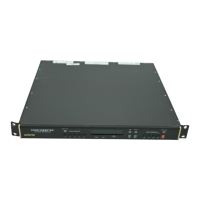
5700MSC-IP
IP Network Grand Master Clock & Video Master Clock System
Revision 0.2 Page - 41
The system clock is synchronized to the selected time reference by performing a time jam. This is
different than the continuous PLL process that is used for frequency references. The system clock in
the 5700MSC-IP runs independently at the frequency provided by the master oscillator. Ideally, once
the system clock has been set, it should keep perfect time forever. In practice stability errors,
however slight, creep in and accumulate over time. Even when locked to GNSS or an atomic
frequency standard, leap seconds will occur in UTC time requiring the system clock to be
occasionally adjusted.
The 5700MSC-IP has several timecode outputs, each of which possess their own clock that runs
independently from the system clock. The LTC outputs and each sync output (including 10MHz and
Wordclock) and test generator outputs have their own independent clock. The timecode clocks are
synchronized to the system clock once a day at user specified times. This allows for timecode rates
that do not count in real-time. Note that NTP and IRIG time is derived directly from the system clock.
The system clock time/date is constantly compared to the time/date that is provided by the selected
time reference. Whenever a significant difference is detected, a system time jam will be required to
bring the system clock back into sync with the time reference. A system time jam effectively jams the
time and date acquired from the time reference into the system clock. This effect ripples to all
timecode output clocks jamming them as well. Exactly when a system time jam is allowed to take
place is determined by the Lock Type that is selected. The amount of difference between the system
clock and the time reference must exceed a certain threshold before a system time jam is declared
necessary. This threshold is different for each time reference type.
3.3.1. Time Lock Types
The 5700MSC-IP system clock runs independently from the time reference. When a difference that
exceeds the threshold is detected between the system clock and the time reference, a time jam is
required to set the system clock to the time reference. How and when such a jam occurs is configured
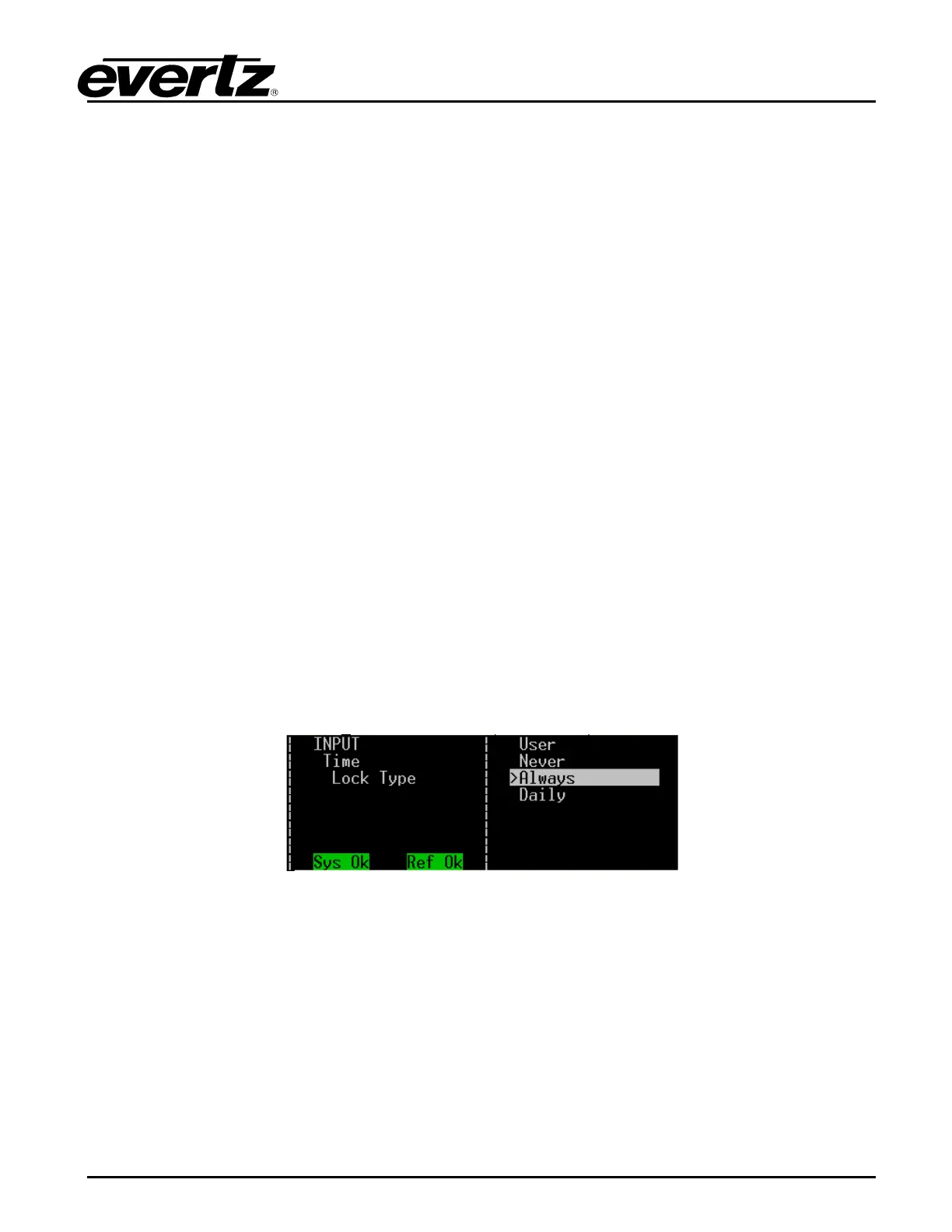
by the Lock Type menu item located in the Time menu off the INPUT root menu. The four jam modes
are shown below with detailed descriptions.
Figure 3-13: 5700MSC-IP Jam Modes
Always - Whenever the system clock is different than the time reference, a jam will automatically be
performed. In this mode, the system clock will continuously track the time reference. Any change in
the time reference will immediately affect all timecode clocks. This mode is most useful when the time
reference is known to be reliable and stable such as with GNSS.
Never - In this mode, the time comparator is effectively shut off and the system clock will run
independently from the time reference. No jam warnings will be generated. It is still possible to
synchronize the system clock to the time reference by performing a manual time jam. This mode is
useful when a time reference is not being used or is not always available.


 To Next Page