04-2017 5325 00 27
CONNECTIVITY
The appliance can communicate over the
The appliance also supports short-distance
Bluetooth communication.
In order to use the connectivity fea-
-
tion and an active email account.
via email. Emails cannot be received on
the appliance.
The connectivity features must be enabled
from the menu.
The machine can be connected to the
network via an Ethernet cable or Wi-Fi; the
appliance uses Bluetooth for short-distance
communications.
The appliance cannot be used to
connected devices.
The appliance supports the major Wi-Fi
encryption systems.
A Wi-Fi network which uses one of the lat-
est encryption systems is more secure.
The appliance’s connectivity fea-
tures are disabled when the door is
open.
TOUCHSCREEN
touchscreen; do not use sharp objects.
If the touchscreen is not used and displays
the same screen for a long period of time,
afterimages or movements may appear:
set an animated screensaver when not in
use.
The touchscreen can play promotional
videos.
overall performance of the appliance and
use up memory space.
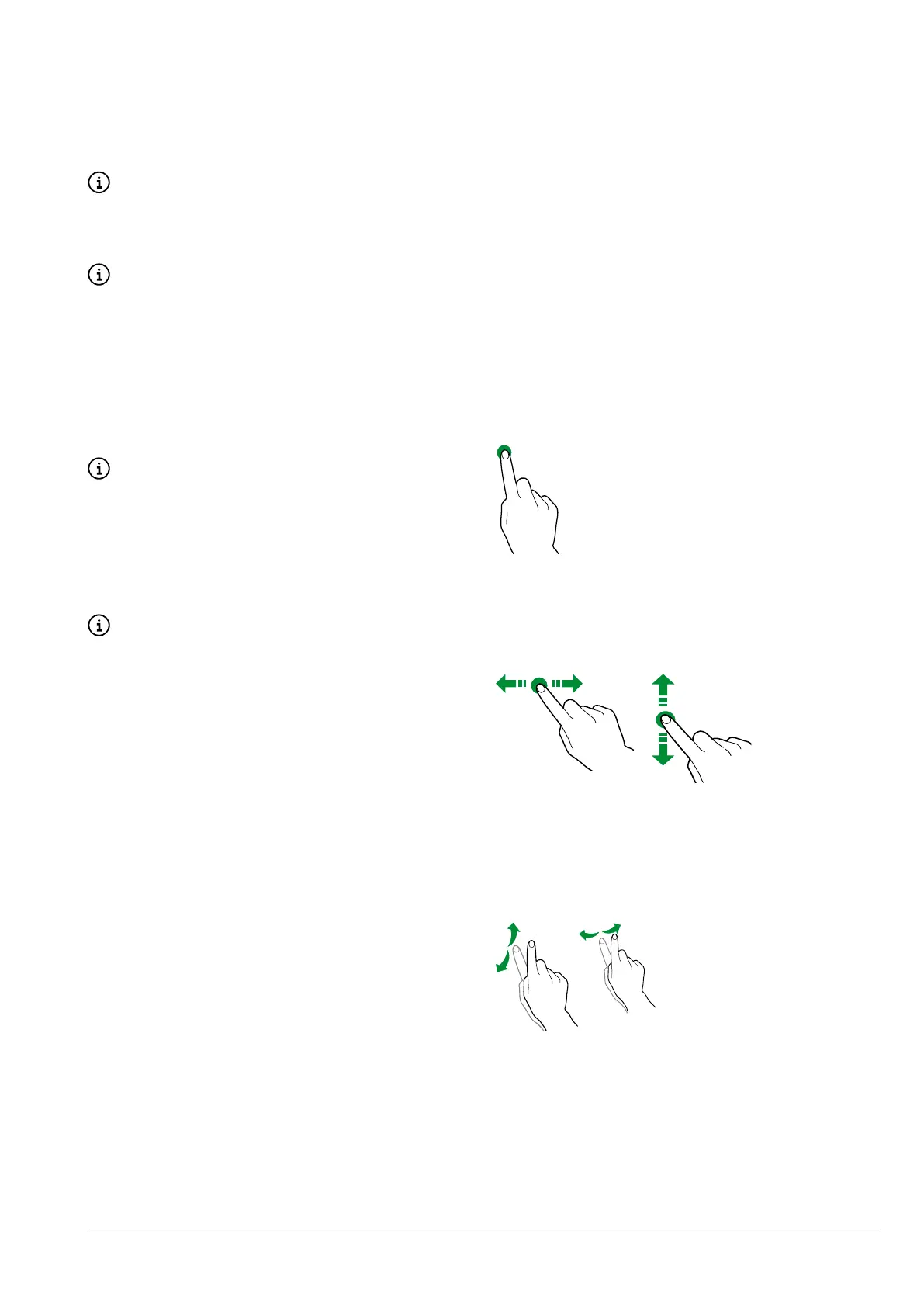
toucH
Touch icons, features and objects to acti-
vate or open context menus.
Fig. 21
movE aND Drag
To move and drag icons and objects, touch
and drag them to a new location.
Fig. 22
scroll
down on the touchscreen to scroll through
the values, screens and functions.



 To Next Page