Installation
Agilia - User Guide 12
INSTALLATION
Location
Install the equipment on a flat surface able to bear its weight.
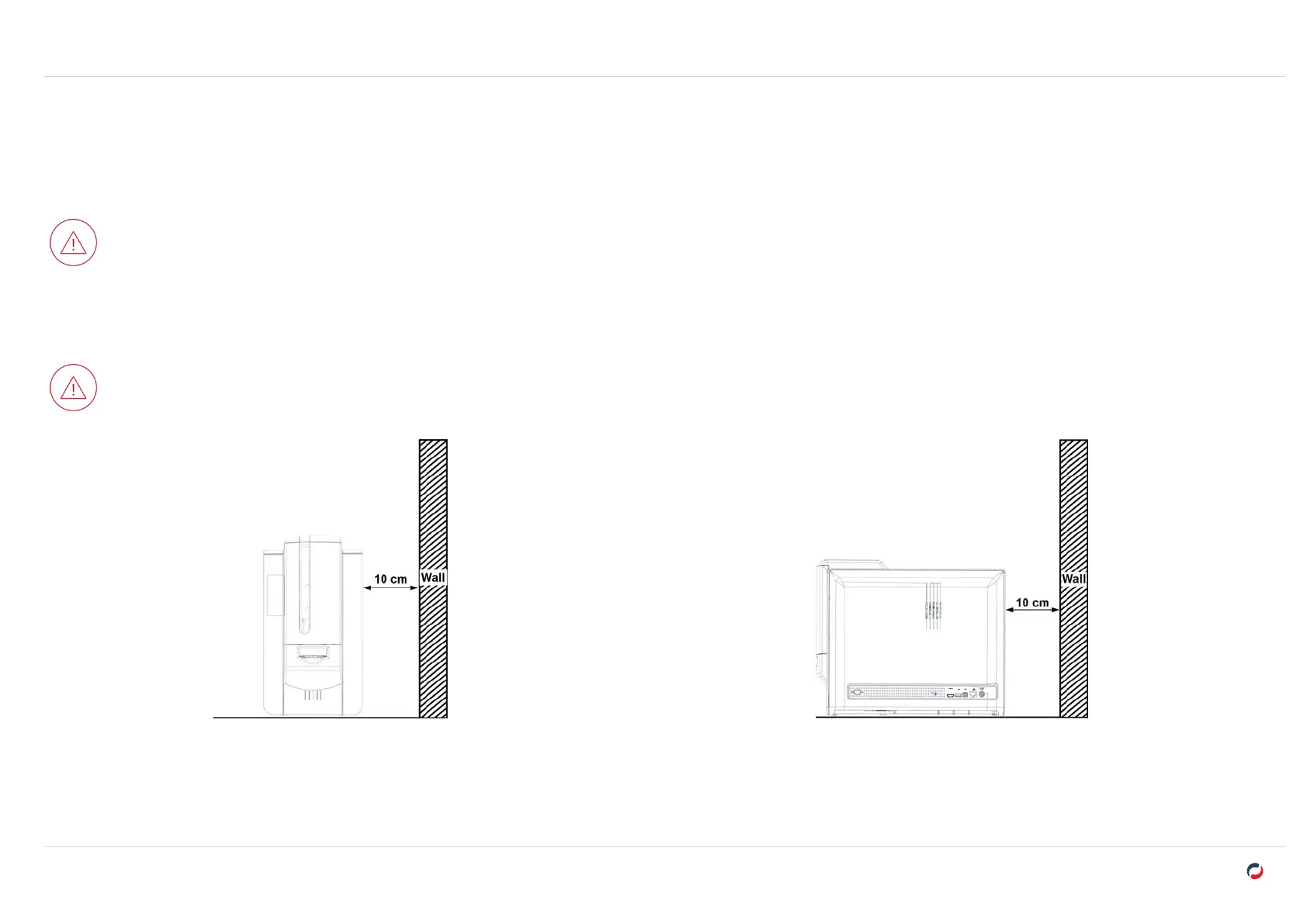
Install the printer where the airflow is not obstructed to ensure the proper function of the fans and cooling of the printer.
l
Avoid putting rear and left sides of the printer against a wall or any solid surfaces.
l
Leave at least 10cm between a solid surface and the rear and left sides of the printer.
Before moving the printer, remove all cards from the card feeder. If cards are present in the card feeder when moving the printer, cards may slide
inside the printer and get stuck between the dual-side printing module and the reject box (front output box) and cause a retransfer application issue.



 To Next Page